
Operating System
Cyber threats evolve daily, but these 10 proven tactics will fortify your digital defenses. Learn actionable strategies to protect personal data, secure devices, and outsmart modern hackers—without requiring advanced technical skills.
Enable Multi-Factor Authentication Everywhere
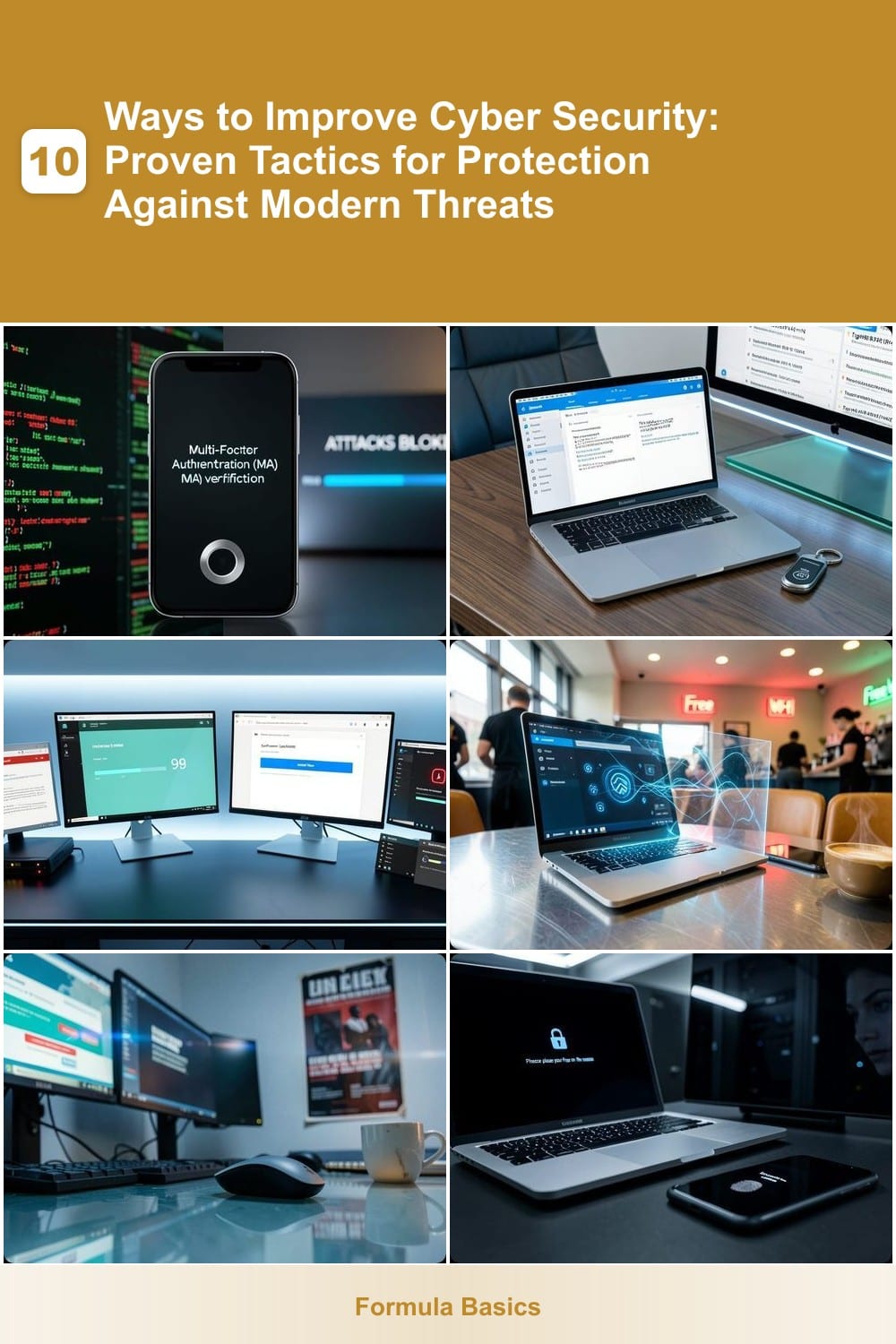
Passwords alone aren’t enough anymore—99.9% of automated attacks can be blocked with just one extra step. Multi-Factor Authentication (MFA) adds a second verification layer, making it nearly impossible for hackers to break in even if they steal your password. Most platforms now support MFA, including email, banking, and cloud services like Google, Microsoft, and Apple.
You can set up MFA using authenticator apps (like Google Authenticator or Authy), SMS codes, or hardware keys (like YubiKey). The best choice depends on your needs—authenticator apps are more secure than SMS, while hardware keys offer the highest protection for sensitive accounts. Enabling MFA takes minutes and is often free.
Whether you're protecting personal emails or corporate systems, MFA is the lowest-effort, highest-impact security upgrade you can make. Start with your most critical accounts today—your future self will thank you. ⚡
Use Password Manager for Secure Credentials
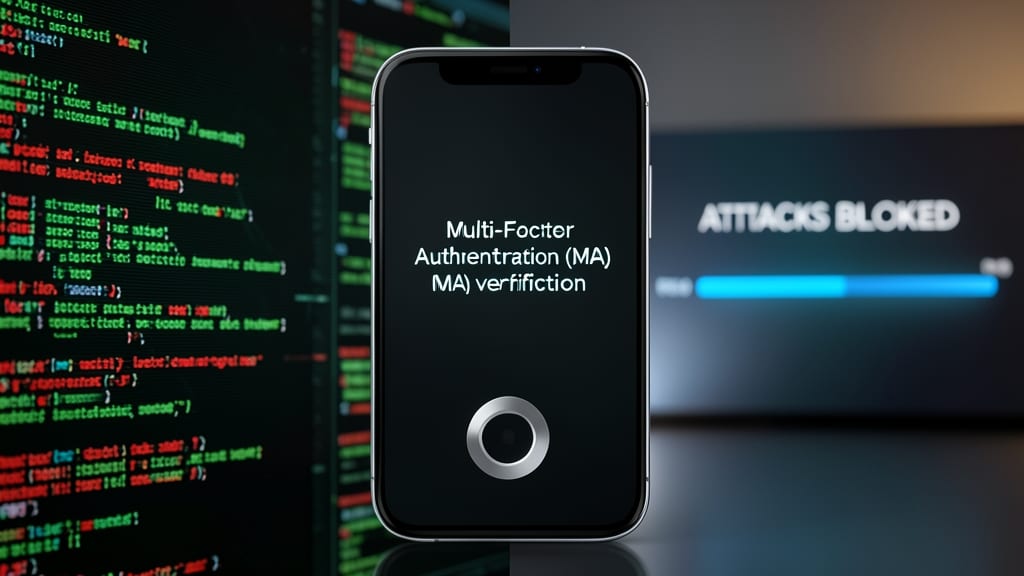
Tired of remembering endless passwords or fearing a breach from reused credentials? A password manager like Bitwarden or 1Password eliminates these risks by auto-generating and storing 256-bit encrypted passwords for every account—no memorization required.
These tools create 16-character+ passwords with symbols and numbers, sync across devices via end-to-end encryption, and even fill forms automatically. For non-tech users, the zero-config setup (just download and enable biometric login) makes it effortless. Most offer free tiers with unlimited password storage.
Perfect for parents managing kids’ accounts, small business owners juggling logins, or anyone who’s ever clicked "Forgot Password?" too many times. 💻
Regularly Update All Software Systems
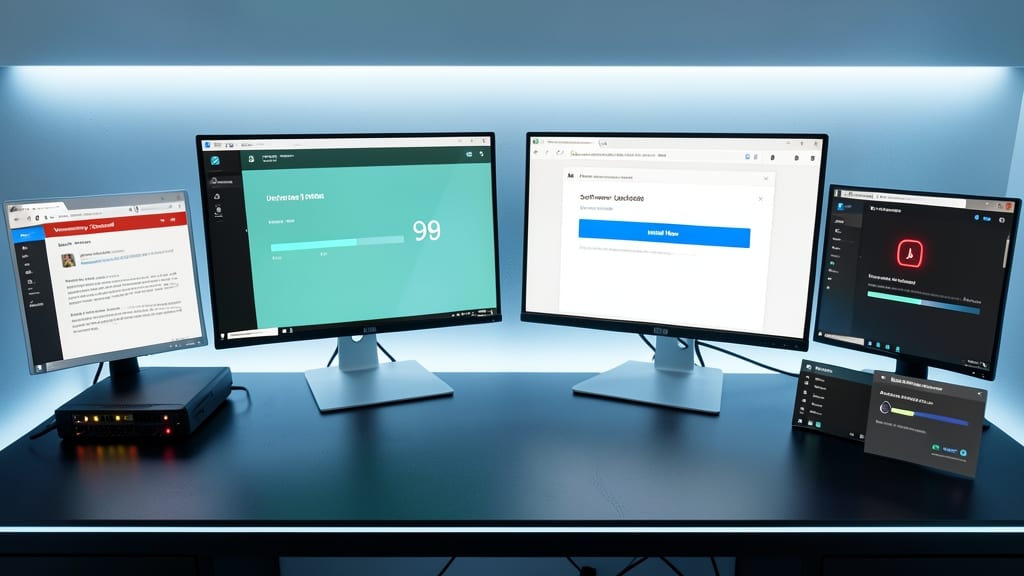
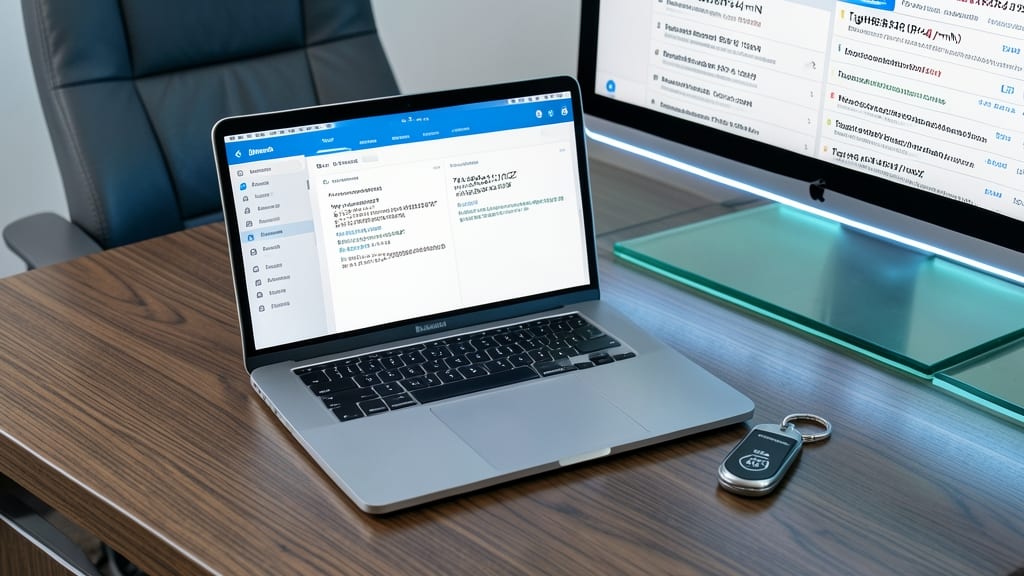
Hackers exploit unpatched software within minutes of vulnerabilities being discovered—automating updates closes those gaps before they’re weaponized.
Enable automatic updates for your operating system (Windows Update, macOS Software Update) and critical apps (browsers, security tools, firmware). Most modern systems default to auto-updates, but verify settings in System Preferences > Software Update (macOS) or Settings > Windows Update (Windows). For apps, use built-in updaters or tools like Patch My PC for granular control over third-party software like Adobe or Java.
This is the #1 defense against ransomware and spyware—especially for small businesses and home users with IoT devices. Set aside 10 minutes monthly to check for pending firmware updates (routers, printers) too. 💻
Implement a Virtual Private Network (VPN)
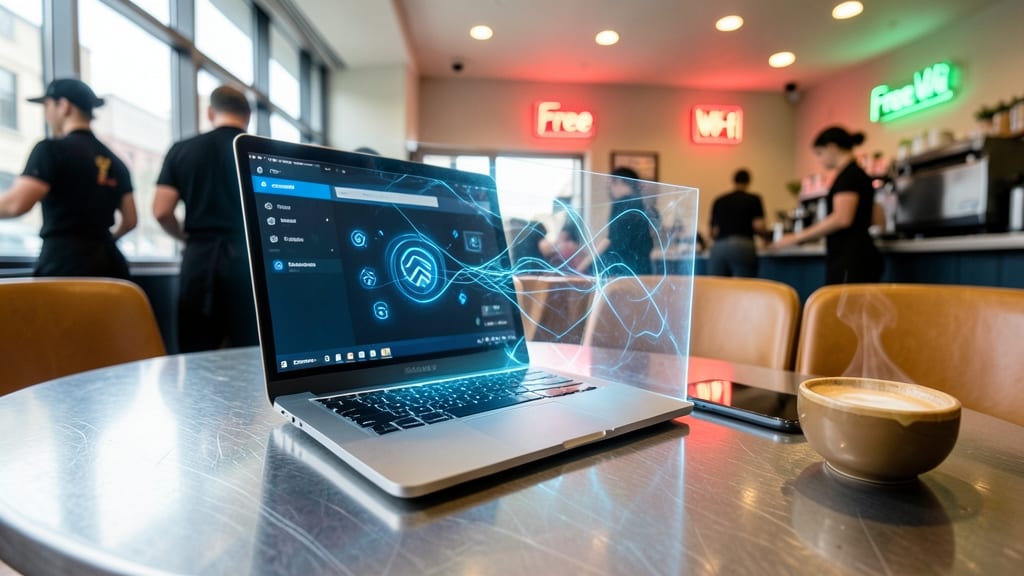
Public Wi-Fi at airports, hotels, or coffee shops is a hacker’s playground—unless you’re using a VPN. This tool creates an encrypted tunnel for all your internet traffic, making it impossible for snoopers on the same network to intercept passwords, emails, or financial data.
Top-tier VPNs like ProtonVPN or NordVPN offer military-grade encryption (AES-256), no-logs policies, and servers optimized for speed. Many even include kill switches to cut your connection if the VPN drops, preventing accidental exposure. For remote workers, this means securely accessing company files, while travelers can browse safely without revealing their location.
Whether you’re checking bank accounts at a Starbucks or streaming during a layover, a VPN is your silent shield. ⚡
Educate Employees and Family on Phishing

Even the most secure systems crumble when someone clicks a malicious link—90% of breaches start with human error. The solution? Simulated phishing tests and training that turn your team (or family) into cybersecurity allies without requiring IT degrees.
Platforms like KnowBe4 or PhishMe send realistic fake phishing emails to employees, tracking who falls for scams and offering instant feedback. Short training videos (e.g., "How to Spot a Fake Bank Alert") reinforce red flags like urgent language, mismatched URLs, or sender spoofing. Some tools even gamify learning with leaderboards—because who doesn’t engage more when it’s a competition?
This tactic is a must for small businesses, remote teams, or households with multiple tech users. A single click can unlock an attacker’s foothold—training turns mistakes into muscle memory. 💪
Enable Full-Disk Encryption on Devices
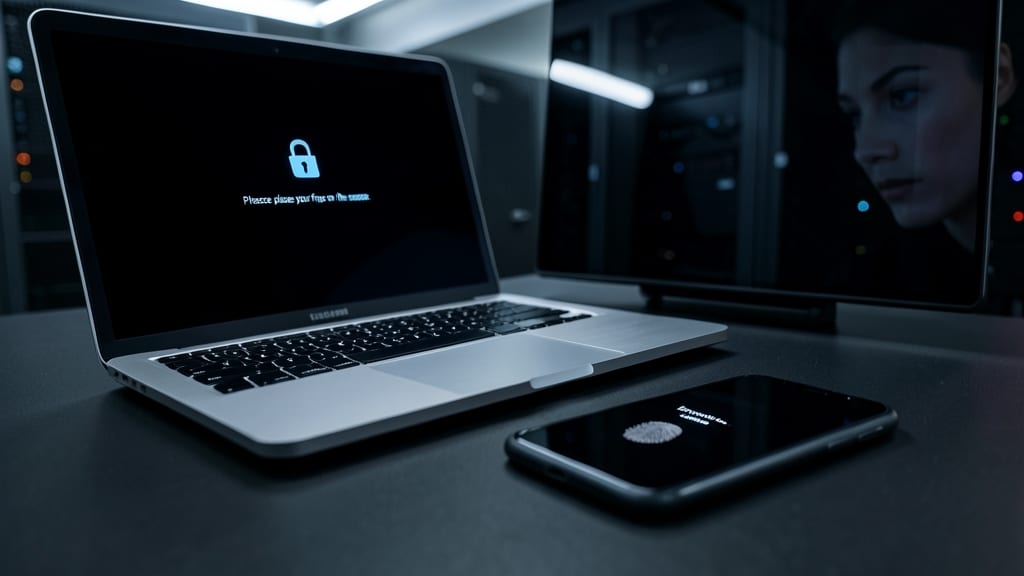
If your laptop or phone gets lost or stolen, full-disk encryption ensures your data stays locked away from prying eyes—no password manager or VPN can protect what’s not even accessible. Built into modern operating systems, this feature scrambles every file on your device until you enter the correct passphrase.
Windows users can enable BitLocker (Pro/Enterprise editions) with a simple toggle in Control Panel, while macOS offers FileVault (built-in, zero-config) via System Preferences. Linux fans rely on LUKS, which integrates seamlessly with most distros. All three methods comply with military-grade encryption standards like AES-256, making brute-force attacks impractical.
This is a must for remote workers, travelers, or anyone handling sensitive files—even if your device is just your kid’s tablet with school projects. Set it up once, and rest easy knowing your data’s safe. 💻
Monitor Accounts for Unusual Activity
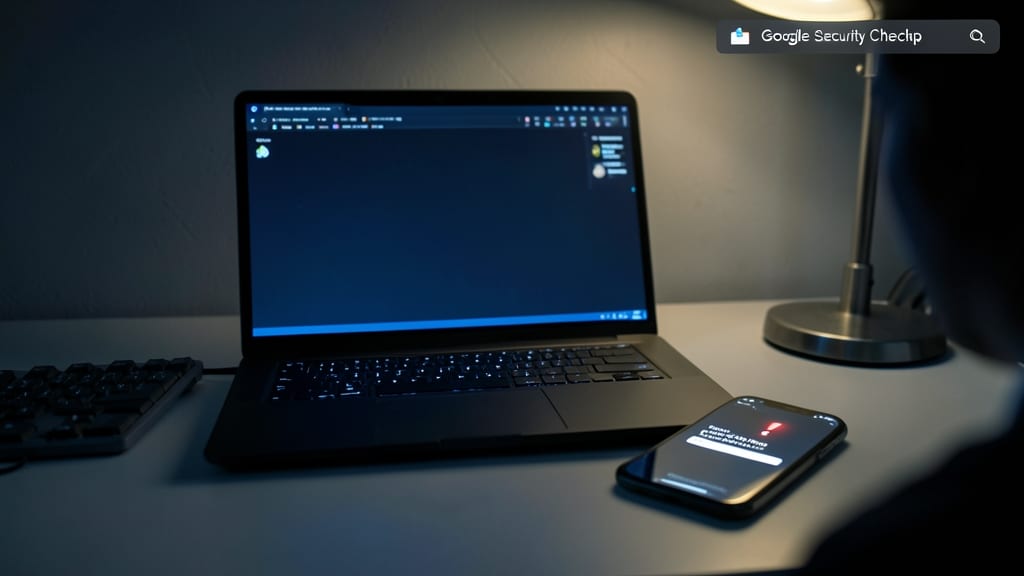
Hackers don’t announce their moves—they strike silently. That’s why real-time account monitoring is your first line of defense against breaches you might never notice otherwise. Tools like Google’s Security Checkup or your bank’s login alerts can flag suspicious activity in seconds, giving you time to act before damage spreads.
Set up email alerts for account changes (e.g., password resets, new devices) and enable two-step verification to add an extra layer. For financial accounts, transaction notifications via SMS or app can catch fraudulent charges before they drain your balance. Even free services like Microsoft’s AccountGuard offer breach monitoring for critical accounts. ⚡
This isn’t just for tech experts—anyone with online accounts benefits. Small business owners, freelancers, and even casual social media users should enable these alerts to catch unauthorized access early. The sooner you spot the red flags, the less cleanup you’ll face later. 💡
Limit Third-Party App Permissions
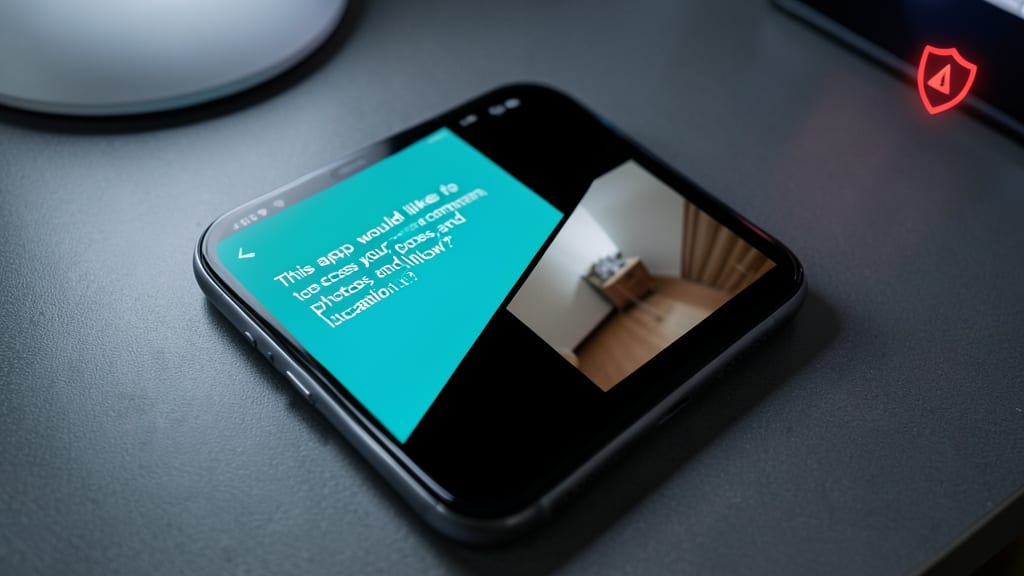
Most apps ask for more access than they actually need—and that’s a cybersecurity red flag. A single app with unrestricted permissions can become a backdoor for hackers to access your contacts, location, or camera without you even noticing. This is one of the most overlooked attack surfaces in modern computing.
Start by reviewing app permissions in your device settings. On Android, go to Settings > Apps > [App Name] > Permissions, while iOS users can check under Settings > Privacy & Security. Look for apps that request access to microphone, GPS, or photos but don’t logically require them—like a flashlight app needing your contacts. Set a monthly reminder to audit these, and revoke anything suspicious. This simple habit can block data leaks and spyware before they start.
This is especially critical for social media apps, fitness trackers, and productivity tools, which often overreach. Even legitimate apps can be exploited if they have too much access—so think twice before granting permissions you don’t fully understand. 💻
Deploy a Firewall and Antivirus Suite
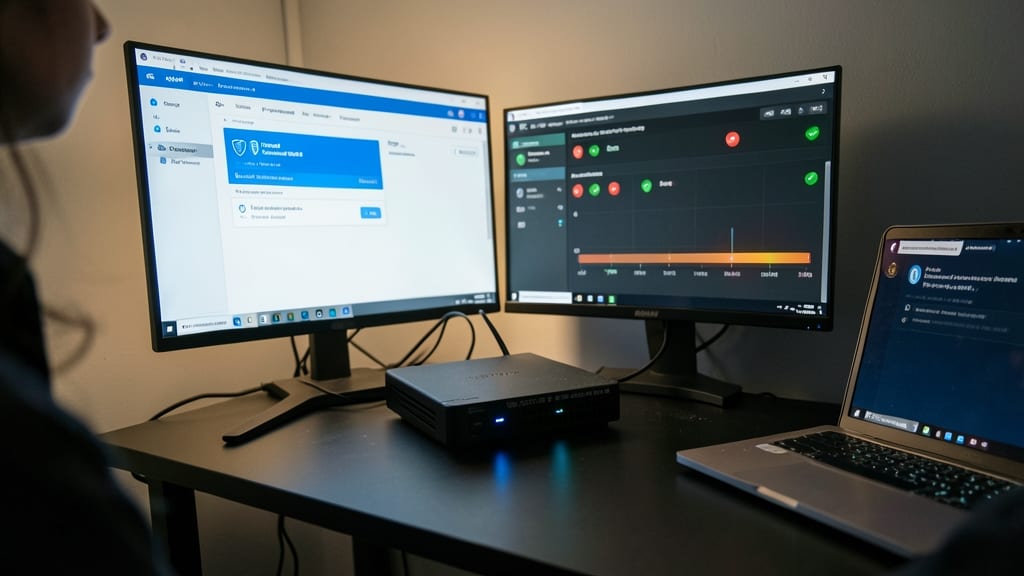
Hackers don’t just target big corporations—they exploit unprotected home networks too. A firewall and antivirus suite acts as your digital bouncer, blocking threats before they even reach your devices.
Start with Windows Defender Firewall (built into Windows) for network-level protection, then layer on Malwarebytes Premium for real-time malware scanning. The firewall blocks unauthorized access, while Malwarebytes catches ransomware, spyware, and zero-day threats your OS might miss. Together, they create a dual-layer shield that’s harder to bypass than a single defense.
This combo is perfect for home users with kids, remote workers, or anyone storing sensitive files. Set it up in 15 minutes—your future self will thank you. ✨
Create an Incident Response Plan
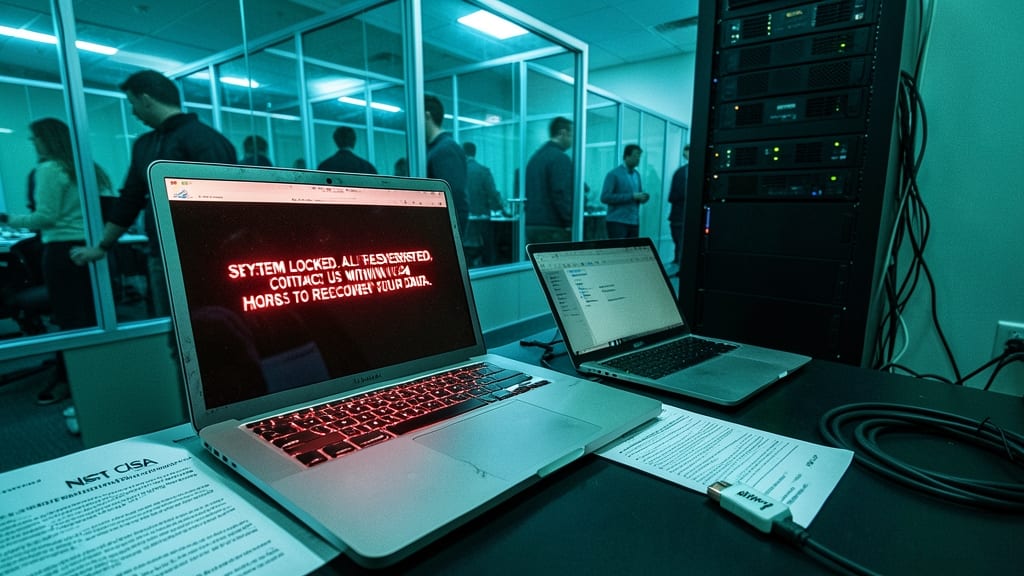
When a breach happens, seconds matter—yet most people freeze. An incident response plan turns panic into action by outlining clear steps like disconnecting infected devices, restoring backups, and notifying IT support before damage spreads.
Start with a template from NIST or CISA (free resources for small businesses and individuals). Include three key actions: isolate compromised systems immediately, verify backup integrity, and document every step for recovery. For personal use, even a simple checklist with emergency contacts and backup locations makes all the difference.
Small businesses and remote workers benefit most—these plans reduce downtime by 70% during breaches. Even individuals with sensitive data (like freelancers or parents storing school records) should prepare. ✨