
Software
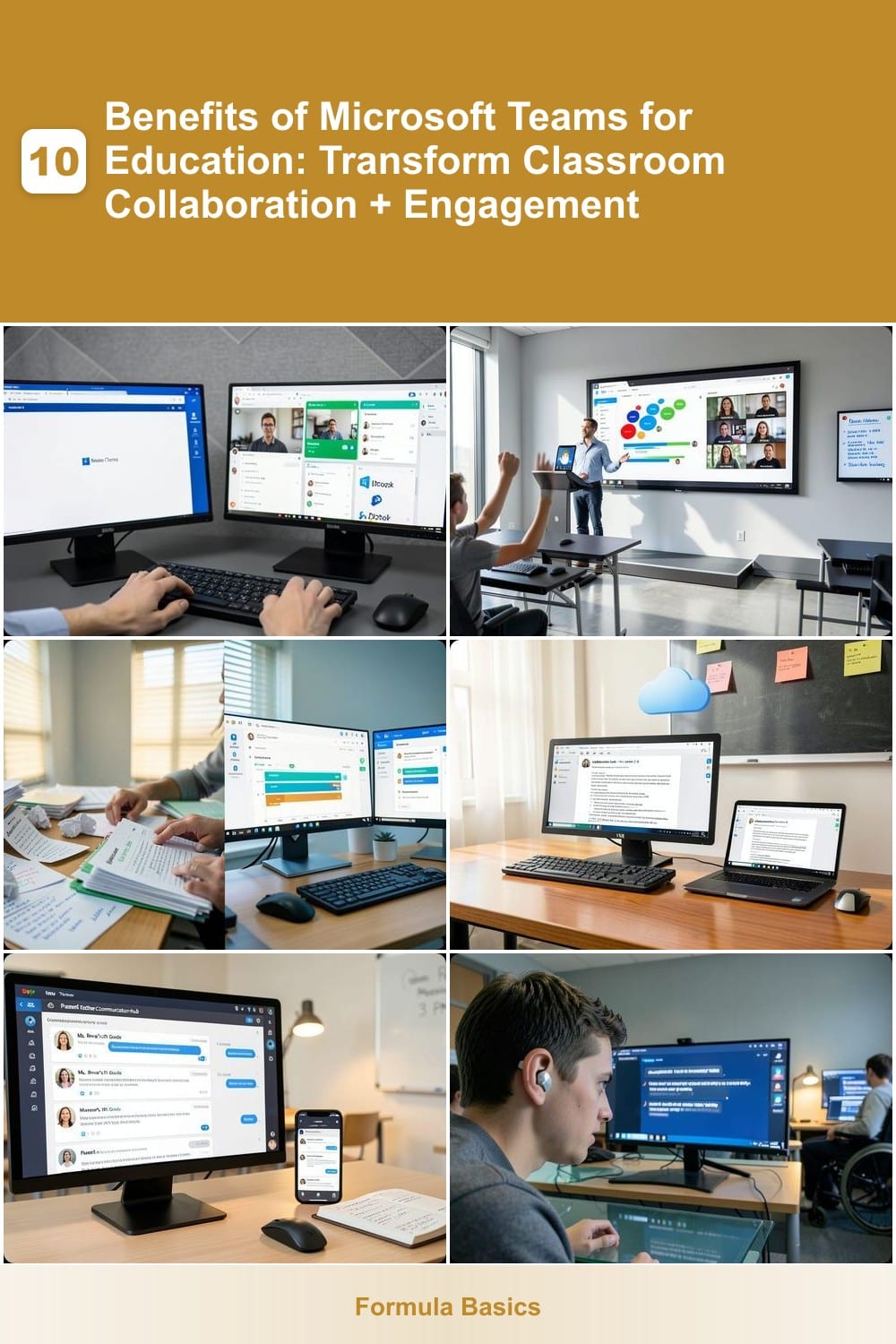
Microsoft Teams is revolutionizing modern education by bridging gaps between students, teachers, and parents. These 10 benefits show how this platform enhances learning, collaboration, and accessibility—making it a game-changer for schools worldwide.
Seamless virtual classroom integration
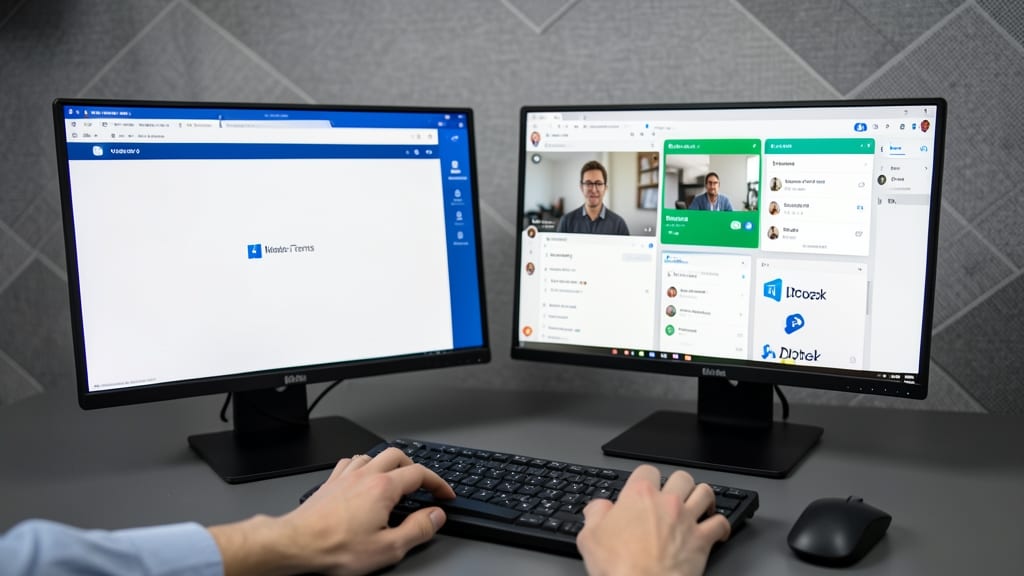
Ditch the clutter of juggling Zoom, Google Classroom, and Dropbox—Microsoft Teams replaces them all with a single, all-in-one virtual classroom platform. No more logging into three separate apps just to teach; everything from live lessons to file sharing happens in one polished, intuitive space designed specifically for educators.
With built-in video conferencing (including 4K@30fps support), persistent chat threads for discussions, and OneDrive file integration, Teams creates a seamless experience where lessons flow naturally. The interactive whiteboard lets teachers annotate slides in real time, while the classroom tab organizes all course materials—assignments, links, and notes—in one clean dashboard. For hybrid classrooms, the Together Mode feature transforms individual video feeds into a virtual classroom layout, making students feel like they’re in the same room.
This is perfect for K-12 schools and universities transitioning to hybrid or fully remote models, as well as educators tired of app-hopping during lessons. 💻
Real-time classroom collaboration tools
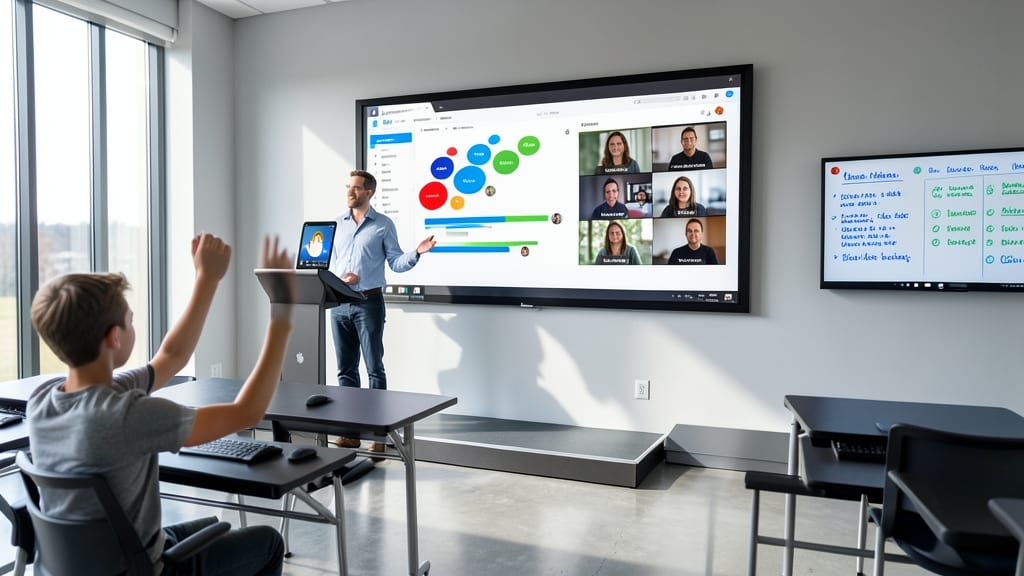
Turn passive lectures into dynamic discussions with Microsoft Teams’ built-in real-time collaboration tools, designed to keep students actively engaged without juggling third-party apps. From instant live polls to interactive quizzes and breakout rooms, every lesson becomes an opportunity for participation—no tech setup required.
Teachers can launch a live poll in seconds to gauge understanding, while formative quizzes provide immediate feedback. The breakout rooms feature splits classes into smaller groups for discussions or problem-solving, all within the same interface. With integrated whiteboards and reaction emojis, even shy students can contribute visually or anonymously—boosting confidence and interaction.
This is ideal for interactive STEM labs, debate classes, or language practice, where real-time engagement transforms passive listening into active learning. 💡
One-stop assignment management system
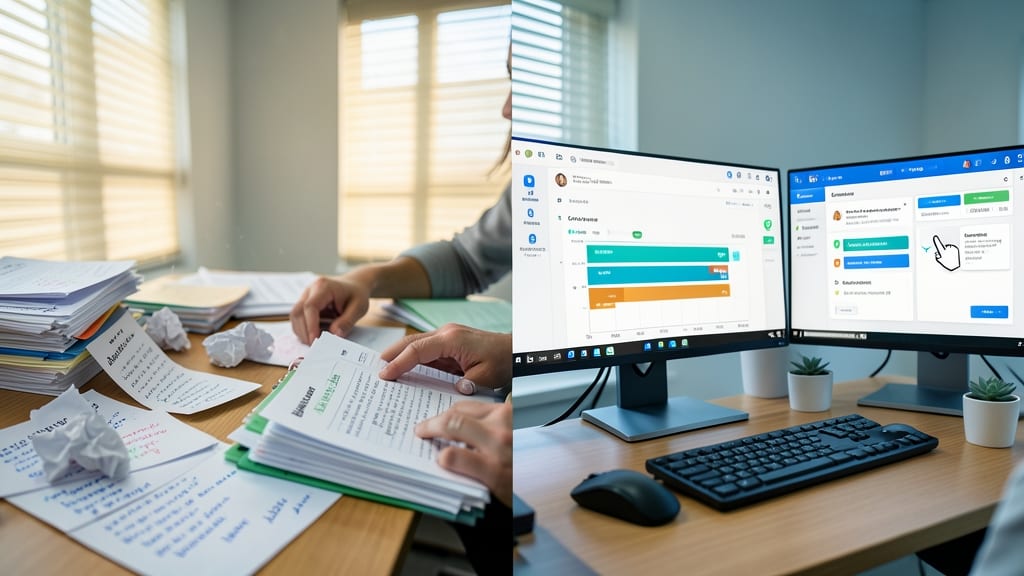
Tired of chasing down missing assignments or drowning in paper feedback? Microsoft Teams’ assignment management system turns chaos into clarity with a single dashboard that tracks everything from deadlines to grades.
Teachers can create, distribute, and grade assignments directly in Teams, with automated reminders sent to students before deadlines. The integrated gradebook syncs with Excel for easy reporting, while rubrics and feedback tools streamline evaluations. Students access all materials—handouts, rubrics, and feedback—in one place, cutting down on lost emails or forgotten submissions.
This feature is a lifesaver for high school and college students juggling multiple classes, as well as teachers overwhelmed by administrative tasks. Say goodbye to the "I didn’t know it was due" excuses—Teams keeps everyone on track. ✨
Secure file sharing and cloud storage
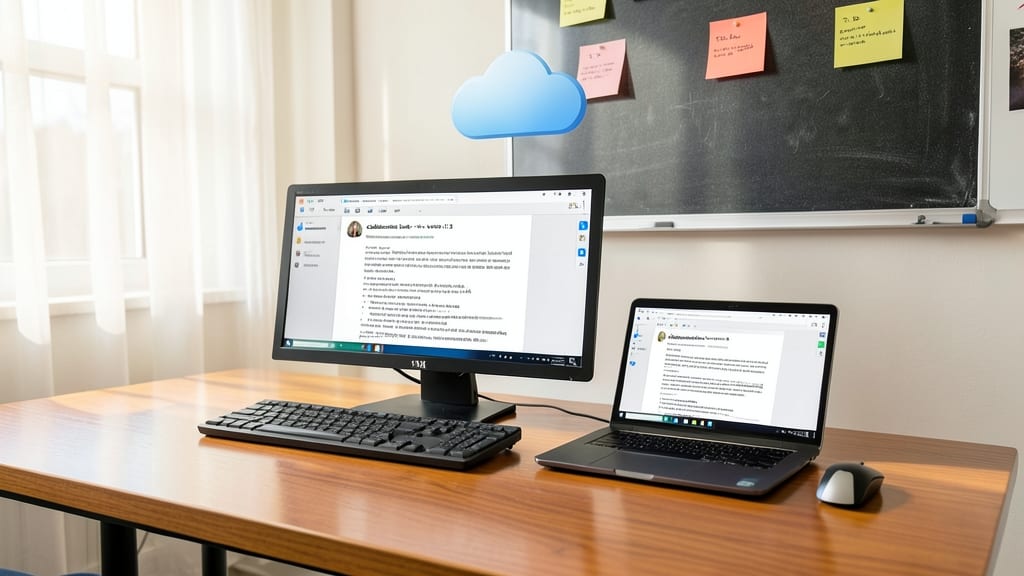
Group projects and research papers just got easier with Microsoft Teams’ seamless OneDrive integration. No more emailing drafts or juggling multiple file versions—every document lives in one secure, version-controlled hub where edits happen in real time.
Teams automatically syncs files to OneDrive, so your latest research paper or group presentation is always accessible, even offline. The version history feature lets you revert to earlier drafts with a single click, while permissions controls ensure only authorized classmates or professors can view or edit files. For busy students, the @mentions feature flags teammates when their input is needed—no more missed deadlines from overlooked comments.
This is a game-changer for collaborative courses where multiple contributors need to work on the same project simultaneously. Whether you're analyzing data in Excel or drafting a thesis in Word, Teams keeps everything organized and secure. ✨
Parent-teacher communication hub
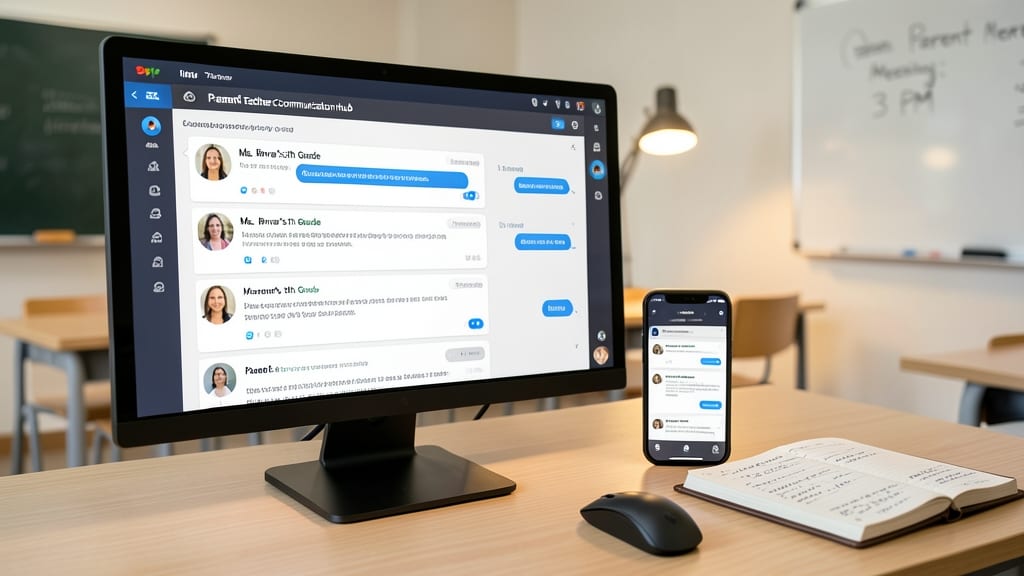
Tired of parents playing phone tag with teachers? Microsoft Teams solves this with a dedicated Parent-Teacher Communication Hub—a centralized space where guardians instantly access updates, announcements, and direct messaging threads.
Create class-specific channels where teachers post daily summaries, upcoming events, and even homework reminders. Parents can reply via threaded conversations, eliminating back-and-forth emails. The platform also integrates with school newsletters and gradebook updates, ensuring everyone stays on the same page without missing a beat.
This feature is a game-changer for busy families and time-strapped educators, turning fragmented communication into a seamless, organized experience. ✨
Accessibility features for all learners
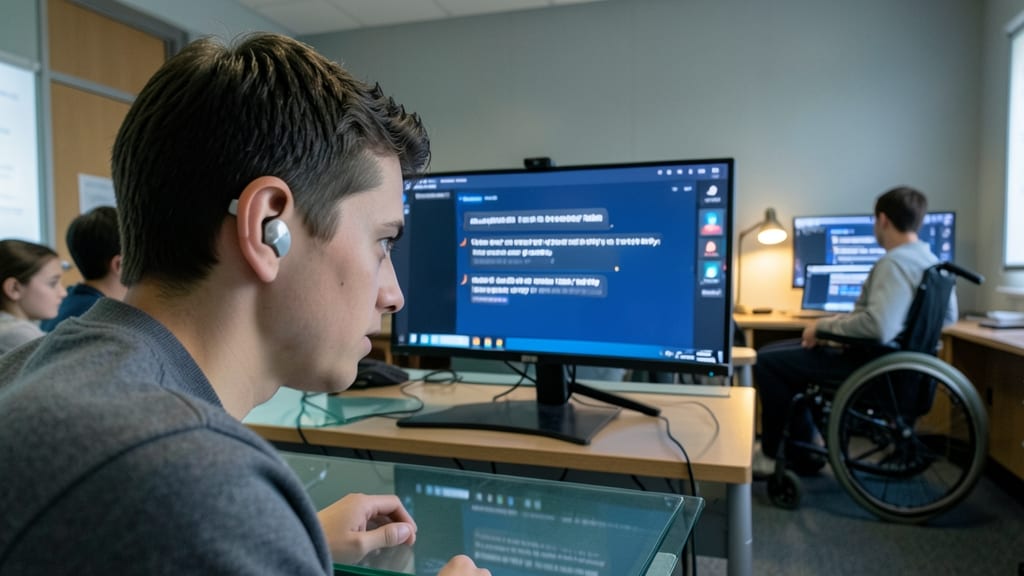
Every student deserves to engage fully with learning materials—no exceptions. Microsoft Teams removes barriers with built-in accessibility tools that adapt to individual needs, ensuring no learner is left behind during virtual or hybrid lessons.
With real-time live captions, students who are deaf or hard of hearing can follow along seamlessly, while screen readers like JAWS and NVDA provide full audio navigation for visually impaired users. Adjust text size and contrast with a single click to accommodate dyslexia or low vision, and even customize keyboard shortcuts for faster interaction. These features integrate natively, so no extra apps or complex setups are required.
Perfect for schools serving diverse classrooms, these tools empower educators to create inclusive learning environments where every student can participate equally—whether in-person or online. 🌟
Built-in video and audio tools
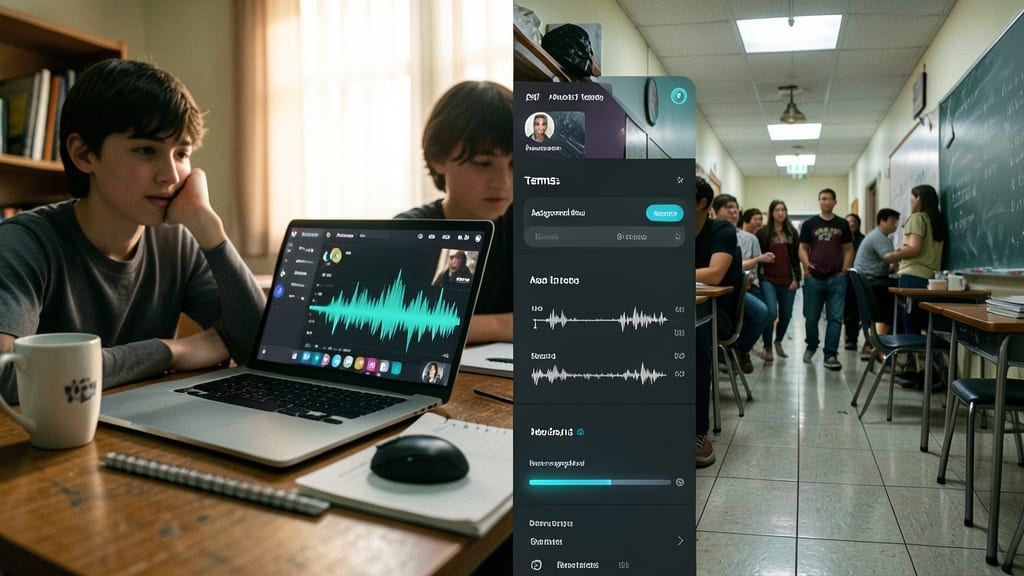
Say goodbye to muffled voices and distracting background noise during virtual lessons. Microsoft Teams includes built-in noise suppression and background blur to ensure crystal-clear communication—even in bustling home environments or noisy classrooms.
The platform’s AI-powered audio filters automatically reduce echoes and background chatter, while the virtual background feature lets teachers focus on instruction without distractions. For students, this means fewer interruptions and a more immersive learning experience. Plus, the adaptive video quality ensures smooth streaming even on slower connections.
This is a game-changer for educators teaching from home or hybrid classrooms, as well as students who need a distraction-free environment. ⚡
Integration with Microsoft Office Suite

Tired of endless email chains and version control headaches? Microsoft Teams seamlessly integrates with the Microsoft Office Suite, letting students and teachers co-edit Word, Excel, and PowerPoint files in real time—no more "finalfinalv2.docx" chaos.
The magic happens through Office Online integration, where multiple users can edit the same document simultaneously, with changes appearing instantly. Need feedback on a group project? Teachers can leave comments directly in PowerPoint slides or Excel spreadsheets, and students see updates without refreshing. Version history tracks every change, so you never lose progress.
This is a game-changer for group projects, research papers, and lesson planning. Whether students are working on a shared research paper or teachers are collaborating on curriculum design, the integration keeps everyone on the same page—literally. ✨
Automated attendance and progress tracking

Say goodbye to manual attendance sheets and endless spreadsheets—Microsoft Teams automates tracking with real-time attendance logs and student progress reports that update automatically. Teachers can now spend less time on paperwork and more time teaching, thanks to built-in tools that sync with class rosters and generate insights effortlessly.
The Attendance Insights feature provides customizable reports, while Progress Tracking highlights student engagement trends—all within the same dashboard. Integration with Microsoft Forms ensures seamless data collection, and admins can set up automated reminders for tardy students or missing assignments, reducing follow-up workload.
This is a game-changer for educators juggling lesson plans and administrative tasks. ⚡
Cost-effective school-wide solution
Struggling with bloated school budgets while trying to keep classrooms tech-savvy? Microsoft Teams solves this with its free or discounted licenses through Microsoft 365 Education, a game-changer for cash-strapped districts. Instead of paying for separate tools like Zoom, Google Classroom, and Dropbox, schools get one unified platform with all collaboration features included.
The program offers A3 or A5 licensing options—A3 provides basic Teams features for free, while A5 (often discounted to just $3/user/year) unlocks advanced analytics and classroom insights. This eliminates the need for multiple subscriptions while maintaining enterprise-grade security and compliance with FERPA and COPPA regulations.
Ideal for K-12 schools and higher education, this solution lets administrators allocate funds to hardware or professional development instead. Schools using Teams report saving up to 60% on communication and collaboration tools. ✨