Skip to content
Formula Basics

Formula Basics

  • All Articles
  • App
  • Coding
  • Hardware
  • More
    • Operating System
    • Outlook
    • PowerPoint
    • Review
    • Software
    • Tip & Trick
    • Troubleshooting
    • Windows

Windows — Page 5

How to Get Rid of the Activate Windows: No Lingering Files, No Registry Traces
October 11, 2026 by Milton Kirchner
How to Get Rid of the Activate Windows: No Lingering Files, No Registry Traces

Learn how to get rid of the activate Windows screen forever—here’s the secret trick that made mine disappear for good. ✨ The key? Using built-in tools to clear lingering digital license traces without reinstalling…

Read more

Categories Windows

How to Install Calculator in Windows 10: Built-In Windows 10 Tool in 3 Simple Clicks

October 14, 2026 by Milton Kirchner
How to Install Calculator in Windows 10: Built-In Windows 10 Tool in 3 Simple Clicks

Installing the Windows 10 Calculator is simpler than you’d think—it’s already built into your system, but sometimes it hides in plain sight. ✨ I’ve helped dozens of users rediscover this tool after accidentally deleting…

Read more

Categories Windows

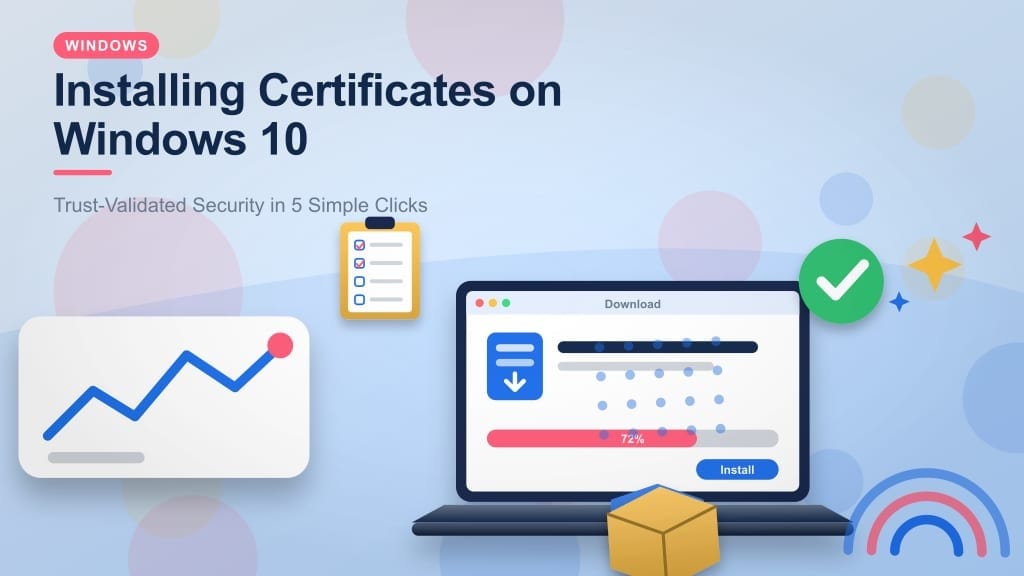
Installing Certificates on Windows 10: Trust-Validated Security in 5 Simple Clicks

November 19, 2026 by Milton Kirchner
Installing Certificates on Windows 10: Trust-Validated Security in 5 Simple Clicks

Installing certificates on Windows 10 is one of those tasks that feels intimidating until you see how straightforward it actually is—especially when you know the right steps. 💡 I remember helping Dad rebuild vintage…

Read more

Categories Windows

How to Install Hadoop on Windows: Error-Free Setup With Command Prompts

October 12, 2026 by Milton Kirchner
How to Install Hadoop on Windows: Error-Free Setup With Command Prompts

Installing Hadoop on Windows used to mean wrestling with compatibility issues and cryptic error messages—but not anymore. ✨ I’ve set this up on more Windows machines than I can count, and the process now runs smoother…

Read more

Categories Windows

How To Install OneNote For Windows 10: Microsoft’s Step-by-Step Visual Guide

October 12, 2026 by Milton Kirchner
How To Install OneNote For Windows 10: Microsoft’s Step-by-Step Visual Guide

Installing OneNote on Windows 10 is the first step to unlocking a digital notebook that actually works—no more scattered notes or lost ideas. ✨ I’ve walked through this process with hundreds of users, and the key is…

Read more

Categories Windows

Windows 8 Updates: Step-by-Step Fix for Stubborn or Failing Installs

October 11, 2026 by Milton Kirchner
Windows 8 Updates: Step-by-Step Fix for Stubborn or Failing Installs

Installing Windows 8 updates can feel like chasing a moving target—especially when updates stall or fail without explanation. ⚡ I’ve spent countless hours debugging these issues, and the key is a methodical approach that…

Read more

Categories Windows

How to Install Windows Xp from Usb: Legacy Boot Fix for Stubborn Systems

October 12, 2026 by Milton Kirchner
How to Install Windows Xp from Usb: Legacy Boot Fix for Stubborn Systems

Even though I’ve installed Windows on old PCs before, learning how to install Windows XP from a USB in 2024 proved far trickier than my first hard-drive setup in 1998. Installing Windows XP from USB isn't just about the…

Read more

Categories Windows

How to Make a Windows 7 Installation Disk: Bootable Media in 10 Minutes

October 7, 2026 by Milton Kirchner
How to Make a Windows 7 Installation Disk: Bootable Media in 10 Minutes

My first Windows 7 installation disk saved me from a bricked ThinkPad back in 2012—⚡the same model I still use today. Back then, Microsoft's tools were clunky, but the process is now shockingly simple if you follow the…

Read more

Categories Windows

How to Maximize Window With Keyboard: Instant Full-Screen Toggle in Seconds

November 17, 2026 by Milton Kirchner
How to Maximize Window With Keyboard: Instant Full-Screen Toggle in Seconds

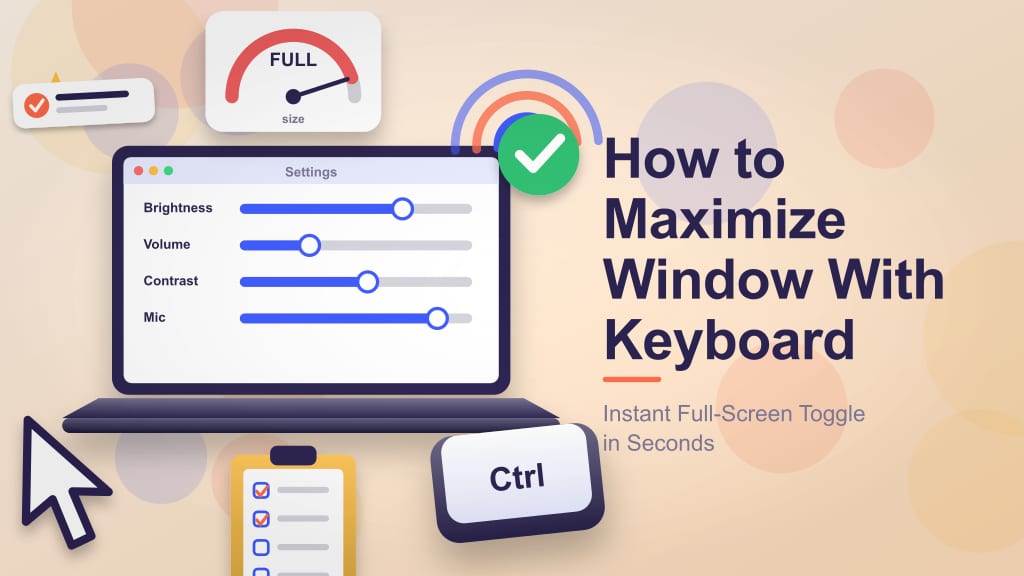
Maximizing a window with keyboard shortcuts saved me hours of mouse clicks every week. ⚡ Back in 1998, my uncle showed me the Windows shortcut that still works today—just press Win+↑, and boom, full screen in a blink…

Read more

Categories Windows

How to Re Install Window Xp: Step-by-Step Legacy System Revival

October 6, 2026 by Milton Kirchner
How to Re Install Window Xp: Step-by-Step Legacy System Revival

Learn how to re-install Windows XP properly, and you’ll turn that dusty basement relic into a functional machine again—just like when I revived my dad’s 1998 IBM desktop. ⚡ The process is straightforward, but every step…

Read more

Categories Windows
Page1…Page3Page4Page5Page6Page7…Page12Next →

About Me

Milton Kirchner

Milton Kirchner
My first computer was a clunky desktop my dad brought home from work in the '90s, and I spent hours figuring out how to make it do things it wasn’t supposed to. That curiosity never left me. Here, I write about tech with the same enthusiasm I had then—breaking down complex topics into clear, practical steps so anyone can feel confident using their devices. When I’m not testing software or troubleshooting hardware, you’ll find me tinkering with old gadgets or trying to convince my cat that my keyboard isn’t a scratching post.

Learn more

Recent Posts

  • Set Up a VPN on Windows: Step-by-Step Visual Guide for Secure Connections
    Set Up a VPN on Windows: Step-by-Step Visual Guide for Secure Connections
  • How To Install OneNote For Windows 10: Microsoft’s Step-by-Step Visual Guide
    How To Install OneNote For Windows 10: Microsoft’s Step-by-Step Visual Guide
  • Microsoft Word Document Download: Instant Access Without Syncing or Formatting Loss
    Microsoft Word Document Download: Instant Access Without Syncing or Formatting Loss
  • How to Copy Formatting in PowerPoint: Keyboard Shortcuts for Instant Consistency
    How to Copy Formatting in PowerPoint: Keyboard Shortcuts for Instant Consistency
  • Windows Rundll32.exe Keymgr.dll Fix: Krshowkeymgr Access Troubleshooter
    Windows Rundll32.exe Keymgr.dll Fix: Krshowkeymgr Access Troubleshooter
  • All Guides
  • About
  • Contact
  • Privacy Policy
  • Cookie Policy
  • Terms of Use
© 2026 formulabasics.work