
PowerPoint
High school students can showcase creativity and learning through Microsoft Office projects that go beyond basic assignments. These 10 stand-out ideas leverage PowerPoint, Word, Excel, and Publisher to demonstrate skills while impressing teachers and peers alike.
Interactive Historical Timeline Presentation
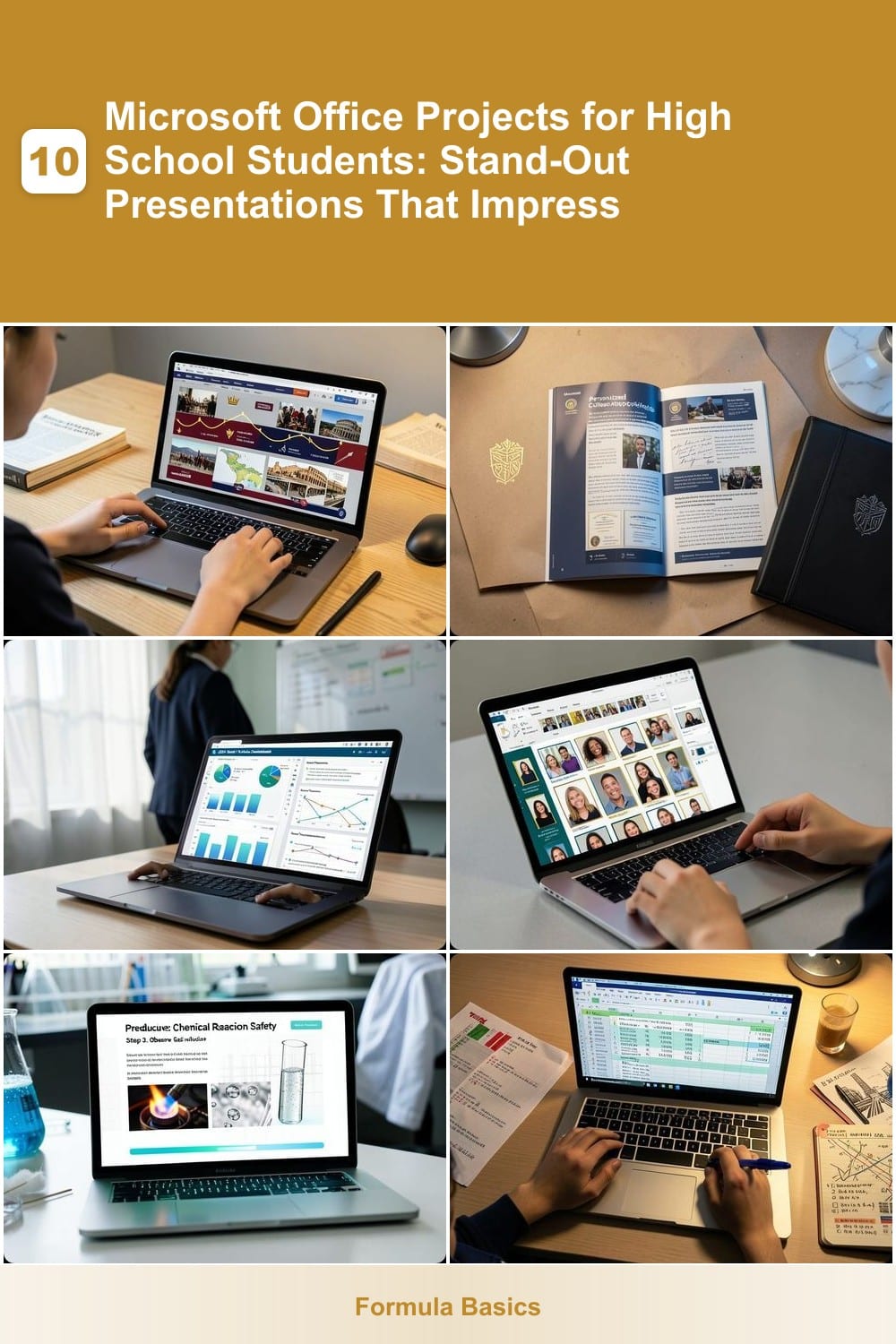
Turn dry history lessons into an immersive experience with an Interactive Historical Timeline Presentation that blends PowerPoint animations with embedded videos. This isn’t just a slideshow—it’s a storytelling powerhouse where you control the pace, highlight key moments with visuals, and even let viewers "time travel" through embedded clips of speeches, battles, or cultural artifacts.
Start by organizing your timeline in PowerPoint’s built-in Morph transition to smoothly animate events across decades. Add YouTube embeds (like a 30-second clip of the Declaration of Independence signing) or school-provided footage to bring figures like Cleopatra or Einstein to life. Use triggers to pause on pivotal moments—like a button that reveals a primary source document when clicked. For extra flair, layer sound effects (like a cannon firing for the Revolutionary War) or background music to set the mood.
Perfect for history buffs, debate team members, or students passionate about public speaking, this project transforms passive learning into an engaging narrative. Teachers will love how it demonstrates research skills, digital literacy, and presentation prowess—all while making history unforgettable. ✨
Personalized College Application Portfolio
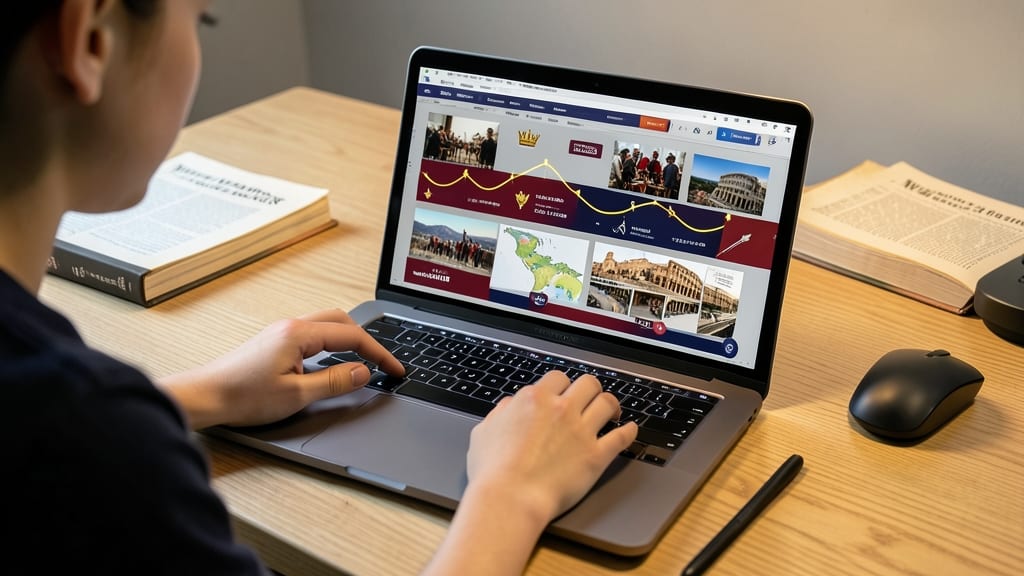
Standing out in college applications isn’t just about grades—it’s about presenting your achievements in a way that grabs attention. A Personalized College Application Portfolio combines Microsoft Publisher’s design tools with Word’s professional formatting to create a polished, print-ready showcase of your essays, recommendations, and extracurricular highlights.
Start by designing a custom template in Publisher with sections for academic transcripts, awards, and leadership roles. Use Word’s built-in templates (like Modern CV) to format essays and letters of recommendation, then embed them seamlessly into your portfolio. Add visual flair with consistent branding—like a school logo or color scheme—and include a table of contents for easy navigation. For extra impact, print on high-quality paper or bind the pages for a professional finish.
This project is perfect for students applying to competitive programs or scholarships, as it demonstrates attention to detail, design skills, and organizational prowess. Teachers will appreciate how it transforms a standard application into a standout portfolio that reflects your unique story. ✨
Data Visualization of School Survey Results

Turn raw survey data into a dynamic, professional dashboard that teachers will actually notice. This Excel project goes beyond basic charts by creating interactive visualizations that reveal trends in school climate, student opinions, or academic preferences—skills that directly translate to data careers.
Start by collecting responses in a clean spreadsheet, then use PivotTables to summarize findings before designing slicers, sparklines, and conditional formatting for visual impact. For extra polish, embed drop-down filters so viewers can explore specific categories (like grade-level comparisons) with a click. The Slicer tool makes complex data intuitive, while color-coded trends highlight key insights instantly.
This project shines for students eyeing data science, business, or analytics paths—it’s a resume-worthy showcase of Excel’s power. Even non-techies will impress with a zero-code solution that feels high-tech. ✨
Digital Yearbook with Photo Editing

Turn your class photos into a professional digital yearbook using Microsoft Publisher’s powerful design tools. This project isn’t just about creating a keepsake—it’s a hands-on way to master layout design and photo editing skills while crafting a template your classmates will actually use.
Start by importing photos into Publisher and using the built-in photo editing tools to adjust brightness, contrast, and even apply filters. Then, design a custom template with sections for student bios, achievements, and fun captions. You can even add interactive elements like hyperlinked names or embedded videos for a dynamic touch. The best part? Your final product can be shared digitally or printed for a tangible keepsake.
This project is perfect for students who love creative design or want to build a portfolio piece for future graphic design work. It’s also a great way to collaborate with classmates and capture memories in a way that goes beyond a simple photo album. ✨
Science Experiment Step-by-Step Guide

Turn lab chaos into clarity with a PowerPoint science experiment guide that walks viewers through complex procedures with embedded videos and interactive buttons. This isn't just a slideshow—it's a hands-on tutorial where students can click to watch reactions, pause for safety tips, and even trigger animations showing molecular structures.
Start with a title slide featuring the experiment name and safety gear required. Use inserted videos (from YouTube or school lab footage) to demonstrate each step, and add action buttons to jump to safety sections or equipment lists. For the electrolysis of water experiment, for example, you could embed a video showing the setup, then add a button linking to a slide with sodium hydroxide handling precautions. The morph transition between slides keeps engagement high while teaching.
Perfect for science fair presenters or students documenting lab work, this project proves you don’t need fancy software—just PowerPoint’s built-in tools and a little creativity. Your teacher will love the professionalism, and your classmates will finally understand how to safely conduct experiments. ✨
Budget Planning for Dream Vacation
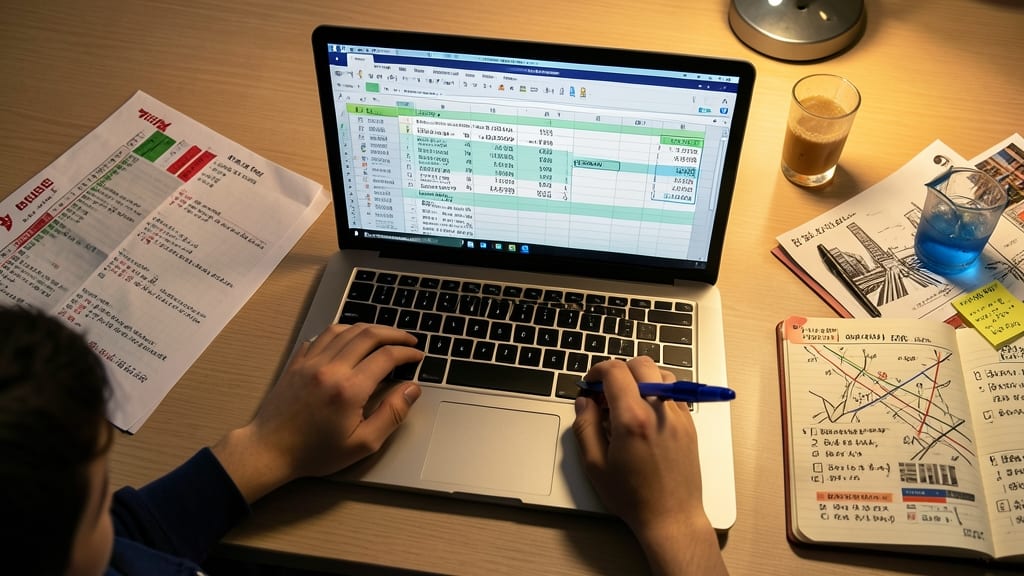
Turn daydreaming about travel into a practical skill with an Excel budget project that forces you to confront real-world math. Instead of vague "I'd love to visit Japan" statements, this project makes you research flights, lodging, and activities—then crunch the numbers to see if your dream destination is actually achievable.
Use Excel's currency formatting to track expenses by category (transportation, food, activities) and create pie charts to visualize where your money goes. Add a savings timeline with conditional formatting to highlight progress toward your goal. The project even includes a what-if analysis to show how changing flights or accommodations impacts your total cost.
Perfect for students who love travel or want to understand personal finance—this project teaches budgeting skills that apply far beyond the classroom. ✨
Book Report with Character Analysis Infographic
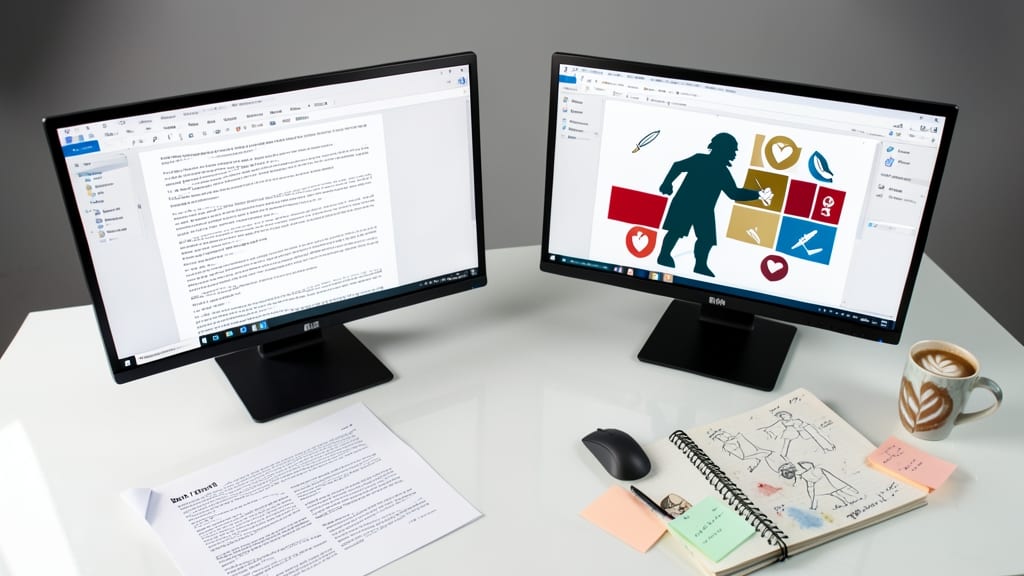
Tired of writing the same old book report? Elevate your literary analysis with a Book Report with Character Analysis Infographic—a dynamic project that blends traditional writing with visual storytelling.
Start by crafting your report in Word, then use PowerPoint to create an infographic breaking down key characters. Add visual elements like timelines for character arcs, icon-based trait comparisons, and quote callouts with embedded images. The SmartArt tools let you build relationship maps between characters, while morph transitions can show character growth over the story.
This project shines for students who love books but want to showcase their creativity. It’s perfect for English classes or book club presentations where teachers appreciate both depth and design. ✨
School Event Planning Calendar
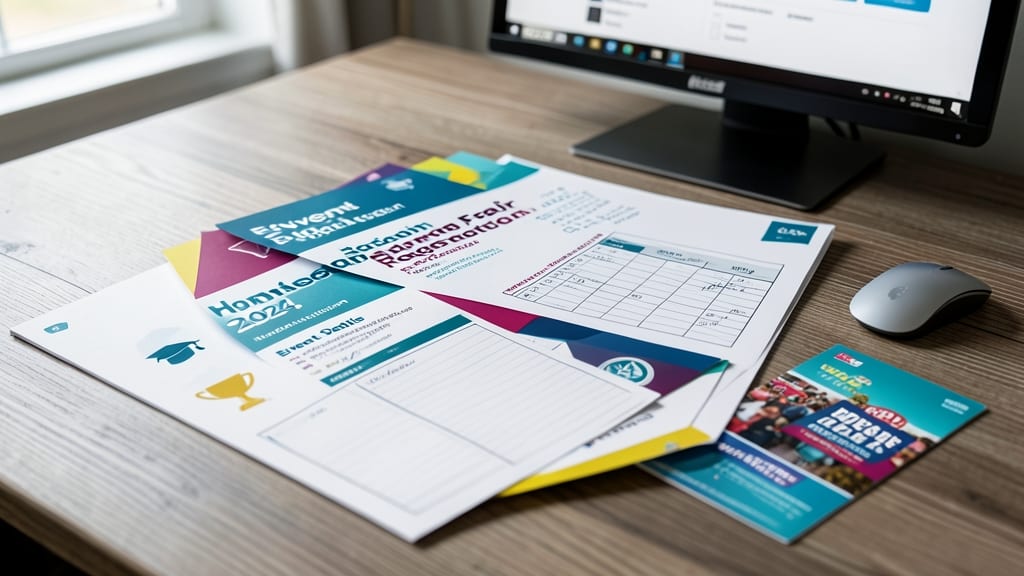
Want to organize school events while showcasing your design skills? A School Event Planning Calendar in Microsoft Publisher lets you create a professional, printable calendar with event details, RSVP sections, and eye-catching graphics—all in one project.
Start with a customizable template featuring monthly layouts, space for event dates, descriptions, and even promotional graphics. Add interactive RSVP sections using Publisher’s text boxes and tables, making it easy for attendees to respond. You can also include color-coded themes for different clubs or events to keep things visually engaging.
Perfect for student council members, club leaders, or anyone organizing school events, this project combines practical planning with creative design—ideal for impressing teachers with both functionality and flair. ✨
Personal Branding Resume and Cover Letter

Standing out in college applications or job searches starts with a polished resume and cover letter that reflect your unique skills. This Word-based project teaches you how to craft professional documents that align with your career goals—whether you're eyeing internships, part-time jobs, or future academic programs.
Use Word's built-in templates (like Modern, Classic, or Creative) and customize them with your GPA, extracurriculars, and relevant projects. Add a skills section with icons for visual appeal, and tailor your cover letter to specific opportunities using track changes for revisions. The header/footer tools let you add subtle branding, like a school logo or contact info.
Perfect for students preparing for college applications, job fairs, or career fairs, this project builds real-world skills that go beyond the classroom. ✨
Interactive Language Learning Flashcards

Tired of boring flashcards that just sit on your desk? Transform language learning into an interactive experience with PowerPoint flashcards that combine visuals, audio, and hyperlinks to reinforce vocabulary and pronunciation.
Start by creating a slide per word with the term on one side and the definition/audio clip on the other. Use PowerPoint’s insert audio feature to record native pronunciation or import clips from free language-learning sites. Add hyperlinks to connect related words or grammar rules, turning passive studying into an engaging quiz. The animation tools let you flip cards automatically or manually—perfect for self-testing.
This project shines for students studying Spanish, French, or Mandarin—or anyone who wants to make memorization fun. Teachers love how it demonstrates tech skills while proving language mastery. 💻