
PowerPoint
Creating professional tri-fold brochures in Microsoft Office doesn’t have to be complicated. These 10 eye-catching templates—designed specifically for PowerPoint and Word—help you craft polished marketing materials, event promotions, or business presentations with minimal effort.
Modern Corporate Tri Fold Brochure Template
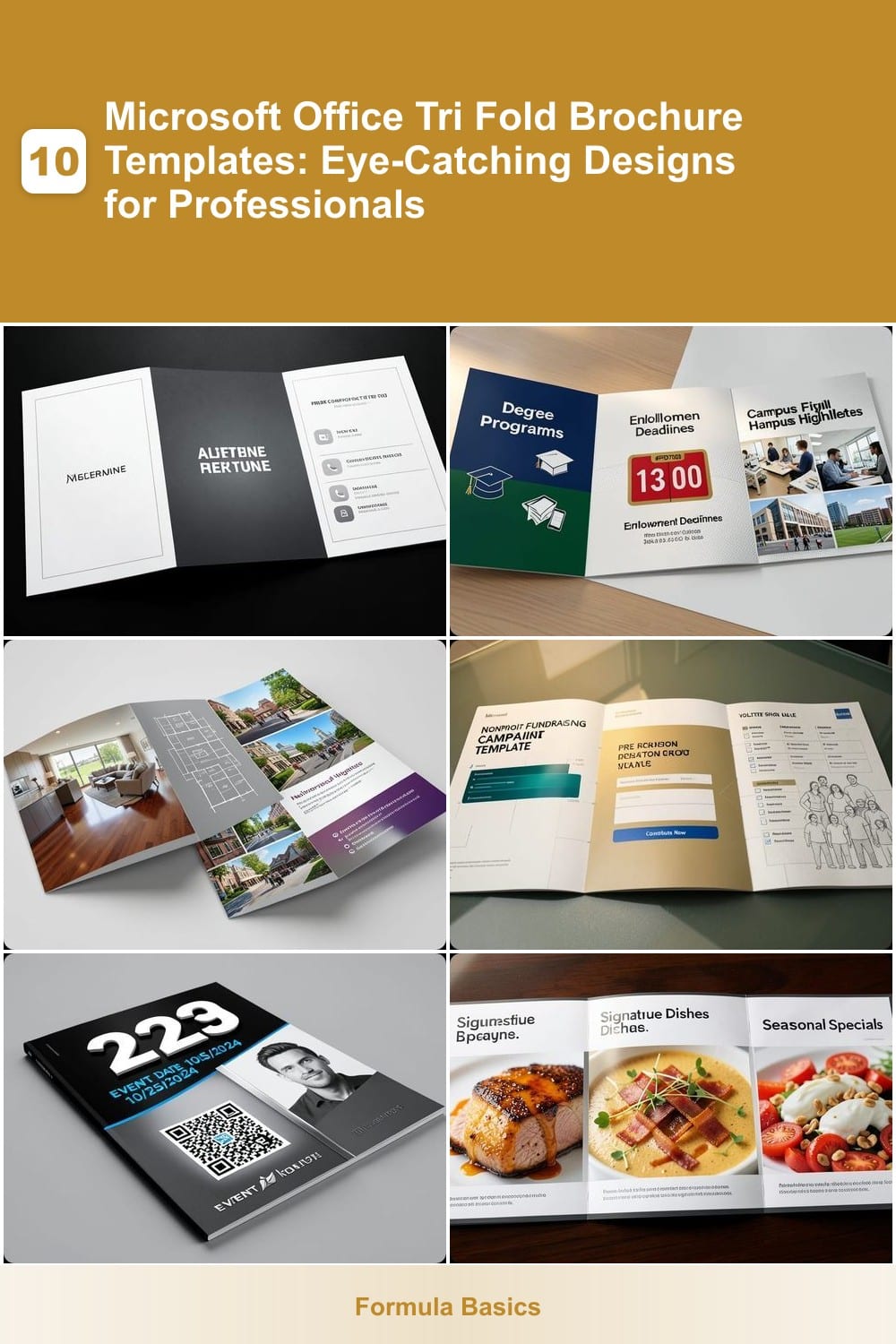
First impressions matter, and this Modern Corporate Tri Fold Brochure Template ensures yours shines with a minimalist yet professional design that commands attention. Built for Microsoft PowerPoint, it features pre-aligned sections for logos, taglines, and contact details—all while maintaining a clean, geometric layout that feels both contemporary and trustworthy.
The template includes customizable color schemes (blues, grays, and whites) to match your brand, along with smart placeholders for high-resolution images and key messaging. The tri-fold structure maximizes visibility, ensuring critical information—like product highlights or service offerings—is always front and center. Whether you're launching a new product or introducing your team, this design keeps clutter out and credibility in.
Perfect for corporate marketers, startup founders, or business development teams, this template turns complex ideas into polished, print-ready materials in minutes. No design skills needed—just plug in your content and print. ⚡
Educational Institution Tri Fold Flyer Template
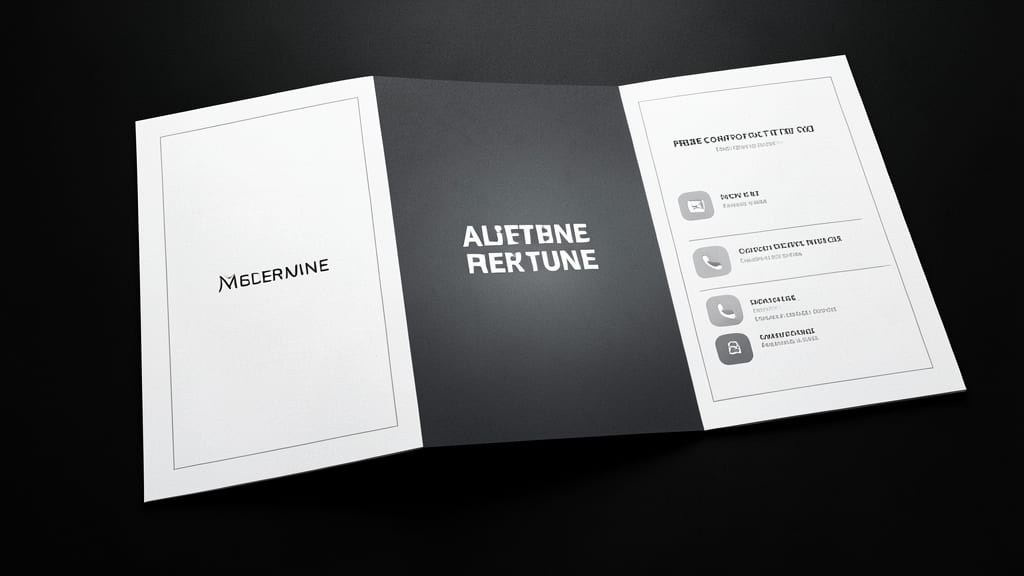
Need a tri-fold brochure that speaks directly to students, parents, and faculty? The Educational Institution Tri Fold Flyer Template bridges the gap between academic marketing and eye-catching design with pre-built sections for degree programs, enrollment deadlines, and campus highlights. Built for Microsoft PowerPoint, it includes academic icons (graduation caps, books, research tools) and color-coded panels to organize information by program type—STEM, humanities, or professional studies—without overwhelming your audience.
Customize with drag-and-drop placeholders for faculty bios, event dates, and financial aid details, all while maintaining a clean, institution-appropriate aesthetic. The tri-fold structure ensures key enrollment CTAs (like "Apply Now" or "Schedule a Tour") are always visible, whether displayed at an open house or emailed to prospective students. No design skills? The template’s pre-formatted typography and academic-themed graphics handle the heavy lifting.
Perfect for admissions teams, university marketers, or K-12 schools promoting new programs, back-to-school events, or alumni gatherings. With this template, your institution’s message lands with clarity and confidence—no design degree required. ✨
Real Estate Property Brochure Template
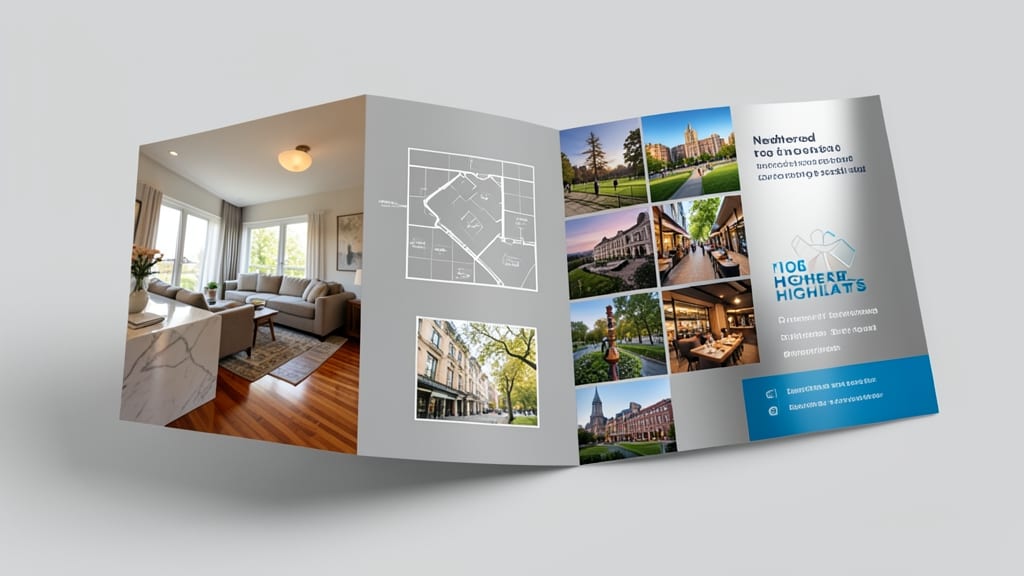
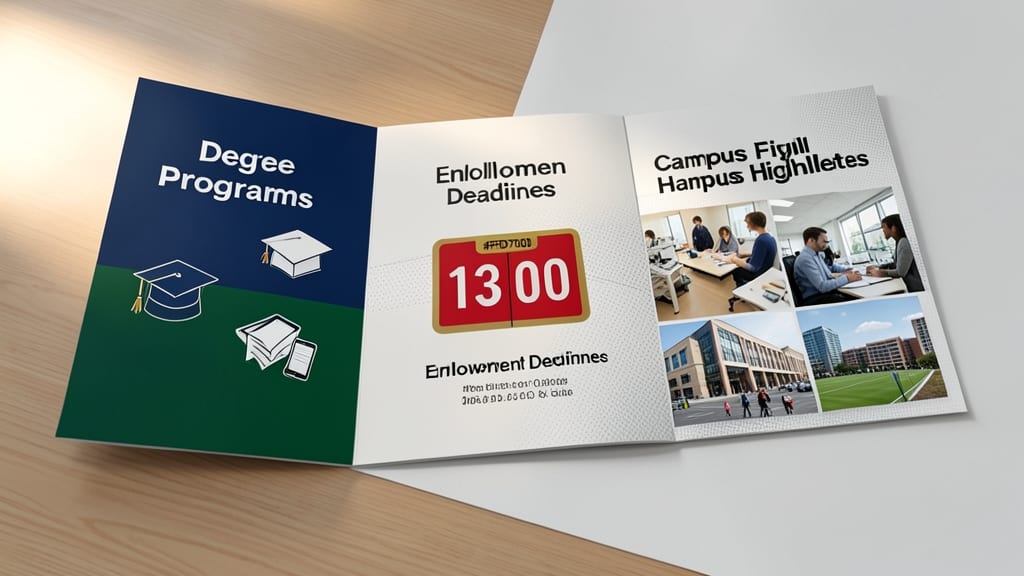
Tired of generic property listings that blend into the noise? This Real Estate Property Brochure Template transforms your listings into visually stunning, high-converting assets with pre-built sections for floor plans, 3D tours, and neighborhood highlights.
Designed for PowerPoint and Word, it includes drag-and-drop image placeholders for high-res property photos, interactive floor plan diagrams, and bold callouts for key selling points (like "Smart Home Ready" or "Prime School District"). The neutral color palette ensures flexibility, while the tri-fold layout maximizes space for every detail buyers care about.
Perfect for agents hosting open houses or listing properties online—this template helps you stand out in a crowded market while keeping your branding consistent. 🌟
Nonprofit Fundraising Campaign Template
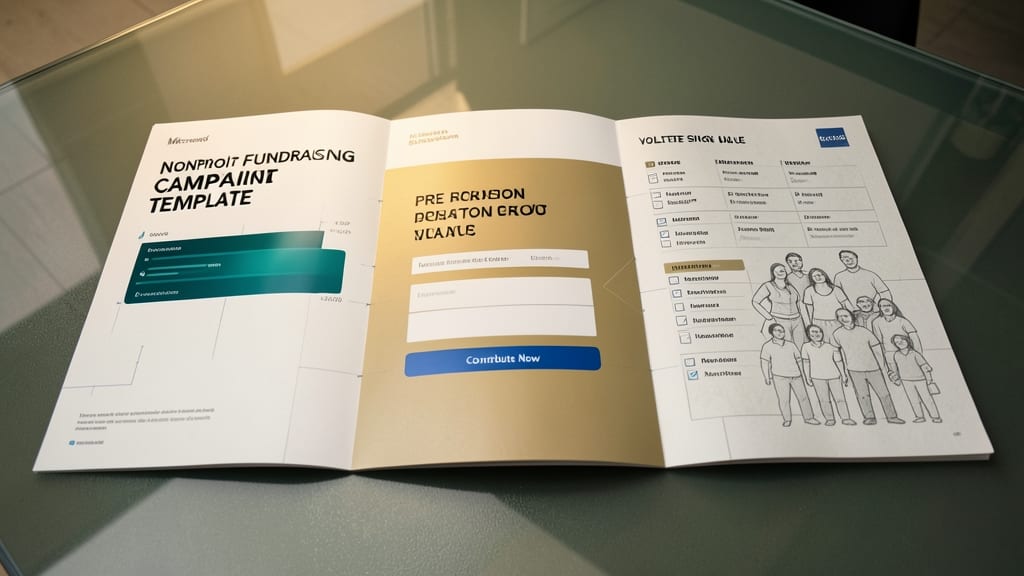
Need a high-impact way to rally support for your cause? This Nonprofit Fundraising Campaign Template transforms good intentions into actionable results with built-in donation prompts, progress trackers, and volunteer sign-up sections—all pre-formatted for Microsoft PowerPoint.
The template includes customizable impact statistics (like "$X raised to date" or "Y volunteers trained") that update instantly as your campaign grows. A dedicated donation panel with QR codes for mobile giving and a community testimonial section builds trust at a glance. Warm color palettes and icons for "donate," "volunteer," and "share" ensure clarity without overwhelming your audience.
Perfect for grassroots organizers, small NGOs, or local charities hosting fundraisers or awareness drives. Just plug in your mission statement, photos, and goals—no design skills required. ✨
Event Promotion Tri Fold Poster Template
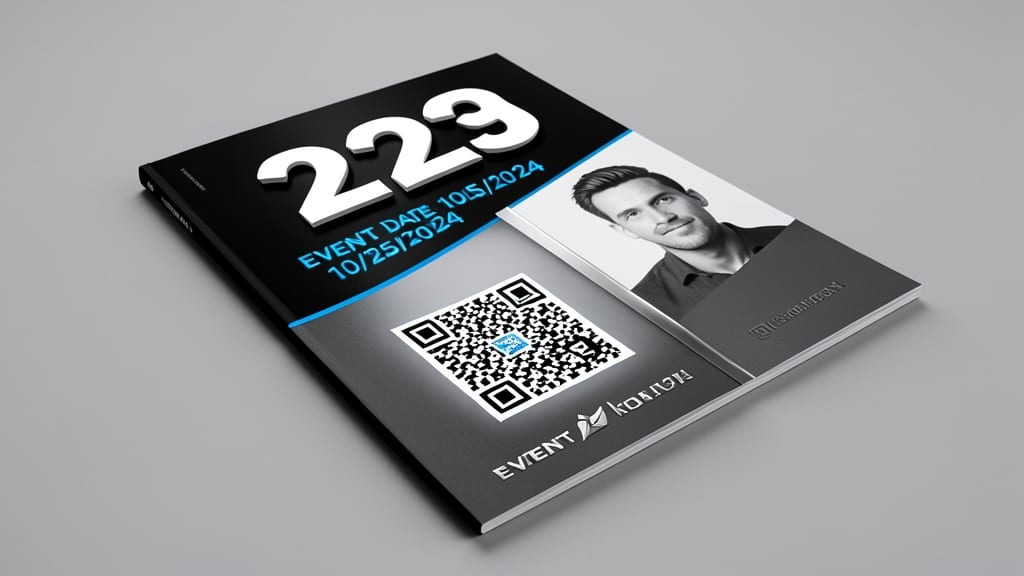
Need to make your next conference, workshop, or trade show unforgettable? This Event Promotion Tri Fold Poster Template is engineered to stop scrollers in their tracks with high-contrast event dates, speaker spotlights, and a registration QR code—all while keeping your branding front and center.
The template includes pre-built sections for event logos, speaker bios with headshot placeholders, and a countdown timer graphic to build urgency. Customizable color schemes let you match your brand, while bold typography ensures key details (dates, times, locations) stand out even from across the room. Drag-and-drop elements mean no design skills are needed—just plug in your content and print.
Perfect for event planners, marketers, or nonprofits hosting public gatherings. Whether you're promoting a tech summit or a community workshop, this template turns passive attendees into engaged participants. ✨
Restaurant Menu Tri Fold Design Template
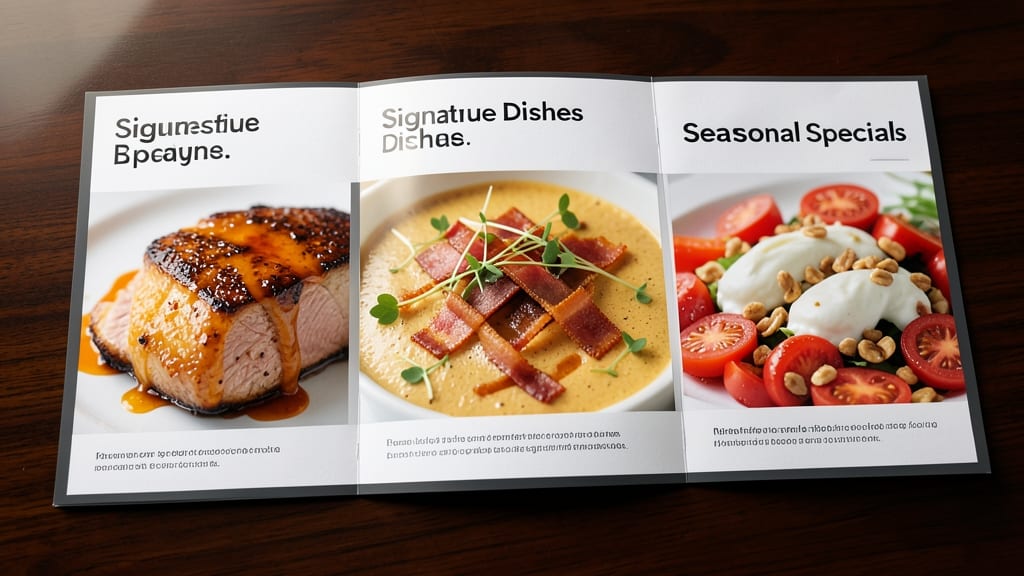
Transform your restaurant’s branding with a Microsoft Office tri-fold menu template that turns browsers into diners. This design blends high-quality food photography placeholders with sleek typography, ensuring your dishes look as appetizing on paper as they do on the plate.
Built for easy customization, the template includes dedicated sections for pricing tables, seasonal specials, and even a QR code for online reservations. The foldable tri-fold layout maximizes space for mouthwatering visuals while keeping essential details like contact info and hours prominently displayed. No design skills? No problem—the pre-formatted text boxes let you swap in your own content in minutes.
Perfect for local eateries, food trucks, or catering businesses, this template helps you make a lasting first impression—whether handed to guests or displayed on tables. 💡
Product Catalog Tri Fold Showcase Template
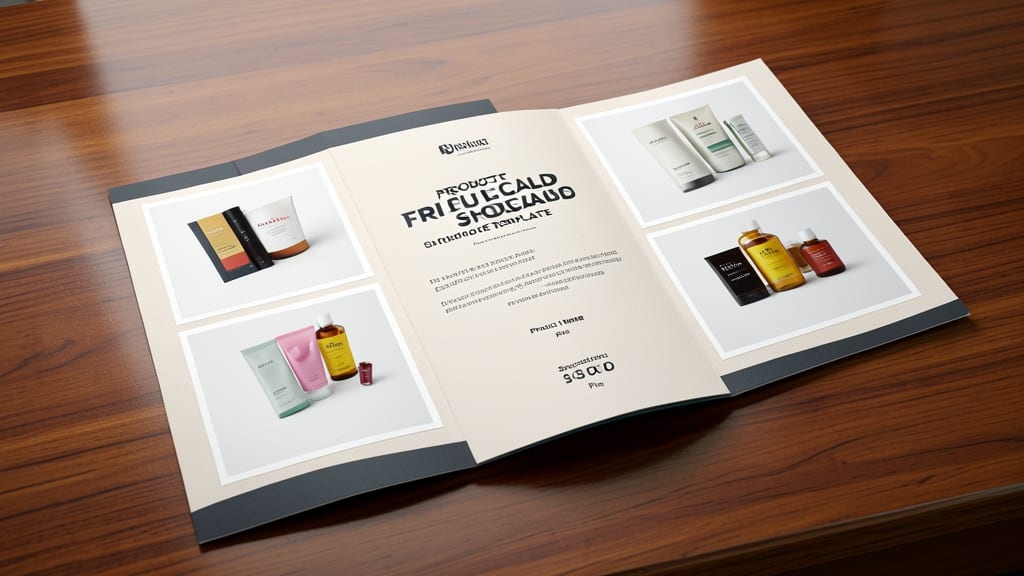
Turn product browsing into a tactile experience with this Product Catalog Tri Fold Showcase Template, built for retailers and e-commerce brands to turn specs into sales. The pre-formatted image placeholders (up to 6 high-res slots) let you showcase products front-and-center, while dedicated sections for detailed specs, pricing tiers, and call-to-action buttons streamline conversions.
Designed with Microsoft PowerPoint’s smart alignment tools, this template ensures your product photos stay crisp and centered—no design degree required. The folded layout naturally guides customers from visual discovery to pricing details, making it ideal for trade shows or in-store displays where physical brochures still outperform digital.
Perfect for small businesses launching new lines or established brands refreshing their product lines. 💻
Healthcare Clinic Informational Brochure Template

For medical professionals who need to convey trust and clarity to patients, this Healthcare Clinic Informational Brochure Template is a game-changer. It’s designed specifically for doctor’s offices, chiropractors, or wellness centers, ensuring every detail—from services offered to appointment scheduling—is presented in a clean, professional layout.
The template includes dedicated sections for service lists, insurance acceptance details, and online booking links, all while maintaining a calming color palette of blues and greens. Pre-built icons for medical services (like physical therapy or dental care) make it easy to visually organize information, and the foldable design ensures key details are front and center for patients browsing your materials.
Perfect for clinics looking to reduce phone calls by directing patients to self-service options, this template builds trust with a polished, patient-friendly design. 💡
Creative Portfolio Tri Fold Template
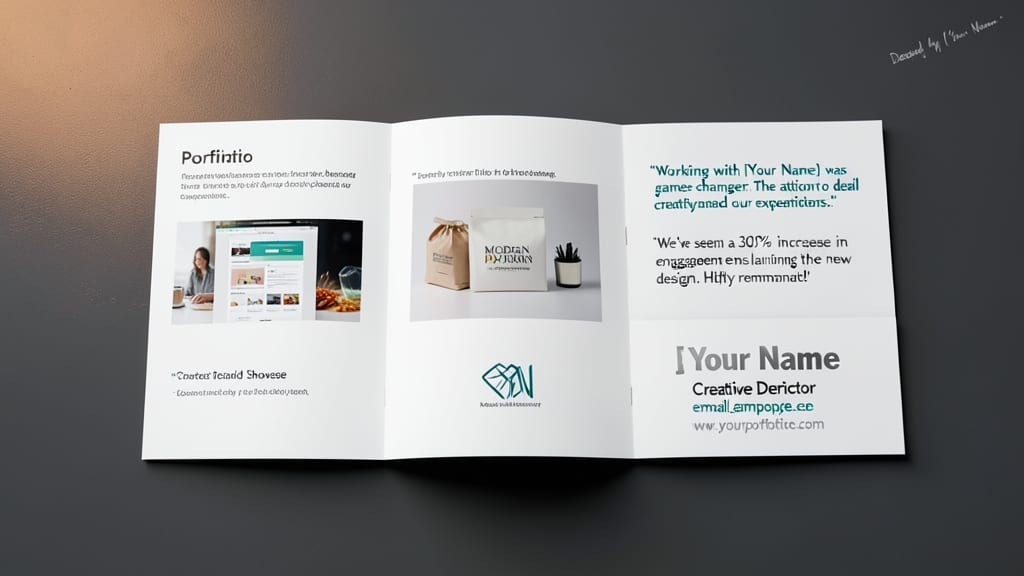
Turn heads at networking events with the Creative Portfolio Tri Fold Template, built to let your work speak for itself. This template is packed with three dedicated panels for project thumbnails, client testimonials, and contact details—all designed to fit seamlessly into a Microsoft PowerPoint or Word workflow.
Stand out with bold typography options, customizable color schemes, and pre-built placeholders for social media handles, QR codes, and portfolio links. The minimalist yet dynamic layout ensures your creative work takes center stage, while the print-ready design guarantees sharp quality whether you're handing out copies at a job fair or leaving them at a client meeting.
Perfect for freelance designers, illustrators, and artists, this template transforms your digital portfolio into a tangible, professional handout that leaves a lasting impression. ✨
Holiday Season Promotional Brochure Template
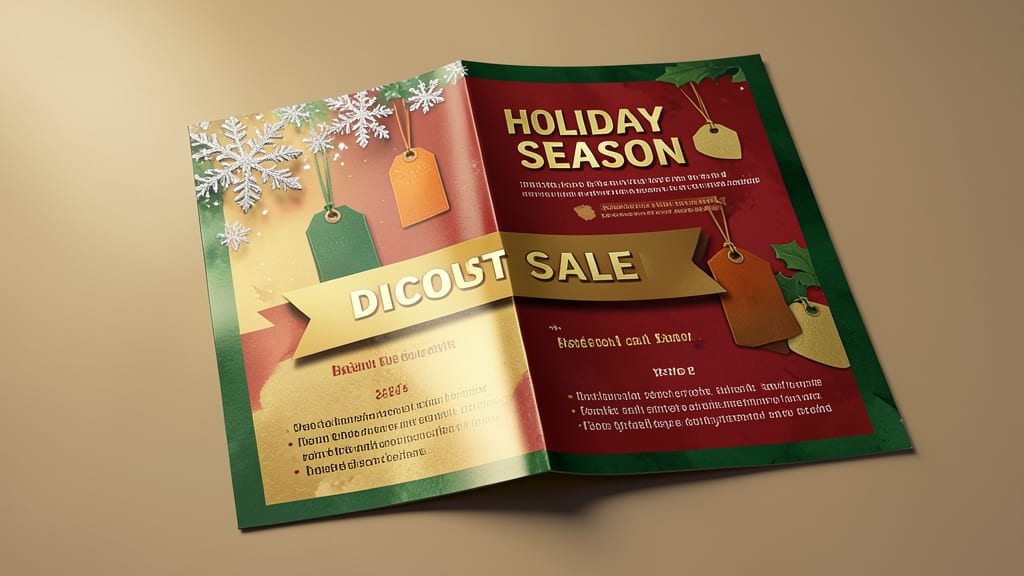
Skip the generic flyer—this Holiday Season Promotional Brochure Template turns seasonal sales into eye-catching visuals with pre-built festive graphics like snowflakes, gift tags, and holiday color schemes. The editable discount callouts and sale banners let you plug in your deals instantly, while the foldable tri-fold layout ensures maximum impact on retail counters or event booths.
The template includes ready-to-use sections for limited-time offers, product spotlights, and holiday-themed CTAs (like "Shop Now Before It’s Gone!"). With Microsoft Office compatibility, you can tweak fonts, colors, and images in minutes—no design skills required. The pre-formatted panels keep your promotions organized while making them pop.
Perfect for retailers, e-commerce brands, or local businesses launching holiday campaigns. Whether you're promoting Black Friday deals or year-end clearance, this template makes your promotions stand out without the design headache. ✨