
Operating System
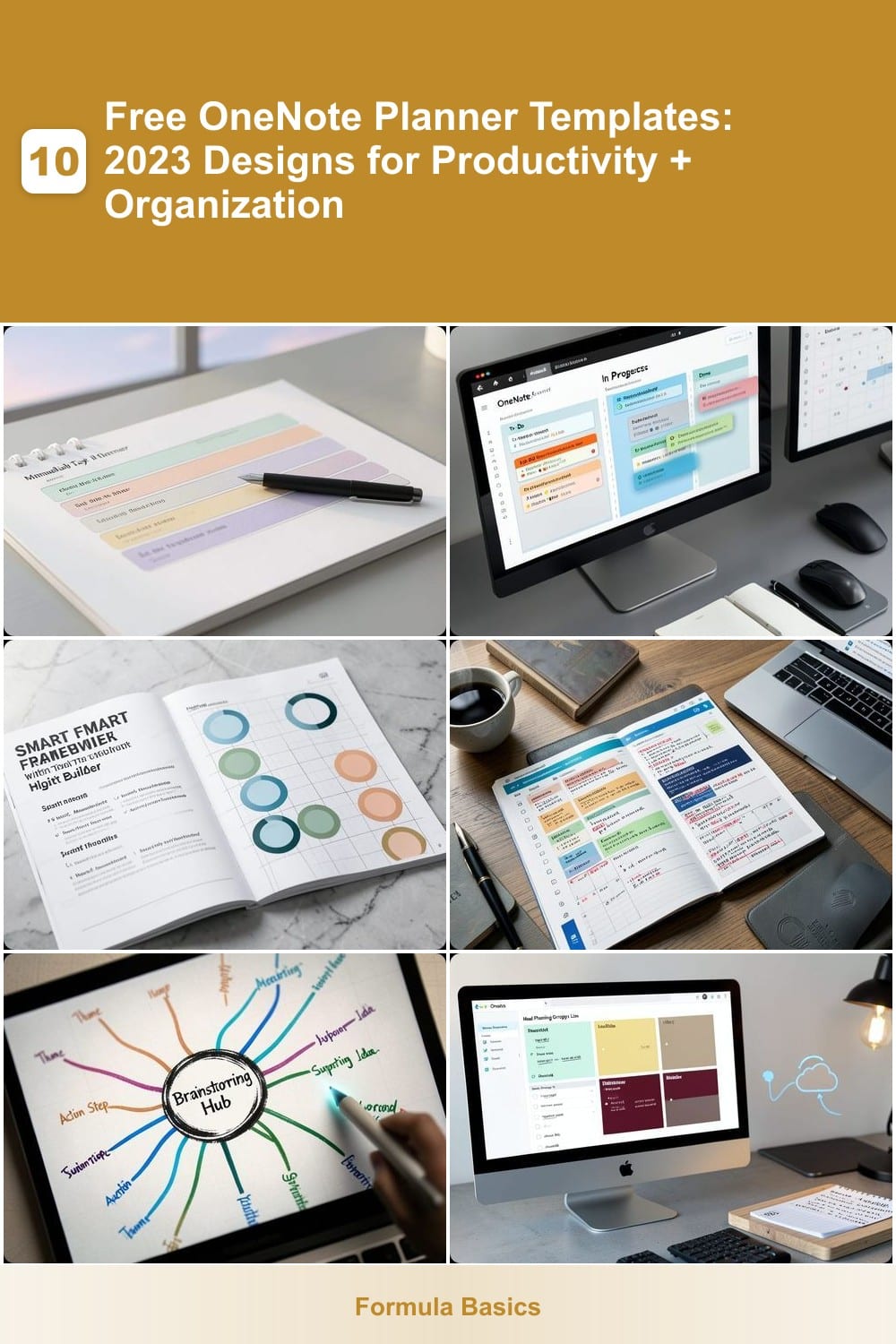
Struggling to stay organized in OneNote? These 10 free 2023 planner templates transform blank pages into powerful productivity tools—whether you need daily task tracking, project management, or creative brainstorming layouts.
Minimalist Daily Task Planner
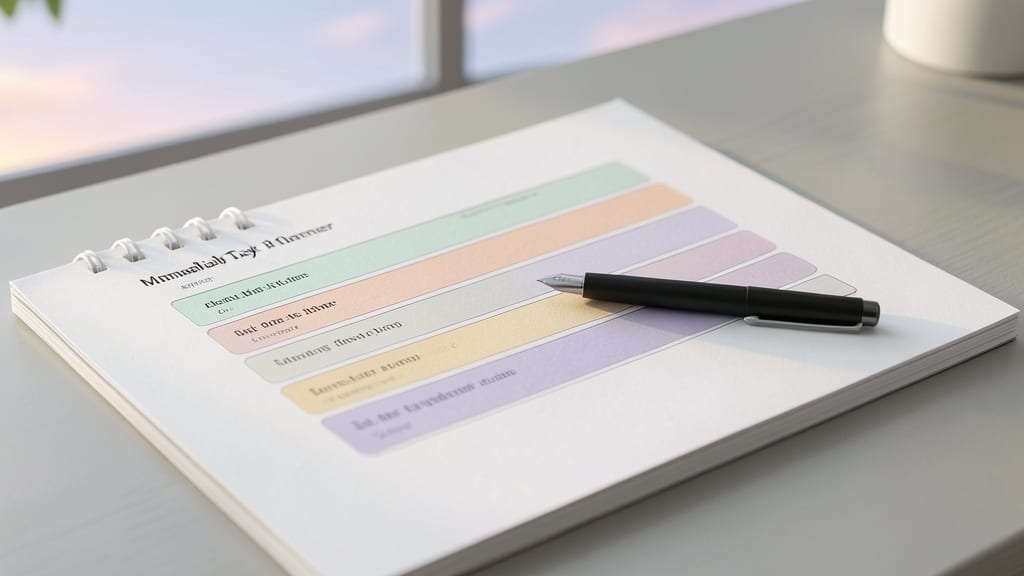
Drowning in cluttered to-do lists that steal your focus? The Minimalist Daily Task Planner cuts through the noise with a zero-fluff design built for speed. This template replaces overwhelming layouts with a single-column task list, where each entry lives in its own pastel-colored box—no distractions, just actionable items.
Key features include color-coded priority flags (red for urgent, yellow for important, green for low-priority) and subtle grid guides to keep your digital workspace aligned. The drag-and-drop functionality lets you rearrange tasks in seconds, while the built-in checkboxes sync across devices—perfect for professionals who juggle meetings, emails, and deadlines without losing track. Microsoft’s official OneNote 2023 templates include this exact design, ready for instant download.
Ideal for developers, managers, or anyone who thrives in clean environments, this template turns chaotic days into structured focus. Download it from Microsoft’s template gallery and watch your productivity climb. ✨
Project Management Kanban Board
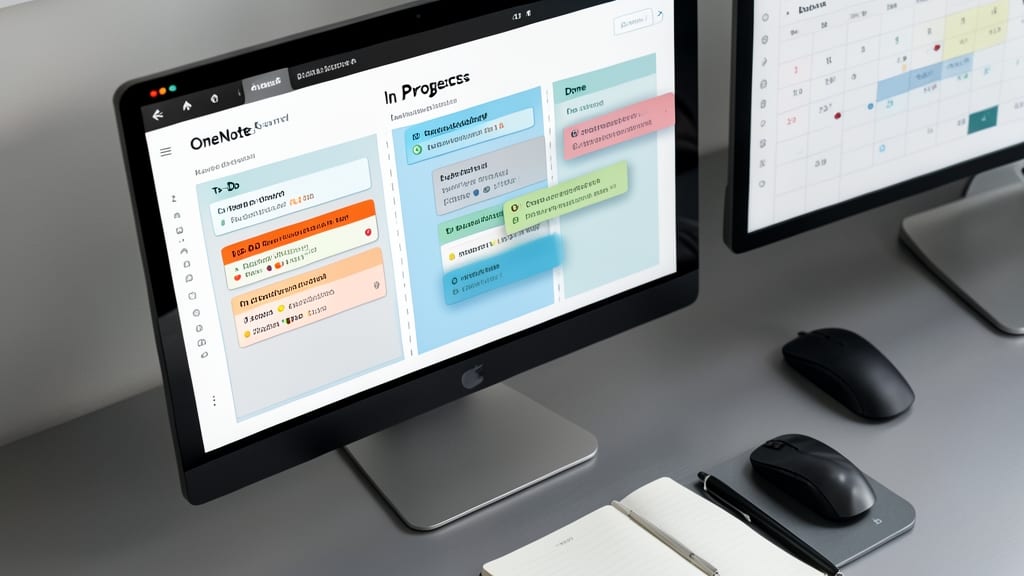
Juggling multiple projects across deadlines and priorities? The Agile-inspired Kanban Board in OneNote brings the clarity of physical sticky notes to your digital workflow—without the mess.
This template features three core columns (To-Do, In Progress, Done) with drag-and-drop functionality to visually track progress. Add custom labels for task types (e.g., "Design," "Development") and due dates to prioritize effectively. Best of all, it syncs seamlessly across devices, so your team stays aligned whether you're in the office or remote.
Freelancers and small teams will love how it simplifies complex workflows into an intuitive, zero-config setup. Perfect for sprint planning or long-term project tracking! 💻
Weekly Goal Tracker with Habit Builder
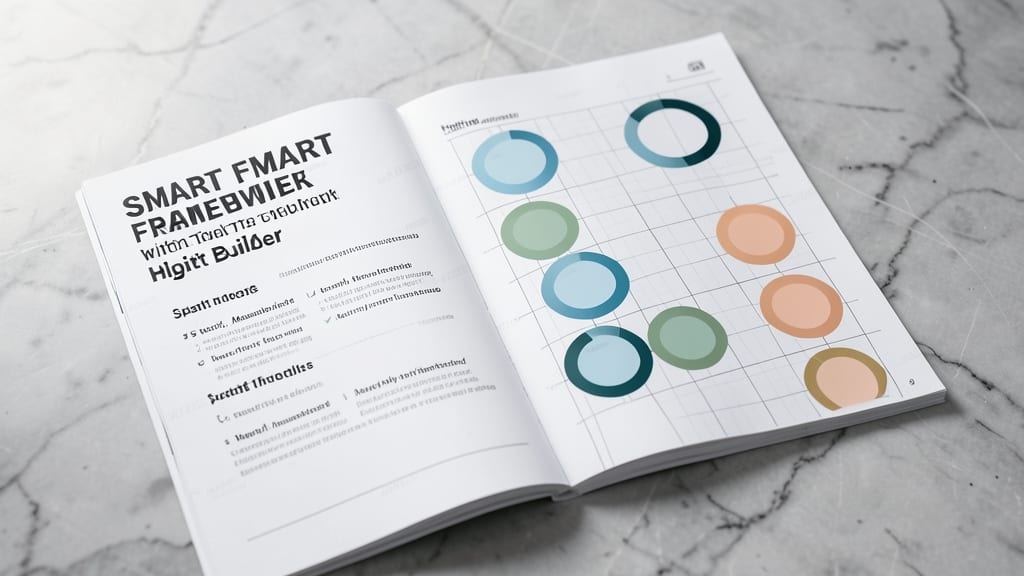
Tired of vague goals that fade by Friday? This Weekly Goal Tracker with Habit Builder merges the proven SMART framework with visual habit-tracking circles to make progress feel tangible. Unlike rigid planners, it adapts to your rhythm while keeping you accountable through color-coded completion arcs and weekly reflection prompts.
The template includes pre-built sections for daily micro-goals, habit streaks (with circular progress bars), and a SMART goal worksheet to break big objectives into actionable steps. The design even incorporates motivational quotes and progress charts to reinforce positive reinforcement—perfect for anyone who thrives on seeing their efforts visualized.
Ideal for students, professionals, or anyone rebuilding habits (think exercise, reading, or time management), this template turns abstract goals into a clear, rewarding journey. ⚡
Student Academic Planner
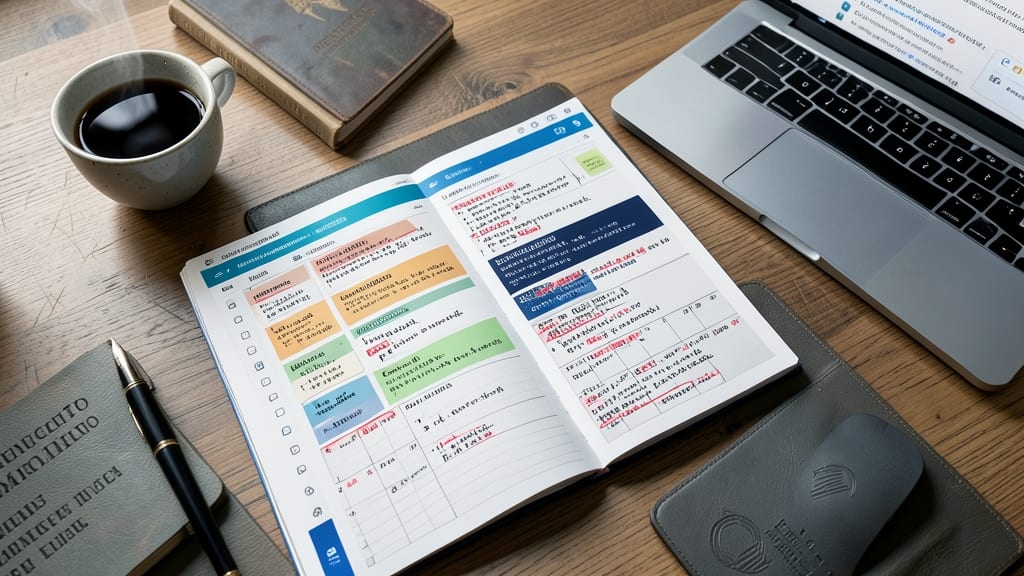
Balancing five classes, group projects, and a part-time job? The Student Academic Planner in OneNote is designed specifically to keep your academic life on track without the chaos. This template goes beyond basic to-do lists by integrating dedicated sections for lectures, assignments, and exam deadlines—all color-coded by course for instant visual clarity.
You’ll find customizable tables for syllabus tracking, checkboxes for assignment deadlines, and even a built-in study schedule planner with reminders. The template syncs seamlessly across devices, so your notes are always up-to-date whether you’re in lecture or cramming for finals. Plus, the drag-and-drop task organizer lets you prioritize what matters most.
Perfect for undergrads, grad students, or anyone juggling multiple courses—this is the ultimate tool to turn scattered notes into a structured, stress-free academic system. ✨
Creative Brainstorming Mind Map

Stuck in a creative rut? The Creative Brainstorming Mind Map template turns blank pages into a dynamic canvas for non-linear thinking. Unlike rigid planners, this design lets you expand branches freely, connecting ideas visually with drag-and-drop flexibility—perfect for writers drafting novels or designers sketching concepts.
Built with color-coded nodes and expandable sub-branches, it adapts to your flow. The template includes pre-formatted thought bubbles for jotting quick ideas and central topic anchors to organize complex projects. Sync it across devices to revisit breakthroughs later, whether you’re on a Windows PC, Mac, or mobile app.
This is your go-to for anyone who thinks in visual connections—entrepreneurs mapping business models or artists brainstorming storyboards. Dive in and watch ideas take flight! ✨
Meal Planning Grocery List
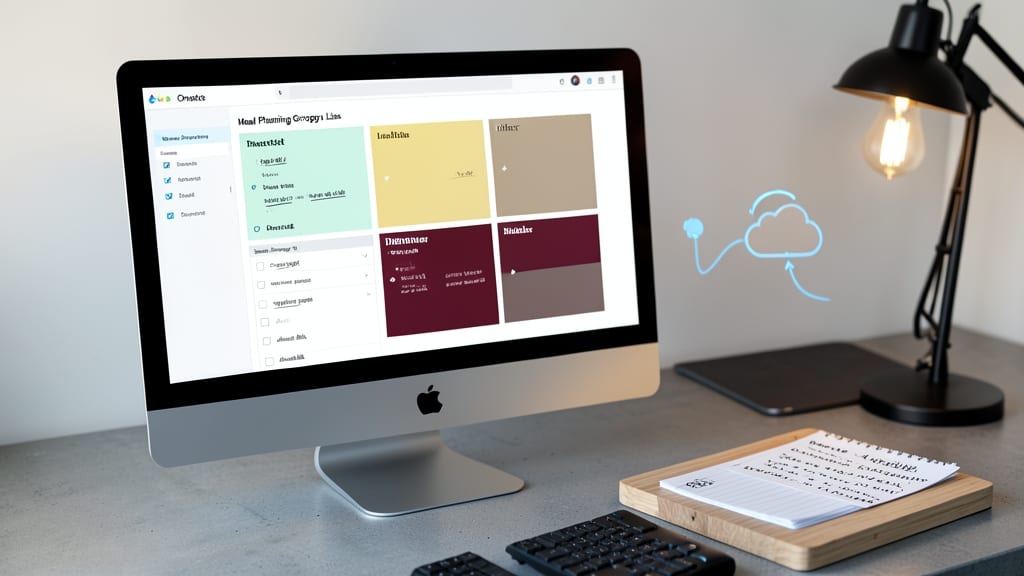
Tired of last-minute grocery runs and forgotten ingredients? This Meal Planning Grocery List template syncs directly with OneNote’s 2023 compatibility, letting you plan weekly meals and generate a smart shopping list in one place.
The template includes customizable meal categories (breakfast, lunch, dinner, snacks), automated grocery checklists, and even a waste-tracking section to monitor expiration dates. You can drag-and-drop recipes from your favorite sources, adjust portion sizes for your family, and sync it across devices—so your phone reminds you to grab milk before you forget.
Perfect for health-conscious families or anyone who hates food waste—this template turns grocery shopping into a 5-minute, stress-free task. ✨
Fitness Tracker with Workout Logs
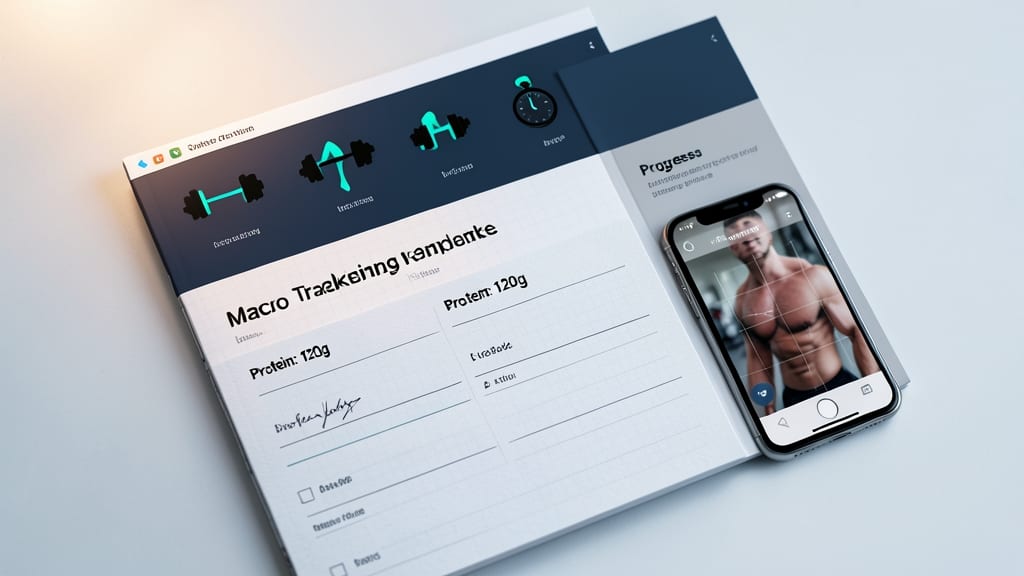
Turn your OneNote into a personalized gym journal with this fitness-focused template that blends workout tracking with nutrition and progress visualization. Unlike generic planners, this one includes dedicated sections for logging exercises, recording macros, and even uploading progress photos—all in one seamless workspace.
The template features a pre-built workout log table with customizable fields (sets, reps, weights), a macro tracker for protein/carbs/fats, and a progress photo gallery to visually document your journey. The design also includes motivational quotes and a weekly progress summary to keep you accountable. Best of all, it syncs across devices so you can update your logs from the gym or at home.
This is the perfect tool for home workout beginners who want structure or gym enthusiasts tracking PRs and meal plans. No need for separate apps—just grab the template, customize it, and start crushing your fitness goals. 💪
Travel Itinerary Organizer
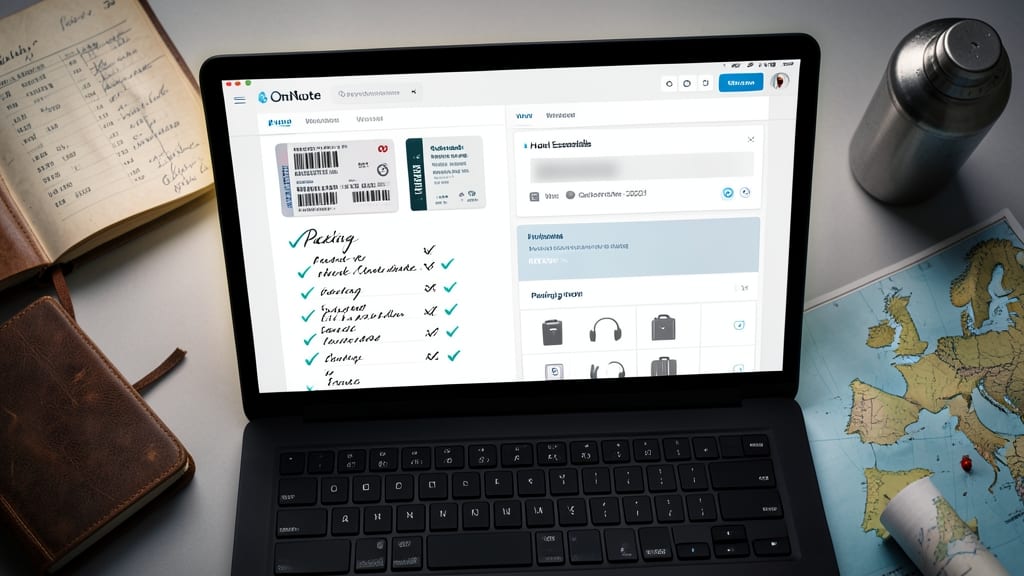
Forget frantic last-minute itinerary scrambles—this Travel Itinerary Organizer keeps every detail in one place, from flight confirmations to hotel Wi-Fi passwords. Designed specifically for digital nomads and globetrotters, it includes dedicated sections for boarding passes, packing lists, and daily activity checklists—all synced across your devices.
The template even features a built-in packing tracker with customizable categories (electronics, toiletries, etc.) and a currency converter for budget-conscious travelers. With pre-formatted tables for meal reservations and local transit notes, you’ll never miss a beat—whether you’re exploring Denver’s Five Points or hiking Red Rocks.
Perfect for solo adventurers, remote workers on the go, or families planning multi-city trips. Just import it into OneNote and start filling in the blanks. ✨
Budget Tracker with Expense Categories
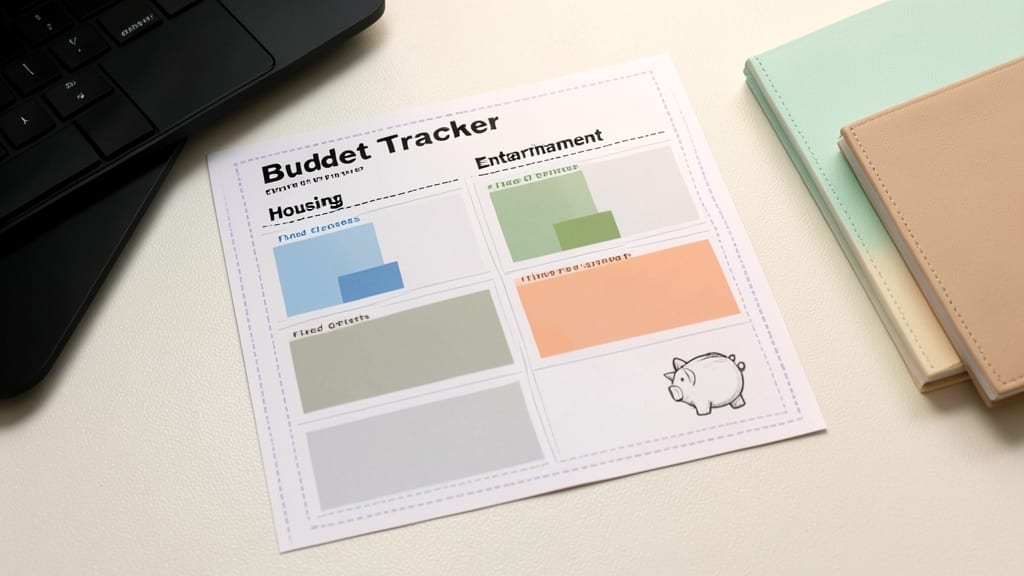
If spreadsheets and financial jargon make budgeting feel overwhelming, this Budget Tracker with Expense Categories template simplifies the process with a beginner-friendly layout. It breaks down monthly spending into clear categories like housing, groceries, and entertainment, so you can visualize where your money goes without needing an accounting degree.
The template includes pre-formatted tables for income vs. expenses, a color-coded pie chart for visualizing spending habits, and customizable fields for irregular expenses like gifts or subscriptions. You can even set monthly budget limits and track progress in real-time—no complex formulas required.
Perfect for college students, freelancers, or anyone new to budgeting, this template turns financial planning into a stress-free habit. Just plug in your numbers and watch your savings grow! 💡
Customizable Notebook with Section Tabs
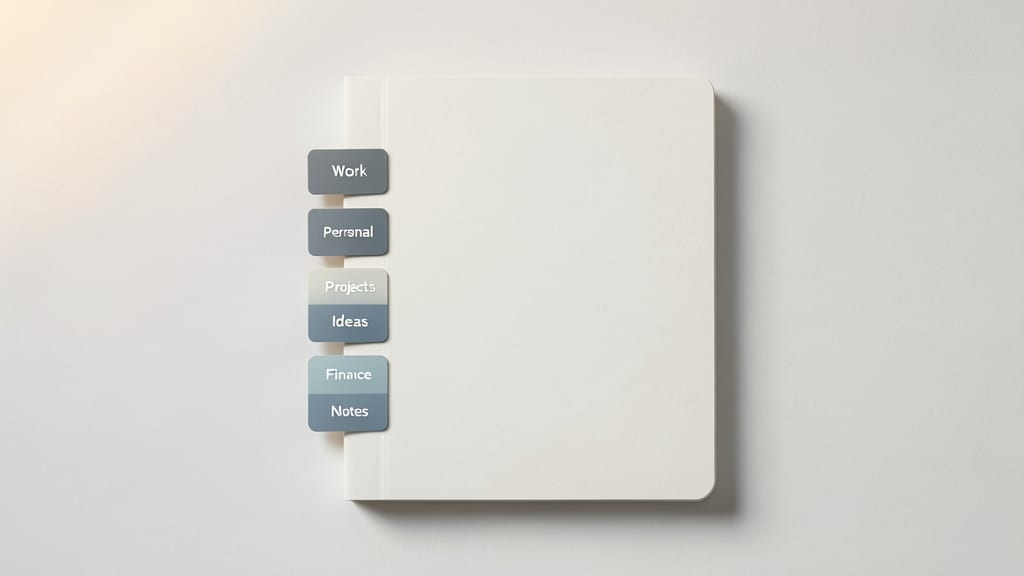
Tired of rigid templates that don’t fit your workflow? The Customizable Notebook with Section Tabs gives you a blank canvas while keeping structure intact—think of it as a digital notebook with pre-labeled dividers for your unique needs.
This template includes six pre-formatted tabs (Work, Personal, Projects, Notes, Ideas, and Archive) with consistent styling for headers and subsections. You can rename tabs, add new ones, or delete unused sections—all while maintaining cross-device sync in OneNote 2023. The minimalist design avoids distractions, letting you focus on content without visual clutter.
Ideal for creatives, researchers, or anyone with diverse organizational needs, this template lets you start organized without sacrificing flexibility. Perfect for users who want to build their own system over time. ✨