Skip to content
Formula Basics

Formula Basics

  • All Articles
  • App
  • Coding
  • Hardware
  • More
    • Operating System
    • Outlook
    • PowerPoint
    • Review
    • Software
    • Tip & Trick
    • Troubleshooting
    • Windows

All Recipes — Page 29

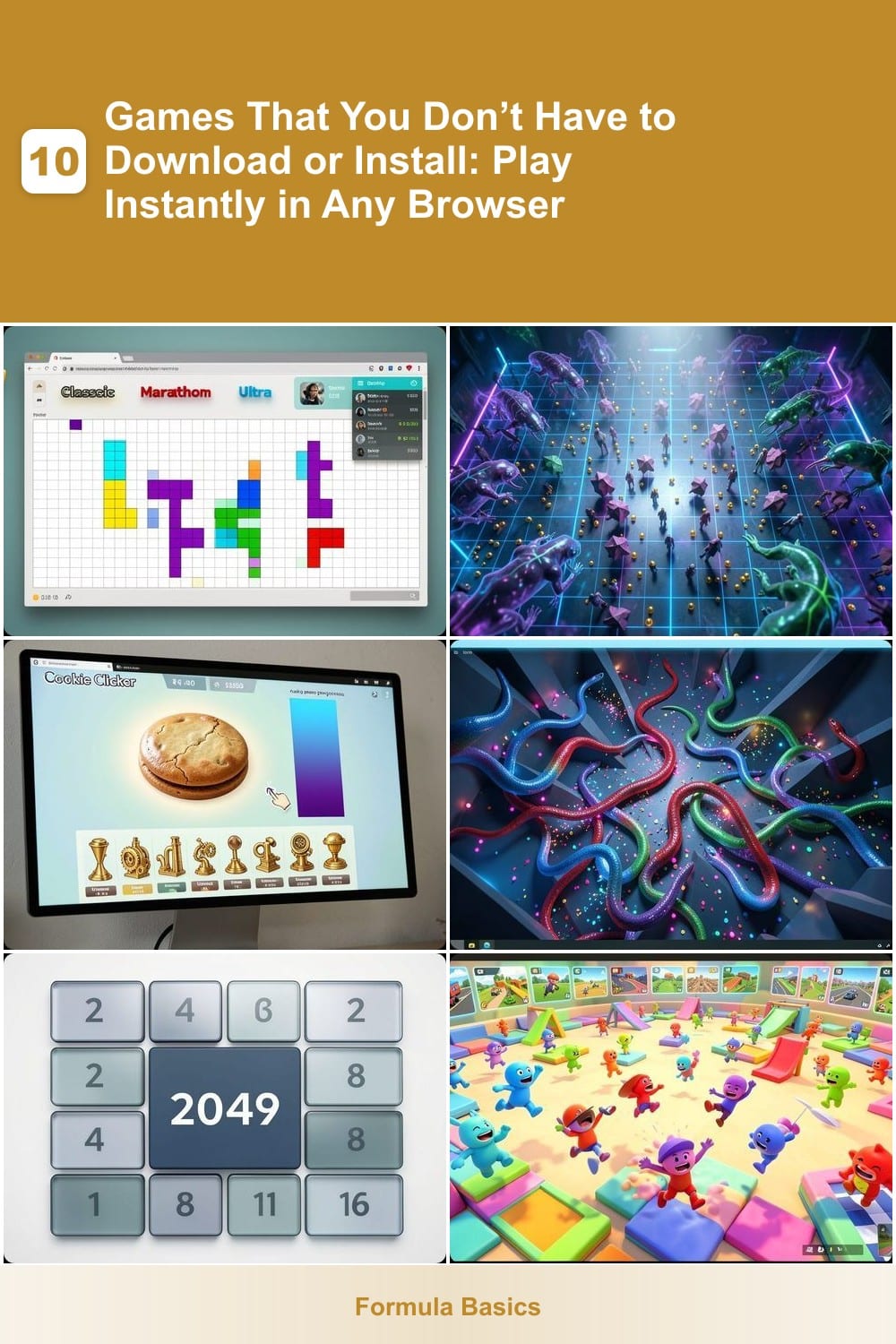
10 Games That You Don’t Have to Download or Install: Play Instantly in Any Browser
October 10, 2026 by Milton Kirchner
10 Games That You Don’t Have to Download or Install: Play Instantly in Any Browser

Tired of waiting for downloads or running out of storage? These 10 browser-based games deliver instant entertainment without installations, perfect for quick breaks or travel. No accounts needed—just open your browser…


Read more

Categories Software

How to Change Your Ringtone: Custom Alerts in 3 Simple Steps

October 10, 2026 by Milton Kirchner
How to Change Your Ringtone: Custom Alerts in 3 Simple Steps

Changing your ringtone should take less than five minutes—but I’ve seen it turn into a half-hour frustration for folks who hit the wrong settings. 💡 My first attempt on a Windows PC involved three different menus before…

Read more

Categories Windows

How to Add a Video to Files: Embed Playback in Any Document Type

October 10, 2026 by Milton Kirchner
How to Add a Video to Files: Embed Playback in Any Document Type

Adding a video to files transforms static documents into dynamic experiences—whether you're sharing a presentation, archiving footage, or attaching clips to emails. ✨ I’ve embedded videos in everything from Word docs to…

Read more

Categories Tip & Trick

PowerPoint Background Color Change: Instant Update With Keyboard Shortcuts

October 10, 2026 by Milton Kirchner
PowerPoint Background Color Change: Instant Update With Keyboard Shortcuts

To change background color in PowerPoint, you don’t need to hunt through menus—just press Ctrl+P (Windows) or Cmd+P (Mac) to pull up the Format Background panel instantly. ✨ I’ve used this shortcut for years, and it cuts…

Read more

Categories PowerPoint

How to Change Your Time to Military Time: Quick Guide to Switching Your Clock Like a Pro

October 10, 2026 by Milton Kirchner
How to Change Your Time to Military Time: Quick Guide to Switching Your Clock Like a Pro

Learn how to change your time to military time the easy way—something I discovered during my first Windows 10 deployment when half the team missed meetings because their phones showed 2:30 PM instead of 14:30. The…

Read more

Categories Tip & Trick

How to Check If Windows Is Activated: Instant Verification Without Rebooting

October 10, 2026 by Milton Kirchner
How to Check If Windows Is Activated: Instant Verification Without Rebooting

To check if Windows is activated, open Settings and click "System" — the activation status appears right there under "Activation." I’ve checked this way hundreds of times, and it’s the fastest method when you’re in a…

Read more

Categories Windows

How to Download Excel From Office 365: One-Click Access Without Syncing

October 10, 2026 by Milton Kirchner
How to Download Excel From Office 365: One-Click Access Without Syncing

Downloading Excel from Office 365 used to feel like navigating a maze, but I’ve cut through the clutter to find the fastest way— no syncing required . ✨ The key is knowing whether you want the web version (instant…

Read more

Categories Software

How to Install Application Software in Computer: No-Fuss Setup for Any Device

October 10, 2026 by Milton Kirchner
How to Install Application Software in Computer: No-Fuss Setup for Any Device

Learning how to install application software in the computer doesn’t have to be a headache—my first time replacing that hard drive in my uncle’s basement taught me patience, and that’s what this process needs. Whether…

Read more

Categories Software

How to Move Emails to Spam: One-Click Filter for Clean Inbox

October 10, 2026 by Milton Kirchner
How to Move Emails to Spam: One-Click Filter for Clean Inbox

Moving emails to spam in Gmail or Outlook takes less than 10 seconds —but I’ve seen people spend hours accidentally deleting important messages because they didn’t know the right shortcut. The key is using the platform’s…

Read more

Categories Tip & Trick

How to Recover Powerpoint File Not Saved: Step-By-Step Rescue Guide

October 10, 2026 by Milton Kirchner
How to Recover Powerpoint File Not Saved: Step-By-Step Rescue Guide

To recover a PowerPoint file not saved, Microsoft’s auto-recovery tools are your first line of defense— but only if you know where to look . ⚡ I’ve pulled back dozens of lost presentations using hidden recovery files…

Read more

Categories PowerPoint
Page1…Page27Page28Page29Page30Page31…Page42Next →

About Me

Milton Kirchner

Milton Kirchner
My first computer was a clunky desktop my dad brought home from work in the '90s, and I spent hours figuring out how to make it do things it wasn’t supposed to. That curiosity never left me. Here, I write about tech with the same enthusiasm I had then—breaking down complex topics into clear, practical steps so anyone can feel confident using their devices. When I’m not testing software or troubleshooting hardware, you’ll find me tinkering with old gadgets or trying to convince my cat that my keyboard isn’t a scratching post.

Learn more

Recent Posts

  • Set Up a VPN on Windows: Step-by-Step Visual Guide for Secure Connections
    Set Up a VPN on Windows: Step-by-Step Visual Guide for Secure Connections
  • How To Install OneNote For Windows 10: Microsoft’s Step-by-Step Visual Guide
    How To Install OneNote For Windows 10: Microsoft’s Step-by-Step Visual Guide
  • Microsoft Word Document Download: Instant Access Without Syncing or Formatting Loss
    Microsoft Word Document Download: Instant Access Without Syncing or Formatting Loss
  • How to Copy Formatting in PowerPoint: Keyboard Shortcuts for Instant Consistency
    How to Copy Formatting in PowerPoint: Keyboard Shortcuts for Instant Consistency
  • Windows Rundll32.exe Keymgr.dll Fix: Krshowkeymgr Access Troubleshooter
    Windows Rundll32.exe Keymgr.dll Fix: Krshowkeymgr Access Troubleshooter
  • All Guides
  • About
  • Contact
  • Privacy Policy
  • Cookie Policy
  • Terms of Use
© 2026 formulabasics.work