
Software
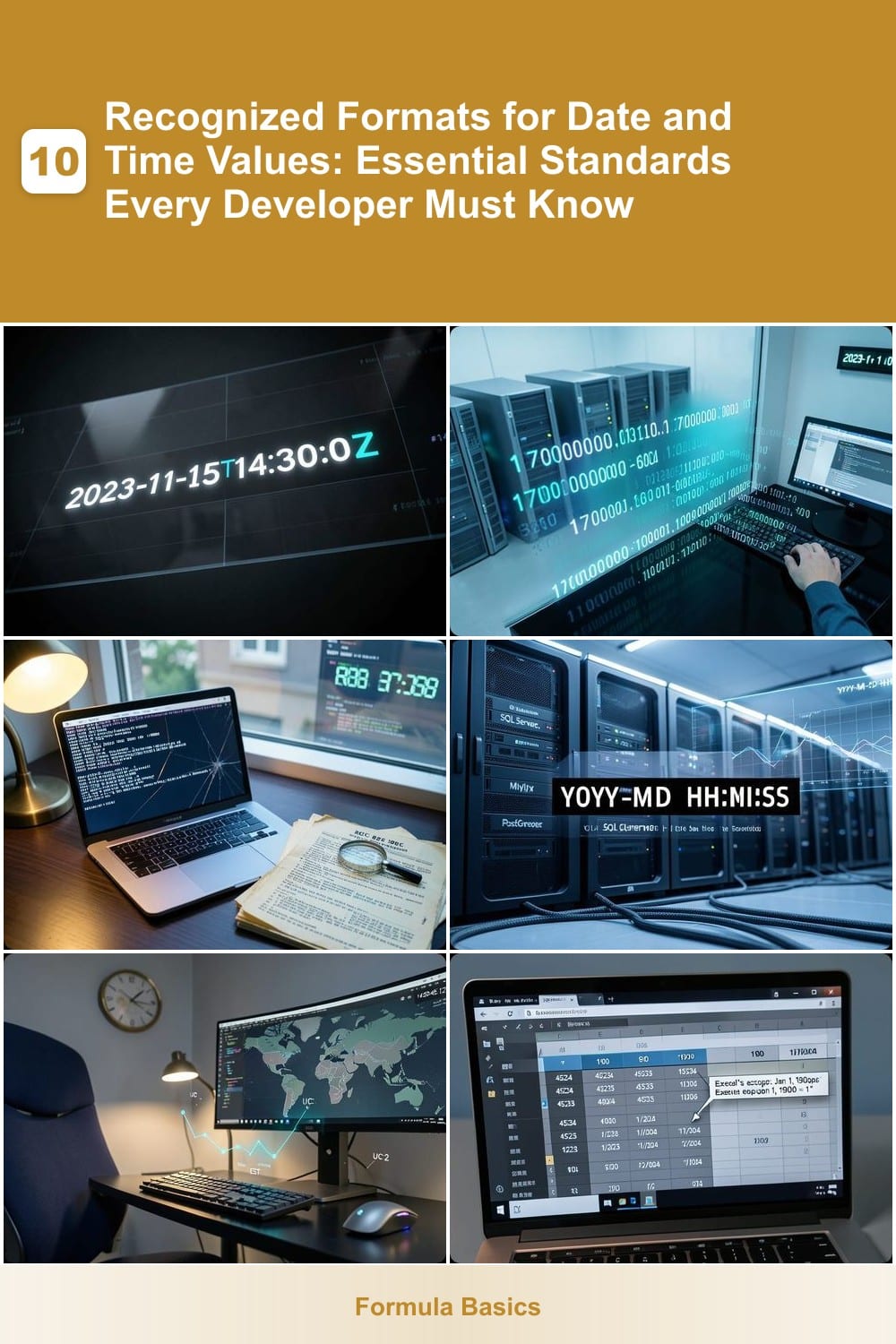
Dates and times power nearly every application, yet inconsistent formatting can cause bugs and compatibility issues. Mastering these seven recognized standards ensures your code works seamlessly across platforms, databases, and APIs—saving hours of debugging.
ISO 8601 Date and Time Standard
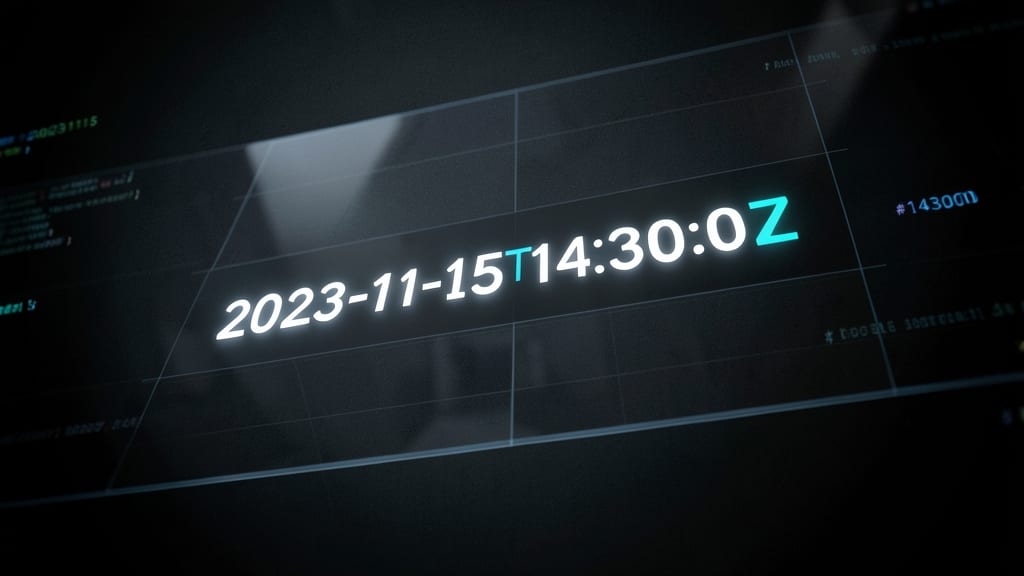
If your code needs to speak the same language as APIs, databases, and global systems, ISO 8601 is the universal translator. This standard—represented as 2023-11-15T14:30:00Z—eliminates ambiguity by using a strict, machine-readable structure with YYYY-MM-DD ordering, 24-hour time, and optional timezone indicators.
It’s the default for REST APIs, JSON payloads, and cloud services like AWS and Google Cloud, thanks to its zero-config parsing in languages like Python (datetime.fromisoformat()) and JavaScript (new Date(ISO_string)). The Z suffix denotes UTC, while offsets like +05:30 handle time zones explicitly. Even Excel and SQL support conversions to/from ISO 8601 via built-in functions.
Perfect for backend developers, API designers, and DevOps engineers building systems that need to exchange timestamps without localization headaches. ⚡
Unix Timestamp (Epoch Time)

If your code relies on sorting logs, caching responses, or comparing file timestamps, Unix timestamps (or epoch time) are the invisible backbone keeping systems synchronized. Unlike human-readable formats, this 32-bit or 64-bit integer (e.g., 1700000000) represents seconds since January 1, 1970, making it the fastest and most reliable way to handle time in Unix/Linux environments.
The simplicity of Unix timestamps shines in database indexing, session timeouts, and file metadata operations. For example, stat -c %Y in Linux or os.path.getmtime() in Python returns timestamps in this format by default, while tools like date +%s let you generate them instantly. Even JavaScript’s Date.getTime() uses milliseconds since the same epoch, ensuring cross-platform consistency.
Perfect for system administrators, DevOps engineers, and backend developers working with logs, cron jobs, or performance metrics where precision and speed matter most. 💻
RFC 2822 Email Date Format

If you’ve ever debugged an email API or parsed headers, you’ve likely run into RFC 2822—the standard that keeps email timestamps both human-readable and machine-friendly. Unlike ISO 8601 or Unix timestamps, this format prioritizes clarity for users while ensuring compatibility with legacy systems (e.g., Wed, 15 Nov 2023 14:30:00 +0000).
The format’s structure—day name, day/month/year, time, and timezone offset—balances readability with strict parsing rules. Libraries like Python’s email.utils or Java’s javax.mail natively support it, making it ideal for email clients, SMTP servers, and APIs where backward compatibility matters. The three-letter day/month abbreviations and explicit timezone (e.g., +0000) eliminate ambiguity.
Developers working with email protocols (IMAP, SMTP) or parsing headers will find RFC 2822 indispensable. It’s also a fallback for APIs needing to support older systems alongside modern ISO 8601. ✨
SQL DateTime Functions

When your database queries hinge on precise timing—like tracking user sessions or scheduling events—SQL’s native YYYY-MM-DD HH:MI:SS format becomes your lifeline. Unlike generic standards, this format is hardcoded into SQL Server, MySQL, and PostgreSQL, ensuring consistency across stored procedures and triggers.
You’ll encounter variations like DATETIME (2023-11-15 14:30:00.1234567)` for microsecond precision or TIMESTAMP (for row versioning in PostgreSQL), but the core YYYY-MM-DD structure remains the backbone. Functions like NOW(), GETDATE(), or CURRENTTIMESTAMP auto-generate this format, while STRTODATE() and DATEFORMAT() let you convert between layouts—critical for cross-platform apps.
Perfect for backend developers managing multi-database systems or legacy SQL applications where format rigidity prevents errors. ⚡
JavaScript Date Object

If you’re building web apps where time zones and precision matter, the JavaScript Date Object is your built-in tool—but it demands attention to detail. Unlike other formats, it natively handles milliseconds and time zones (e.g., new Date(2023, 10, 15, 14, 30)), making it ideal for scheduling or real-time apps.
The Date Object stores dates as milliseconds since January 1, 1970, and supports methods like .toISOString() for consistency. However, its string conversion quirks (e.g., month-zero indexing) can trip up developers if not managed. For example, new Date(2023, 10) actually creates November 2023—a common gotcha.
Frontend developers and full-stack engineers will rely on this for client-side logic, but always validate outputs with .toISOString() or libraries like Luxon for reliability. ⚡
Excel Date Serial Numbers
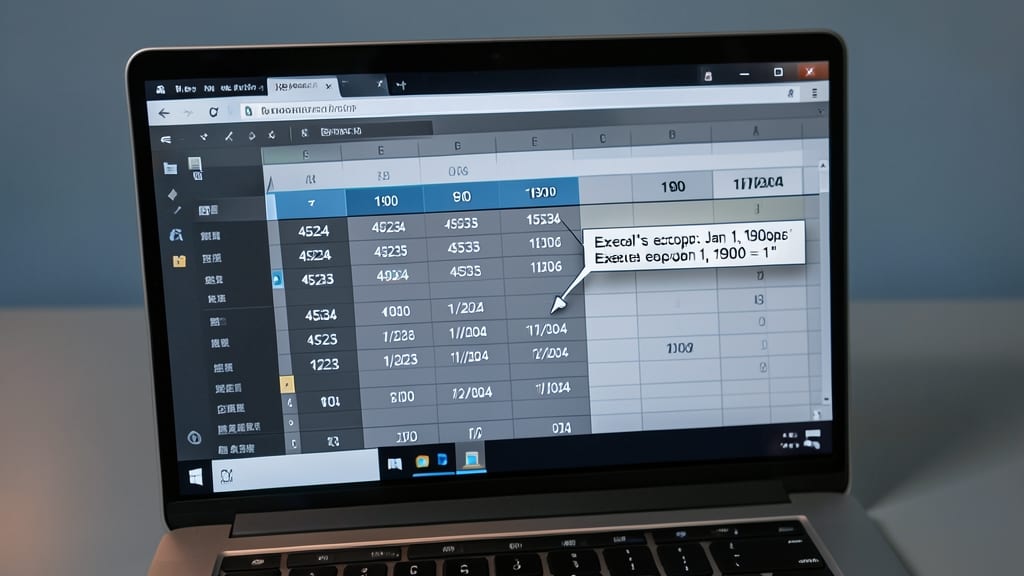
Ever opened an Excel file and seen dates stored as cryptic numbers like 45234 instead of readable dates? That’s Excel’s date serial number system—a quirky but powerful way to handle dates behind the scenes.
Excel treats every date as a sequential integer, where January 1, 1900, is 1, and December 31, 1900, is 366. For example, November 15, 2023, becomes 45234. To display it as a date, you’d use functions like =DATEVALUE() or format the cell as a date type. This system enables complex calculations, like finding the difference between two dates, with simple arithmetic.
This format is a lifesaver for financial analysts, project managers, and data-driven professionals who rely on Excel for time-sensitive calculations. Just remember: Excel’s quirks can cause headaches when exporting data to other systems! ✨
Human-Readable Localized Formats
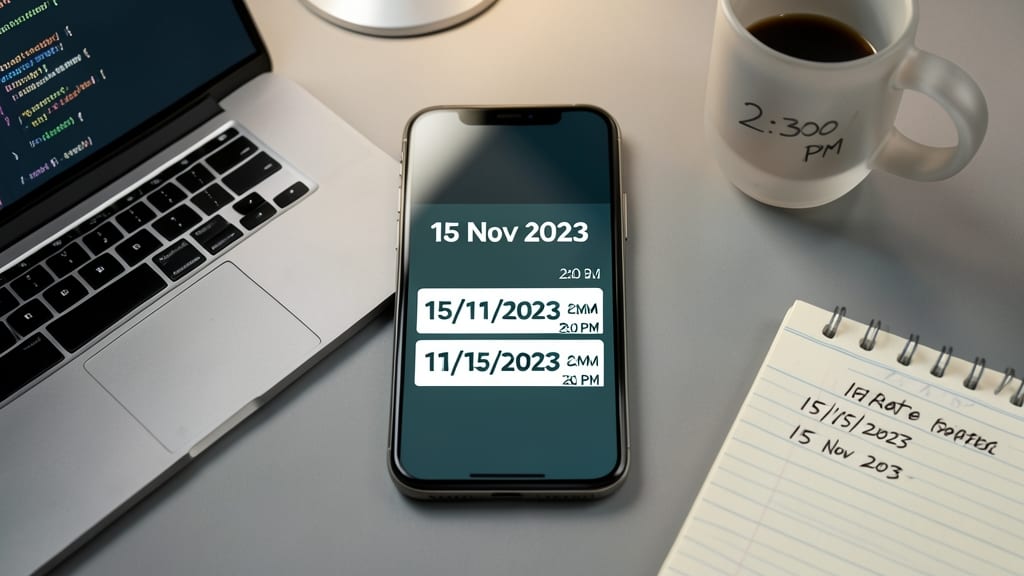
When your app needs to show dates in a way users instantly recognize—like 15 Nov 2023, 2:30 PM or 15/11/2023—you’re dealing with human-readable localized formats. These formats adapt to regional preferences (e.g., MM/DD/YYYY in the U.S. vs. DD/MM/YYYY in Europe) while keeping the display clean and intuitive.
To implement them, use JavaScript’s built-in Intl.DateTimeFormat (zero dependencies) or libraries like Moment.js (if you need legacy support). These tools automatically handle pluralization, time zones, and even calendar systems (Gregorian, Hijri, etc.). For example, new Intl.DateTimeFormat('en-US').format(date) outputs 11/15/2023, 2:30:00 PM, while 'fr-FR' produces 15/11/2023 à 14:30.
Perfect for web apps, mobile interfaces, and dashboards where clarity matters more than machine parsing. ⚡