
Tip & Trick
Remote work opens doors to flexibility but also exposes you to cyber threats. These 10 security best practices—backed by IT experts—help you lock down your digital workspace before hackers even get a chance to strike.
Zero Trust Network Access Implementation
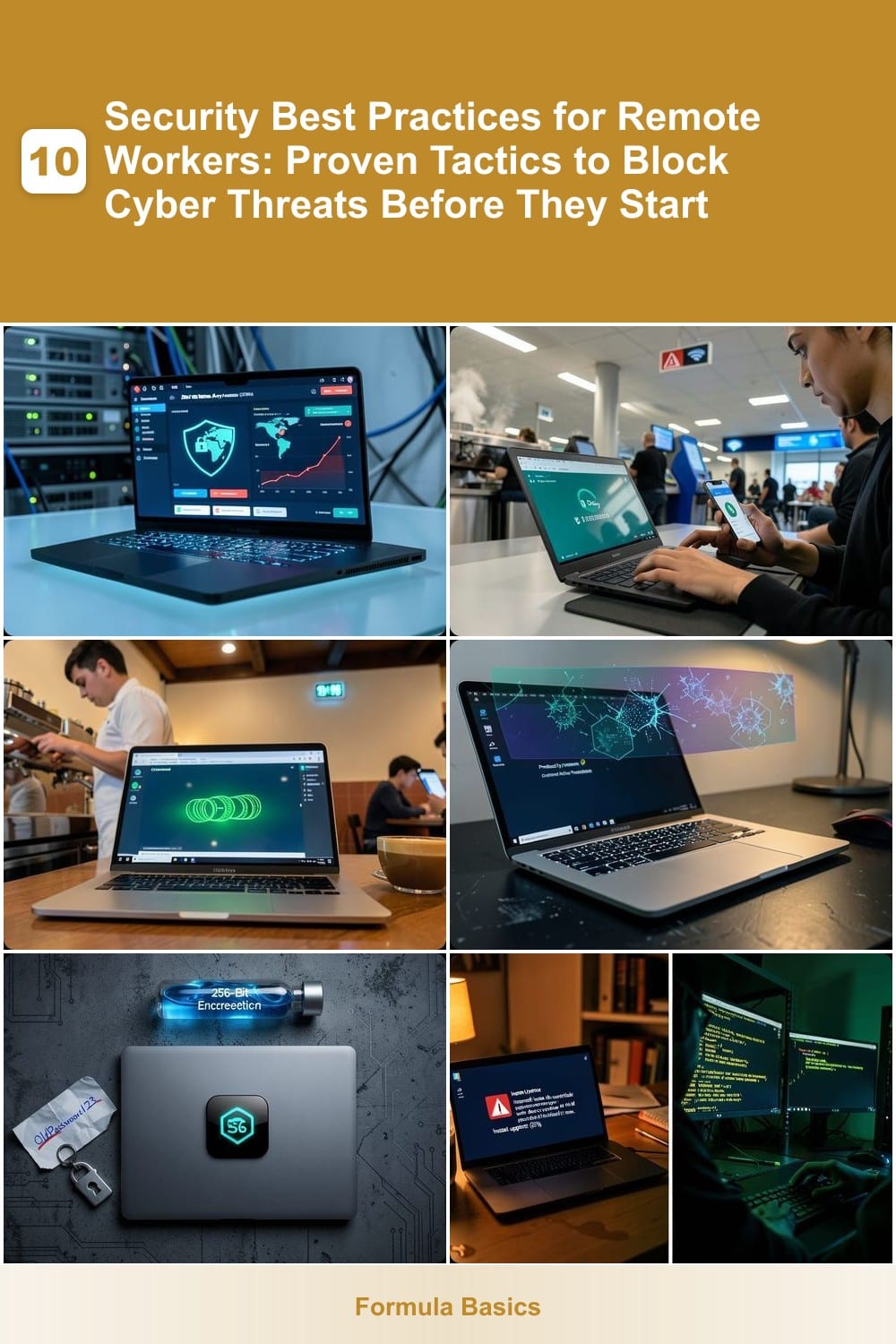
Tired of assuming your network is safe just because devices are "inside"? Zero Trust Network Access (ZTNA) flips the script by treating every access request—even from your own laptop—as a potential threat. This approach eliminates the outdated "trust but verify" model, replacing it with continuous verification for every connection.
With ZTNA, every access request triggers multi-factor authentication (MFA) and device posture checks before granting entry. Solutions like Zscaler Private Access or Cisco Duo enforce least-privilege access, ensuring users only see what they need—no lateral movement for attackers. Studies show ZTNA reduces insider threats by up to 90% by cutting off unauthorized access paths.
Perfect for IT admins managing hybrid workforces or remote teams handling sensitive data, ZTNA turns your network into a fortress where trust is never assumed. ⚡
Multi-Factor Authentication for All Accounts
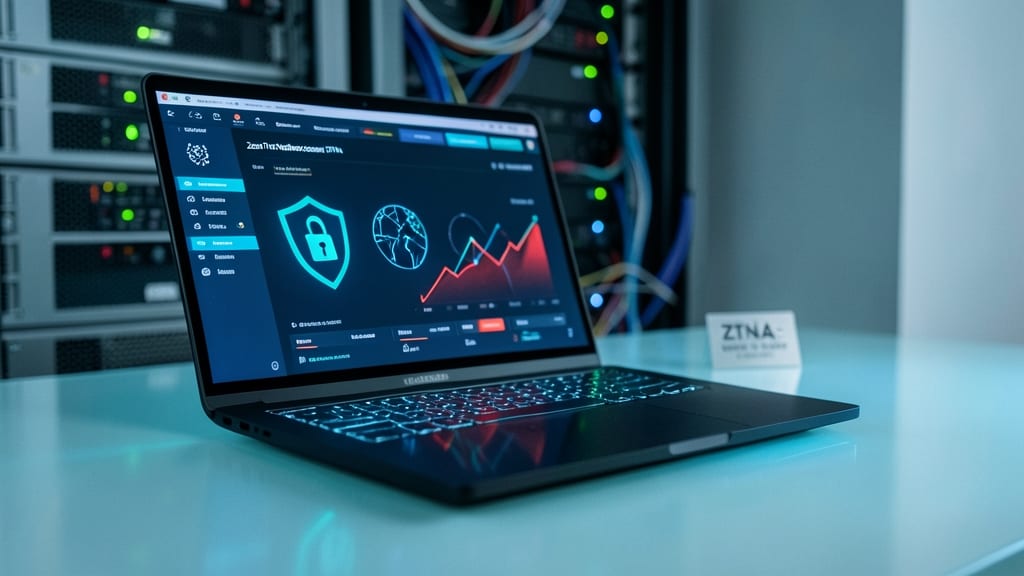
Passwords alone aren’t enough—especially when you’re logging in from a café or airport. Multi-Factor Authentication (MFA) adds a second (or third) verification step, blocking 99.9% of automated attacks before they even reach your accounts. Services like Google Authenticator, Duo Security, or Microsoft Authenticator generate time-based codes or send push notifications, making brute-force attacks useless.
Most platforms now support biometric verification (fingerprint or face ID) alongside SMS or app-based codes, reducing friction while keeping security tight. Even free tools like Authy offer end-to-end encryption for your codes, so they’re useless to hackers if your phone is stolen. The best part? It takes under 10 seconds to set up—far less time than recovering from a breach.
This is non-negotiable for remote workers handling sensitive data, but it’s also perfect for freelancers or students protecting personal accounts. Enable MFA everywhere—email, banking, cloud storage—because one weak link can compromise everything. 🌟
Virtual Private Network for Public Wi-Fi
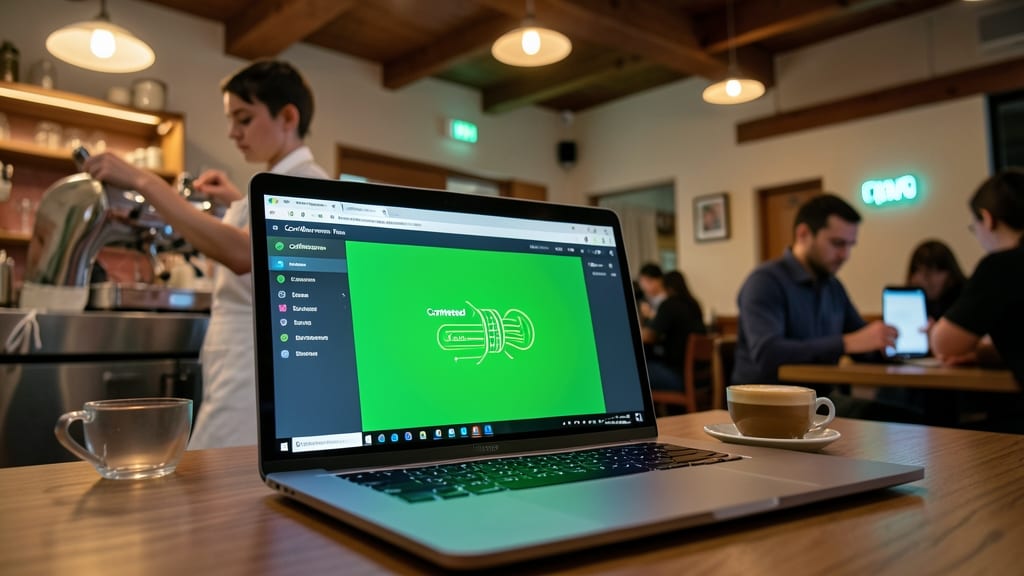
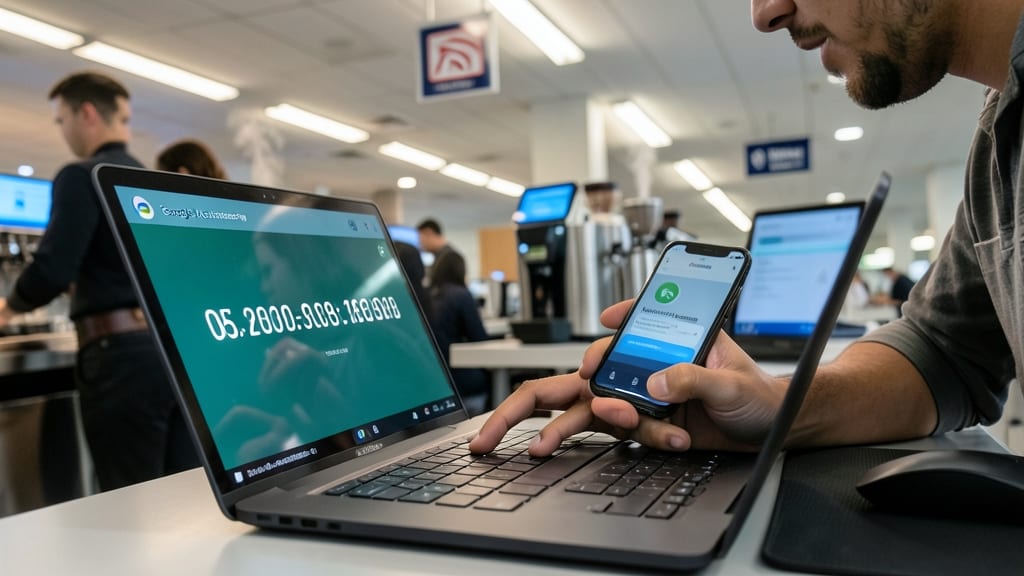
Public Wi-Fi at your favorite café or airport isn’t just convenient—it’s a hacker’s playground if you’re not protected. A VPN (Virtual Private Network) creates an encrypted tunnel for all your internet traffic, shielding emails, passwords, and financial data from prying eyes on shared networks.
Look for a VPN with military-grade encryption (AES-256), no-log policies, and fast speeds (like ExpressVPN or NordVPN). These services mask your IP address, making it nearly impossible for cybercriminals to track or intercept your activity. Many also include ad-blockers and malware protection as bonus features.
This is non-negotiable for anyone handling sensitive work remotely. Freelancers, contractors, or employees accessing corporate systems should prioritize a VPN—especially when connecting to public networks. 💻
Endpoint Detection and Response Software
Your personal laptop is the frontline defense in remote work—but what if malware slips past your antivirus? Endpoint Detection and Response (EDR) software like CrowdStrike Falcon or SentinelOne acts as a silent sentinel, scanning for suspicious behavior before threats even execute.
These tools use AI-driven behavioral analysis to detect ransomware, zero-day exploits, and even insider threats in real time. Unlike traditional antivirus, EDR doesn’t just scan files—it monitors processes, network connections, and system changes, blocking attacks at the source. Many solutions also offer automated remediation, isolating compromised devices instantly to prevent spread.
Perfect for remote workers blending personal and work devices, EDR ensures corporate data stays protected without requiring IT hand-holding. 💻
Secure Password Manager with Auto-Generation
Tired of remembering (or worse, reusing) weak passwords that leave your accounts vulnerable? A secure password manager with auto-generation is your secret weapon—creating and storing 256-bit encrypted credentials that even you can’t guess, eliminating the #1 cause of data breaches in remote work.
Tools like Bitwarden or 1Password generate 16+ character passwords with random symbols and numbers, then auto-fill them securely across devices. They also sync across platforms, so your credentials stay updated in real-time—no more sticky notes or browser-saved risks. The best ones even include breach monitoring to alert you if a password is compromised.
Perfect for remote workers juggling multiple accounts, freelancers, or anyone tired of password fatigue. With just one master password to remember, you’ll finally sleep better knowing your digital life is locked down tight. ✨
Regular Software Patch Management
Cybercriminals don’t wait for you to update your software—so why should you? Regular patch management is the silent guardian that blocks 85% of critical cyber incidents by sealing security holes before hackers exploit them. Unlike reactive security measures, patches fix vulnerabilities in operating systems and apps before they become weapons in an attacker’s arsenal.
Most modern OSes (Windows, macOS, Linux) and apps (browsers, office suites) now offer automatic updates, but you can customize schedules to avoid disruptions. For example, Windows Update delivers critical patches monthly, while Chrome’s auto-update ensures your browser stays hardened against zero-day exploits. Tools like Patch Management (from vendors like SolarWinds or ManageEngine) simplify bulk updates across fleets of devices—perfect for IT teams managing remote workforces.
This practice is non-negotiable for anyone handling sensitive data, but it’s especially critical for freelancers, developers, or small business owners who lack dedicated IT support. Set aside 15 minutes weekly to verify updates—your future self (and your data) will thank you. ⚡
Secure File Sharing with Encryption
Sharing sensitive files with external partners or clients? End-to-end encryption ensures only authorized recipients can access your documents—no matter where they’re stored or how they’re transferred. Unlike traditional cloud storage, tools like CipherSend or Virtru add encryption layers before files leave your device, so even if intercepted, they remain unreadable without your decryption key.
These solutions work seamlessly with Microsoft 365, Google Drive, and Slack, integrating into your workflow without disrupting collaboration. Features like expiring links and access logs let you track who viewed files and when, adding an extra layer of accountability. For industries handling HIPAA or GDPR-compliant data, built-in compliance templates streamline audits.
Perfect for legal teams, healthcare providers, or any remote worker exchanging confidential contracts or client data. ⚡
Phishing Simulation Training Programs

Your strongest defense against cyberattacks isn’t just firewalls or encryption—it’s your team’s ability to spot phishing scams before they click. Over 90% of cyber incidents start with a phishing email, making training the most cost-effective security investment you can make.
Programs like KnowBe4 or PhishMe deliver realistic email simulations that mimic real-world attacks, from urgent CEO impersonations to fake invoice scams. They track employee responses, showing exactly who needs extra training—and even gamify learning with leaderboards to boost engagement. Most platforms integrate with your existing security tools for seamless reporting.
This isn’t just for IT teams—every remote worker benefits, from executives to interns. Start with a baseline assessment to identify weak spots, then run monthly simulations to keep skills sharp. The best programs adapt to new threats, ensuring your team stays ahead of evolving tactics. ✨
Device Encryption for Laptops and Phones

Accidents happen—lost laptops, dropped phones, or even just a careless misplacement—but device encryption turns panic into peace of mind. Built into modern operating systems like Windows BitLocker, macOS FileVault, and Android/Android Enterprise, this feature scrambles your data into unreadable code without your authentication, rendering it useless to thieves or prying eyes.
Most encryption tools use AES-256, the same standard trusted by governments and banks, with zero-configuration setup on newer devices. Even if your device is wiped remotely, the encryption ensures no one can access your files without your passphrase or recovery key. For remote workers, this is non-negotiable—especially when handling client data, financial records, or proprietary projects.
If you’re juggling both work and personal files, enable full-disk encryption today—it’s free, lightweight, and the last line of defense when physical security fails. 💪
Remote Access Security Policies Review
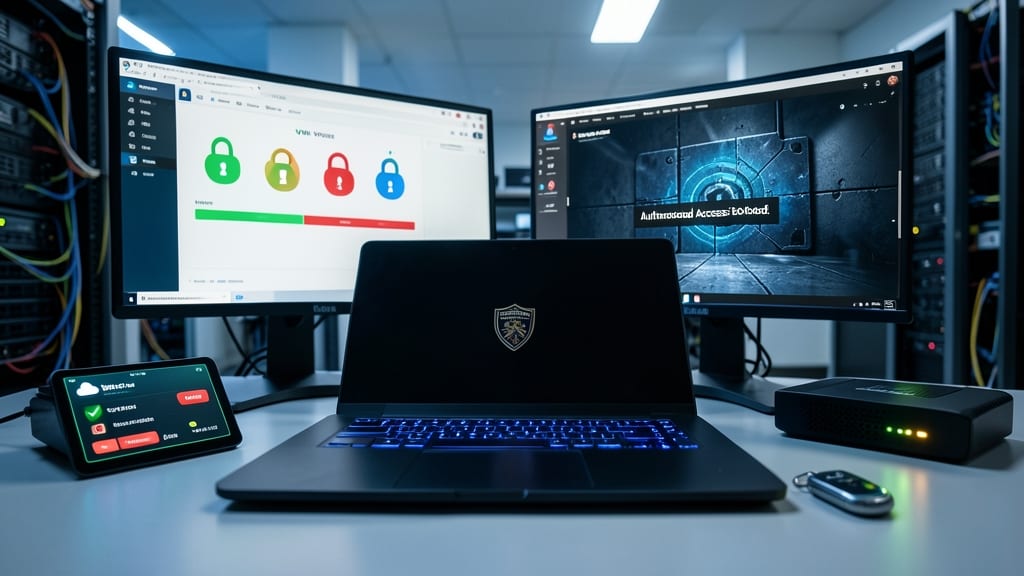
Remote work thrives on access—but without strict policies, that access becomes a backdoor for cybercriminals. A Remote Access Security Policies Review acts as your firewall for VPNs, remote desktop tools, and cloud services, ensuring only authorized devices meet compliance standards before connecting to corporate networks.
Start by auditing your VPN protocols (prioritize WireGuard or OpenVPN over outdated PPTP) and enforcing device compliance checks via tools like Microsoft Intune or Jamf. Require certificate-based authentication for remote desktop tools (e.g., RDP) and disable SMBv1—a common exploit vector. For cloud services, implement just-in-time access (JIT) to limit session durations and geofencing to block logins from high-risk regions.
This isn’t just for IT admins—remote workers should know their devices must meet corporate security baselines (e.g., up-to-date OS, endpoint protection) before accessing company resources. A single unpatched laptop could unravel months of security efforts. 💪