Skip to content
Formula Basics

Formula Basics

  • All Articles
  • App
  • Coding
  • Hardware
  • More
    • Operating System
    • Outlook
    • PowerPoint
    • Review
    • Software
    • Tip & Trick
    • Troubleshooting
    • Windows

PowerPoint — Page 2

How to Insert PowerPoint Into OneNote: Seamless Slide Embedding in Seconds
November 19, 2026 by Milton Kirchner
How to Insert PowerPoint Into OneNote: Seamless Slide Embedding in Seconds

Inserting PowerPoint slides into OneNote used to feel like juggling flaming swords—until I figured out these three foolproof methods. ✨ The right approach depends on whether you want live slides, static images, or…
Read more

Categories PowerPoint

How to Insert Table of Contents in PowerPoint: Step-by-Step Visual Guide for Organized Slides

November 17, 2026 by Milton Kirchner
How to Insert Table of Contents in PowerPoint: Step-by-Step Visual Guide for Organized Slides

My PowerPoint presentations used to feel like a tangled mess until I discovered how to insert a table of contents—it transformed my slide decks from chaotic to polished in minutes. The secret lies in leveraging…

Read more

Categories PowerPoint

How to Install Powerpoint from Office 365: One-Click Installation for Smooth Presentations

October 7, 2026 by Milton Kirchner
How to Install Powerpoint from Office 365: One-Click Installation for Smooth Presentations

Installing PowerPoint from Office 365 is the fastest way to get presentation-ready in under 10 minutes —no tech degree required. ✨ I’ve helped dozens of clients (from students to executives) skip the frustration of…

Read more

Categories PowerPoint

How to Outline Text in PowerPoint: Visual Hierarchy in 3 Simple Steps

November 18, 2026 by Milton Kirchner
How to Outline Text in PowerPoint: Visual Hierarchy in 3 Simple Steps

My PowerPoint slides used to look like a messy grocery list until I discovered how to outline text properly. ✨ The trick is treating your bullet points like a family tree—each level should visually nest beneath its…

Read more

Categories PowerPoint

How to Recover Powerpoint File Not Saved: Step-By-Step Rescue Guide

October 10, 2026 by Milton Kirchner
How to Recover Powerpoint File Not Saved: Step-By-Step Rescue Guide

To recover a PowerPoint file not saved, Microsoft’s auto-recovery tools are your first line of defense— but only if you know where to look . ⚡ I’ve pulled back dozens of lost presentations using hidden recovery files…

Read more

Categories PowerPoint

How to Save PowerPoint to Flash Drive: Universal Method for Any Device

October 9, 2026 by Milton Kirchner
How to Save PowerPoint to Flash Drive: Universal Method for Any Device

Saving your PowerPoint to a flash drive is one of those tasks that should take less than a minute—but often turns into a frustrating hunt for the right option. ⚡ I’ve seen this happen more times than I can count…

Read more

Categories PowerPoint

How to Show Ruler in PowerPoint: Gridlines and Alignment Made Visible

November 18, 2026 by Milton Kirchner
How to Show Ruler in PowerPoint: Gridlines and Alignment Made Visible

Learn how to show the ruler in PowerPoint —it’s the secret weapon for perfect alignment that takes seconds to enable, and it’ll save you hours of manual adjustments. ⚡ but this one feature eliminates all that guesswork…

Read more

Categories PowerPoint

How to Spell Check in PowerPoint: Built-In Tools and Quick Fixes

October 10, 2026 by Milton Kirchner
How to Spell Check in PowerPoint: Built-In Tools and Quick Fixes

My PowerPoint presentations used to embarrass me in meetings—until I discovered the built-in spell-check tool hidden in plain sight. ✨ The feature saves time, prevents awkward moments, and works faster than pasting text…

Read more

Categories PowerPoint

How to Write on PowerPoints on iPad: Apple Pencil Precision Made Simple

November 19, 2026 by Milton Kirchner
How to Write on PowerPoints on iPad: Apple Pencil Precision Made Simple

Writing on PowerPoints with an iPad and Apple Pencil feels like digital magic after you get past the initial setup. ✨ I’ve spent hours perfecting this workflow—from the first time I scribbled notes on a presentation…

Read more

Categories PowerPoint

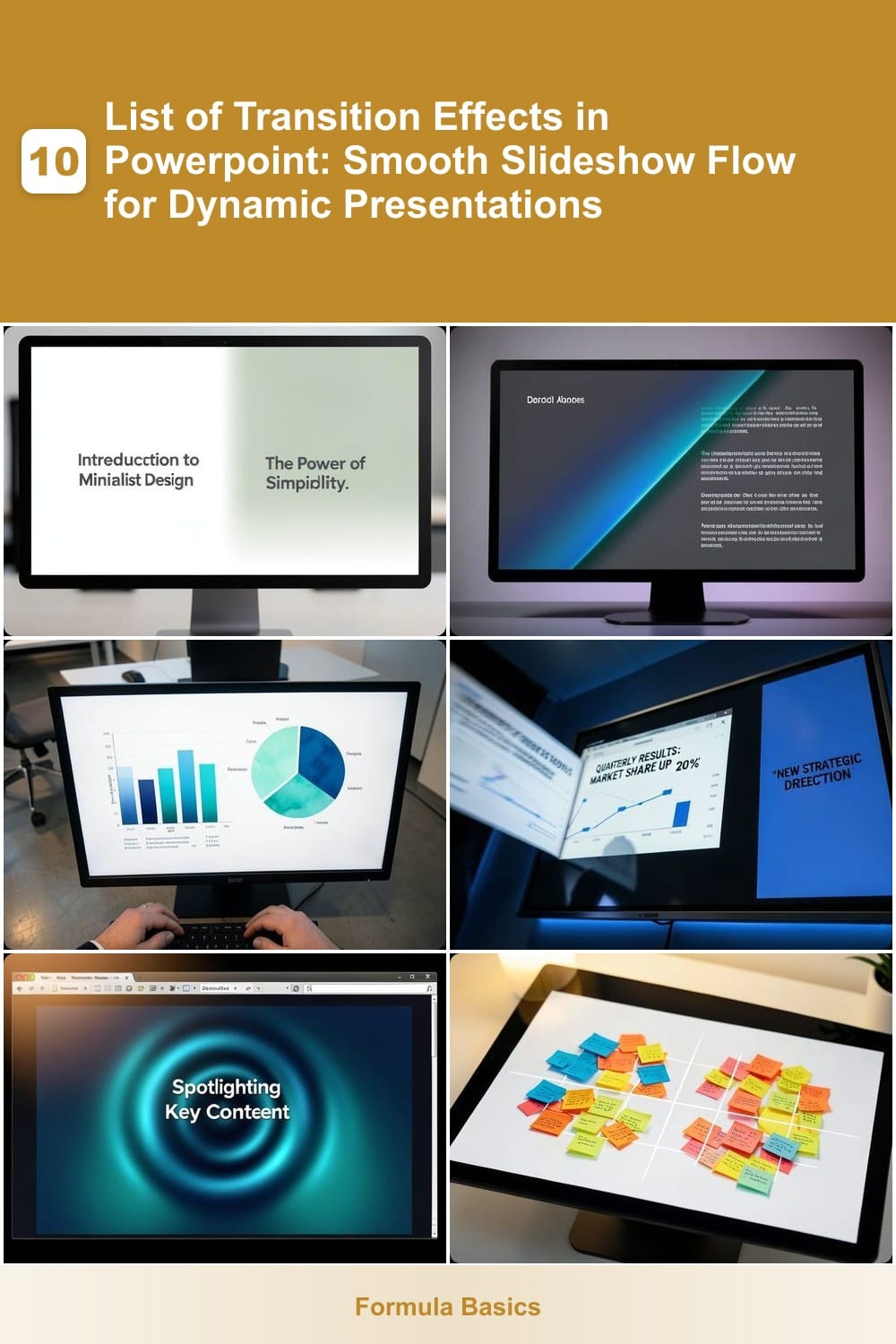
List of Transition Effects in Powerpoint: Smooth Slideshow Flow for Dynamic Presentations

October 15, 2026 by Milton Kirchner
List of Transition Effects in Powerpoint: Smooth Slideshow Flow for Dynamic Presentations

Want to elevate your PowerPoint presentations with polished, professional transitions? These seven transition effects help create smooth slideshow flow while keeping your audience engaged and your message impactful. 1…

Read more

Categories PowerPoint
Page1Page2Page3Next →

About Me

Milton Kirchner

Milton Kirchner
My first computer was a clunky desktop my dad brought home from work in the '90s, and I spent hours figuring out how to make it do things it wasn’t supposed to. That curiosity never left me. Here, I write about tech with the same enthusiasm I had then—breaking down complex topics into clear, practical steps so anyone can feel confident using their devices. When I’m not testing software or troubleshooting hardware, you’ll find me tinkering with old gadgets or trying to convince my cat that my keyboard isn’t a scratching post.

Learn more

Recent Posts

  • Set Up a VPN on Windows: Step-by-Step Visual Guide for Secure Connections
    Set Up a VPN on Windows: Step-by-Step Visual Guide for Secure Connections
  • How To Install OneNote For Windows 10: Microsoft’s Step-by-Step Visual Guide
    How To Install OneNote For Windows 10: Microsoft’s Step-by-Step Visual Guide
  • Microsoft Word Document Download: Instant Access Without Syncing or Formatting Loss
    Microsoft Word Document Download: Instant Access Without Syncing or Formatting Loss
  • How to Copy Formatting in PowerPoint: Keyboard Shortcuts for Instant Consistency
    How to Copy Formatting in PowerPoint: Keyboard Shortcuts for Instant Consistency
  • Windows Rundll32.exe Keymgr.dll Fix: Krshowkeymgr Access Troubleshooter
    Windows Rundll32.exe Keymgr.dll Fix: Krshowkeymgr Access Troubleshooter
  • All Guides
  • About
  • Contact
  • Privacy Policy
  • Cookie Policy
  • Terms of Use
© 2026 formulabasics.work