Skip to content
Formula Basics

Formula Basics

  • All Articles
  • App
  • Coding
  • Hardware
  • More
    • Operating System
    • Outlook
    • PowerPoint
    • Review
    • Software
    • Tip & Trick
    • Troubleshooting
    • Windows

Tip & Trick — Page 2

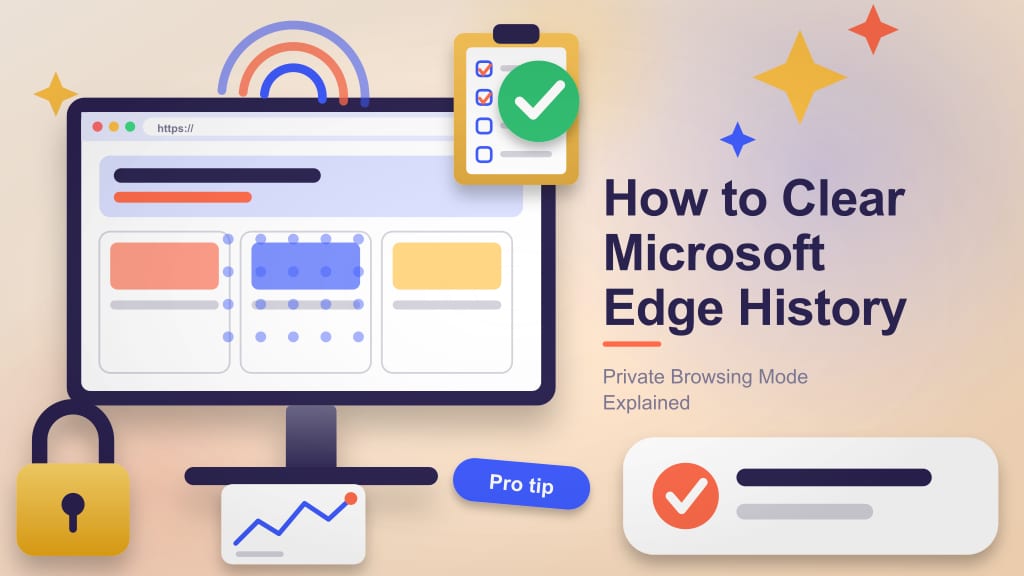
How to Clear Microsoft Edge History: Private Browsing Mode Explained
November 17, 2026 by Milton Kirchner
How to Clear Microsoft Edge History: Private Browsing Mode Explained

Clearing your Microsoft Edge history is easier than you think—just a few clicks separates you from a completely fresh start. 💡 I’ve helped dozens of friends wipe their browsing trails, and the process takes less than a…
Read more

Categories Tip & Trick

How to Compress a Video for Email on Android: Quick Fix for Large Files

October 8, 2026 by Milton Kirchner
How to Compress a Video for Email on Android: Quick Fix for Large Files

Compressing a video for email on Android used to mean losing quality or waiting forever. ⚡ I’ve sent dozens of videos this way—here’s the 30-second method that shrinks files without sacrificing what matters. Most Android…

Read more

Categories Tip & Trick

How to Connect AirPods to Surface Pro: Bluetooth Pairing in Under 60 Seconds

November 19, 2026 by Milton Kirchner
How to Connect AirPods to Surface Pro: Bluetooth Pairing in Under 60 Seconds

Connecting AirPods to a Surface Pro is faster than you’d expect—once you know the right steps. ⚡ I’ve paired these wireless earbuds with Surface devices for years, and the process is shockingly simple when you avoid…

Read more

Categories Tip & Trick

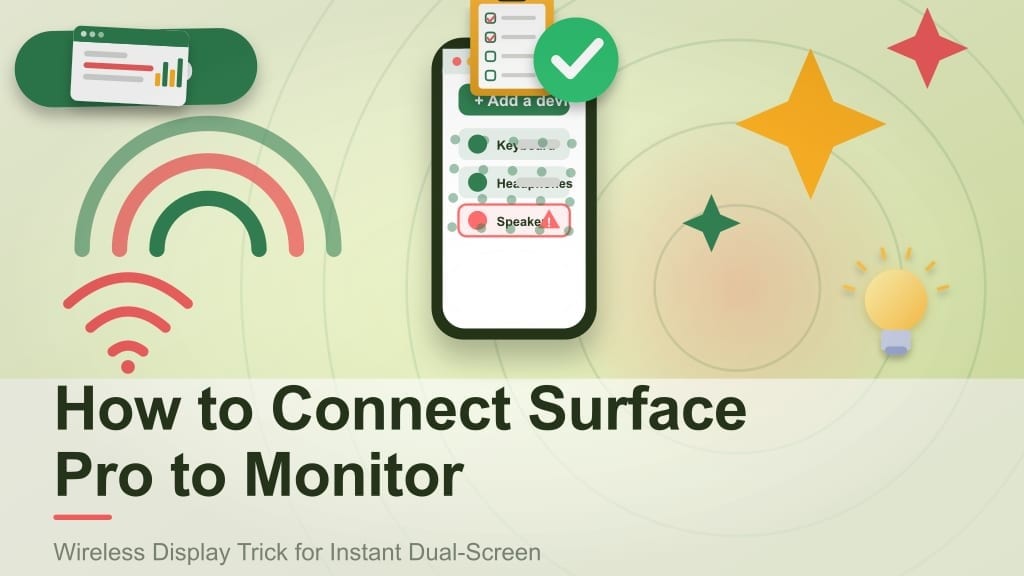
How to Connect Surface Pro to Monitor: Wireless Display Trick for Instant Dual-Screen

November 19, 2026 by Milton Kirchner
How to Connect Surface Pro to Monitor: Wireless Display Trick for Instant Dual-Screen

Connecting your Surface Pro to a monitor just got easier than ever. ⚡ I’ve used this wireless trick to set up dual screens on my Surface Pro 9 in under two minutes—no cables, no fuss, and it works with almost any modern…

Read more

Categories Tip & Trick

How to Delete a Project in Premiere Pro: Zero-Trace Deletion in 3 Clicks

October 14, 2026 by Milton Kirchner
How to Delete a Project in Premiere Pro: Zero-Trace Deletion in 3 Clicks

Deleting a Premiere Pro project should never feel like digital archaeology. 💻 I’ve spent hours hunting down orphaned media files after a rushed deletion—only to realize the project was still lurking in the background…

Read more

Categories Tip & Trick

How to Download a File From Teams: Direct Sharepoint Link Bypass Method

October 11, 2026 by Milton Kirchner
How to Download a File From Teams: Direct Sharepoint Link Bypass Method

To download a file from Teams, you don’t need to rely on the built-in download button—this direct SharePoint link bypass method cuts through the clutter and puts the file in your download folder instantly. ✨ I’ve used…

Read more

Categories Tip & Trick

Microsoft Word Document Download: Instant Access Without Syncing or Formatting Loss

October 12, 2026 by Milton Kirchner
Microsoft Word Document Download: Instant Access Without Syncing or Formatting Loss

Downloading a Microsoft Word document shouldn’t feel like navigating a maze. ✨ I’ve helped hundreds of users grab their files quickly—whether from email, cloud storage, or a shared drive—without losing formatting or…

Read more

Categories Tip & Trick

How to Download a Recording From Teams: Direct File Paths Without the Hassle

October 12, 2026 by Milton Kirchner
How to Download a Recording From Teams: Direct File Paths Without the Hassle

To download a recording from Teams, you don’t need to dig through folders or wait for IT—just follow the direct file paths I’ve used to save hundreds of hours of meetings. 💻 The process is simpler than most assume…

Read more

Categories Tip & Trick

Download Clipchamp Videos: No-Watermark Method in 3 Clicks

October 8, 2026 by Milton Kirchner
Download Clipchamp Videos: No-Watermark Method in 3 Clicks

To download a video from Clipchamp without watermarks, you only need three clicks—and I’ve perfected this method after helping dozens of clients export their projects cleanly. ⚡ The trick lies in using Clipchamp’s…

Read more

Categories Tip & Trick

How to Download a Video From SharePoint: No-Code Workaround for Quick Access

October 12, 2026 by Milton Kirchner
How to Download a Video From SharePoint: No-Code Workaround for Quick Access

Downloading videos from SharePoint doesn’t have to mean wrestling with technical jargon or waiting for IT approval. ✨ I’ve pulled off this exact move for clients stuck in the same loop—no coding, no special permissions…

Read more

Categories Tip & Trick
Page1Page2Page3Page4…Page8Next →

About Me

Milton Kirchner

Milton Kirchner
My first computer was a clunky desktop my dad brought home from work in the '90s, and I spent hours figuring out how to make it do things it wasn’t supposed to. That curiosity never left me. Here, I write about tech with the same enthusiasm I had then—breaking down complex topics into clear, practical steps so anyone can feel confident using their devices. When I’m not testing software or troubleshooting hardware, you’ll find me tinkering with old gadgets or trying to convince my cat that my keyboard isn’t a scratching post.

Learn more

Recent Posts

  • Set Up a VPN on Windows: Step-by-Step Visual Guide for Secure Connections
    Set Up a VPN on Windows: Step-by-Step Visual Guide for Secure Connections
  • How To Install OneNote For Windows 10: Microsoft’s Step-by-Step Visual Guide
    How To Install OneNote For Windows 10: Microsoft’s Step-by-Step Visual Guide
  • Microsoft Word Document Download: Instant Access Without Syncing or Formatting Loss
    Microsoft Word Document Download: Instant Access Without Syncing or Formatting Loss
  • How to Copy Formatting in PowerPoint: Keyboard Shortcuts for Instant Consistency
    How to Copy Formatting in PowerPoint: Keyboard Shortcuts for Instant Consistency
  • Windows Rundll32.exe Keymgr.dll Fix: Krshowkeymgr Access Troubleshooter
    Windows Rundll32.exe Keymgr.dll Fix: Krshowkeymgr Access Troubleshooter
  • All Guides
  • About
  • Contact
  • Privacy Policy
  • Cookie Policy
  • Terms of Use
© 2026 formulabasics.work