Skip to content
Formula Basics

Formula Basics

  • All Articles
  • App
  • Coding
  • Hardware
  • More
    • Operating System
    • Outlook
    • PowerPoint
    • Review
    • Software
    • Tip & Trick
    • Troubleshooting
    • Windows

Tip & Trick — Page 8

How to Upload a Photo to Online Forms: Drag-and-Drop Simplicity in Seconds
October 9, 2026 by Milton Kirchner
How to Upload a Photo to Online Forms: Drag-and-Drop Simplicity in Seconds

To upload a photo to online forms, I’ve spent years fixing the same three mistakes—file type, size limits, and browser quirks. ✨ The process is simpler than you think, whether you’re using Chrome on a desktop or your…
Read more

Categories Tip & Trick

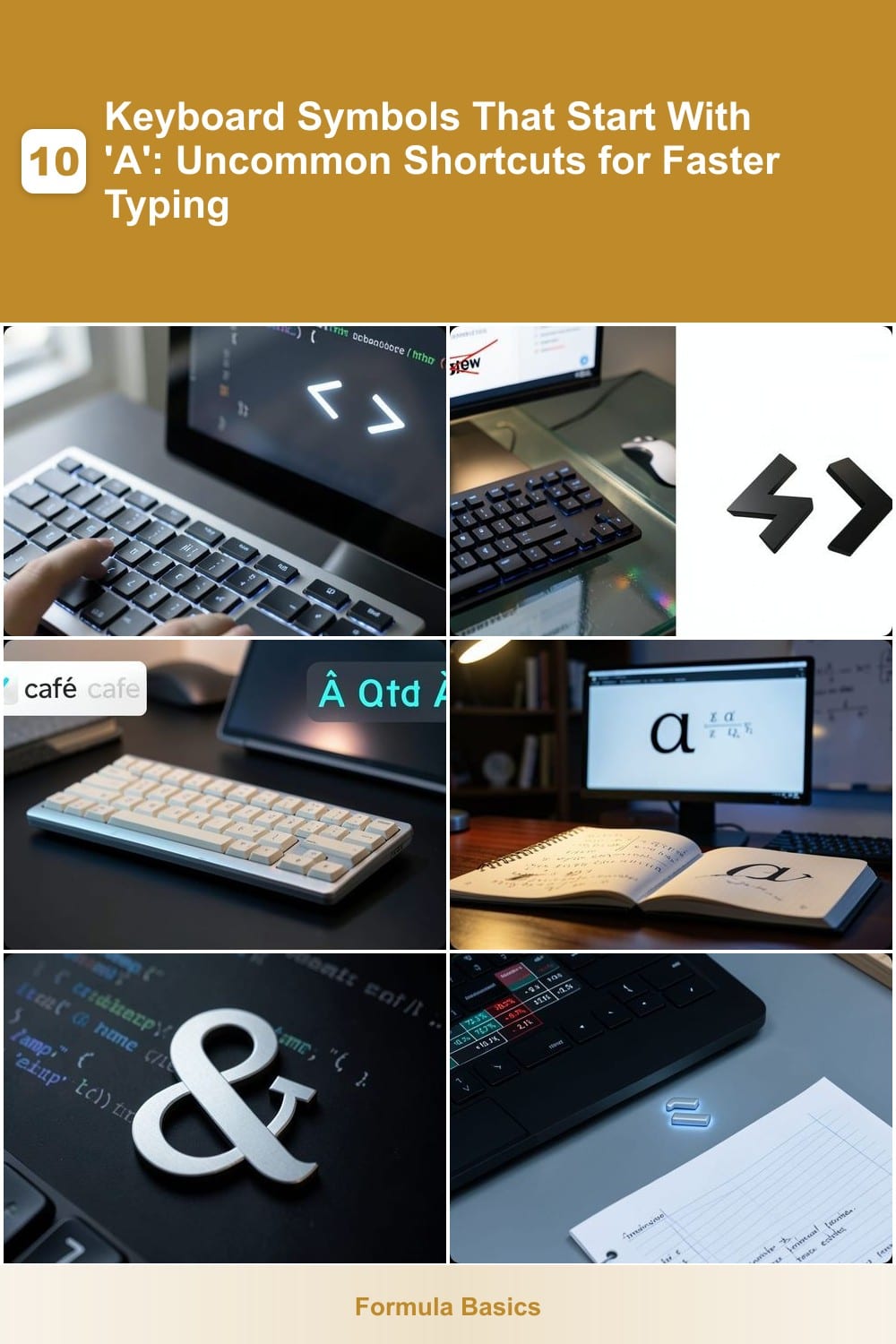
10 Keyboard Symbols That Start With "A": Uncommon Shortcuts for Faster Typing

October 15, 2026 by Milton Kirchner
10 Keyboard Symbols That Start With "A": Uncommon Shortcuts for Faster Typing

Mastering obscure keyboard symbols can drastically speed up your typing and streamline workflows. These 10 underused 'A' symbols—from programming to formatting—will transform how you navigate digital tasks with precision…

Read more

Categories Tip & Trick

Microsoft 365 Word Tips and Tricks Read Online: Hidden Shortcuts That Save Hours Weekly

October 27, 2026 by Milton Kirchner
Microsoft 365 Word Tips and Tricks Read Online: Hidden Shortcuts That Save Hours Weekly

Microsoft Word is a powerhouse for productivity, but most users only scratch the surface. These seven hidden Microsoft 365 Word tips and tricks will transform how you work—cutting time wasted on repetitive tasks…

Read more

Categories Tip & Trick

10 Microsoft OneNote 2013 Tips and Tricks: Hidden Features for Faster Note-Taking

October 26, 2026 by Milton Kirchner
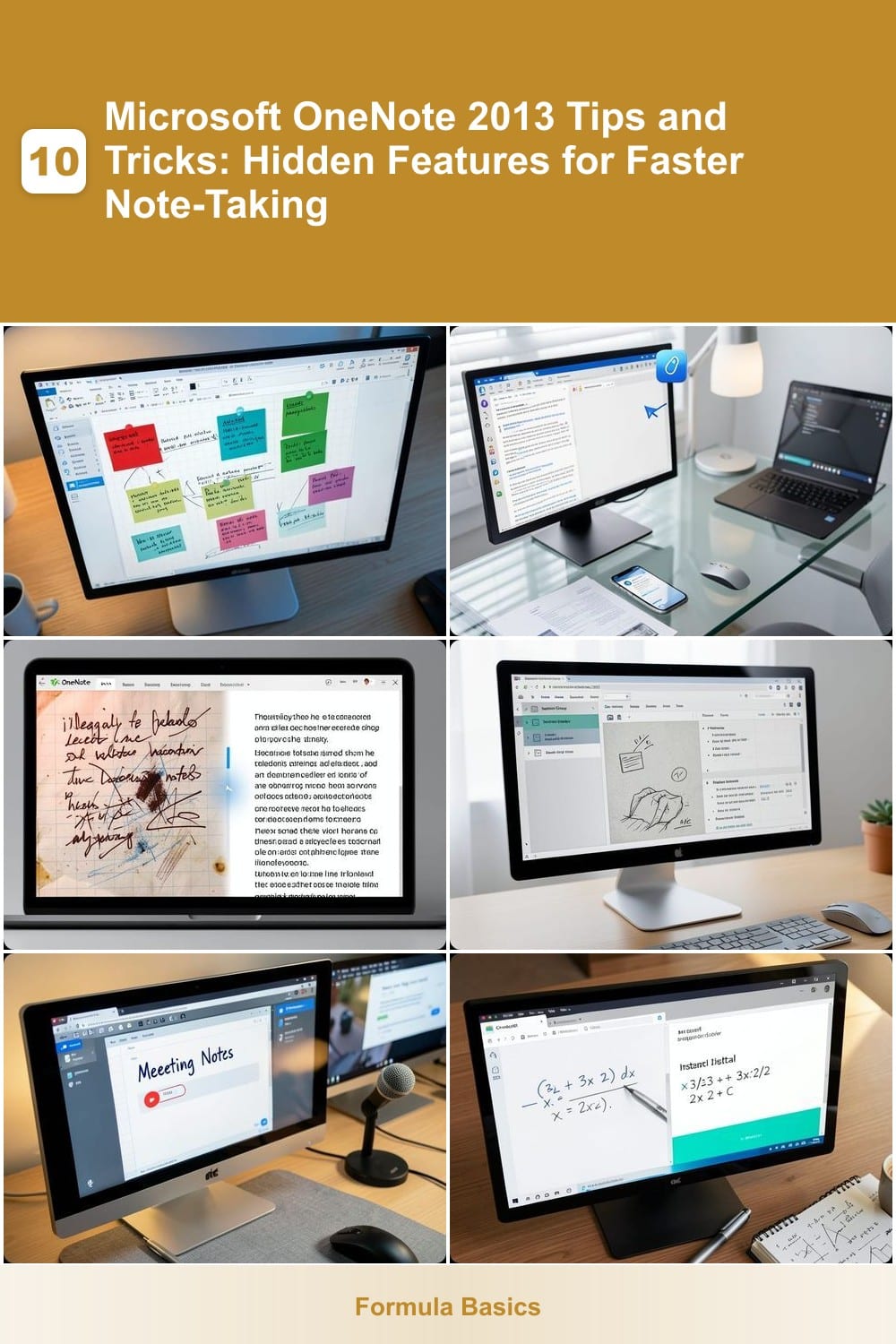
10 Microsoft OneNote 2013 Tips and Tricks: Hidden Features for Faster Note-Taking

Microsoft OneNote 2013 remains a powerhouse for digital note-taking, but many users miss its hidden productivity boosters. These 10 underrated tips and tricks will transform how you organize, search, and…

Read more

Categories Tip & Trick

10 Microsoft Teams Tips and Tricks 2023: Hidden Features to Boost Productivity Daily

October 27, 2026 by Milton Kirchner
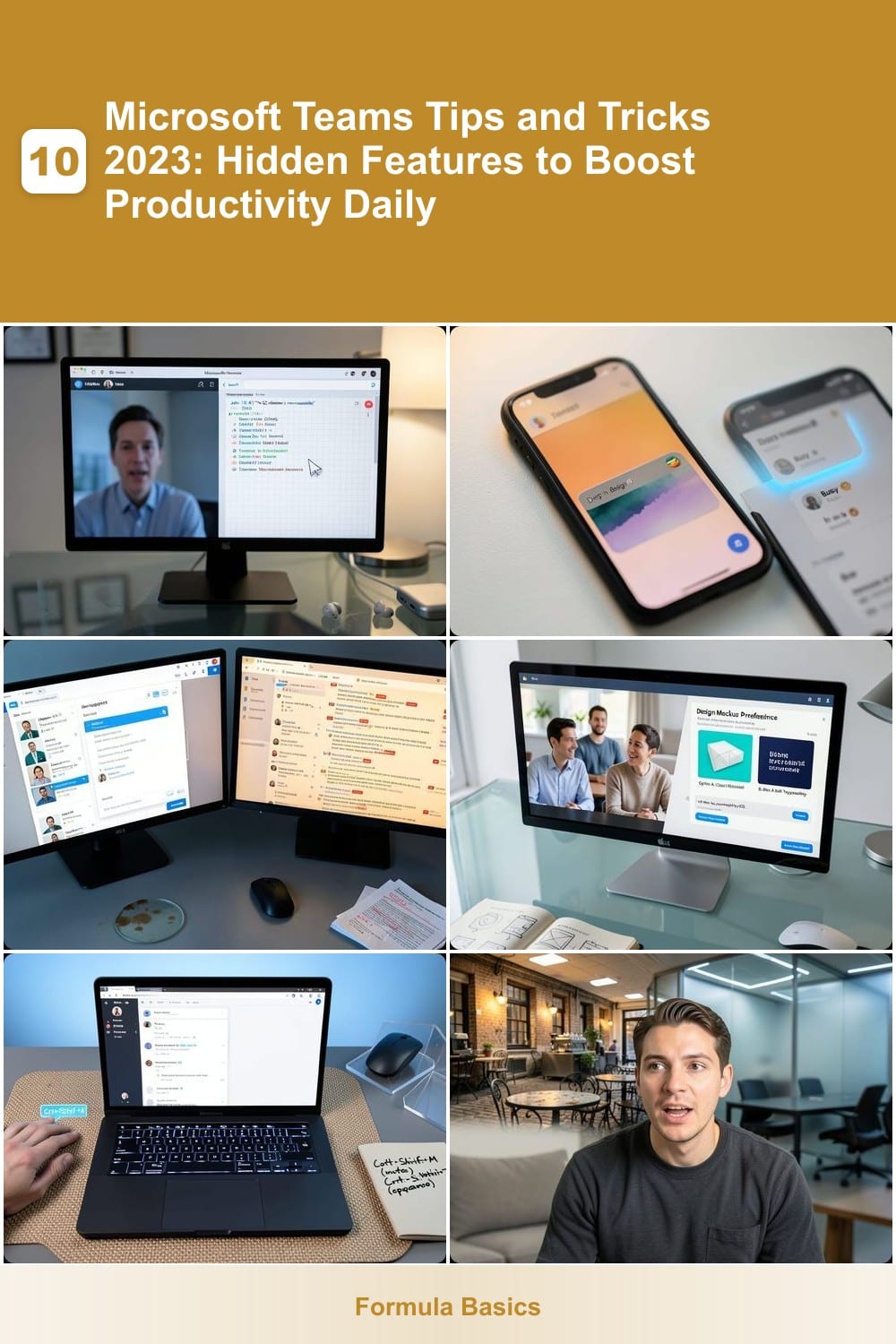
10 Microsoft Teams Tips and Tricks 2023: Hidden Features to Boost Productivity Daily

Microsoft Teams is a powerhouse for collaboration—but most users only scratch the surface. These 10 hidden 2023 features will transform how you communicate, organize, and automate workflows, saving you hours weekly. 1…

Read more

Categories Tip & Trick

Remove My Email From Spam List: Permanent Block in 3 Clicks

October 8, 2026 by Milton Kirchner
Remove My Email From Spam List: Permanent Block in 3 Clicks

Removing my email from spam lists finally put an end to the daily flood of unwanted messages—here’s how to make it happen in three clicks or less across major providers. The frustration of legitimate emails disappearing…

Read more

Categories Tip & Trick

10 Security Best Practices for Remote Workers: Proven Tactics to Block Cyber Threats Before They Start

October 15, 2026 by Milton Kirchner
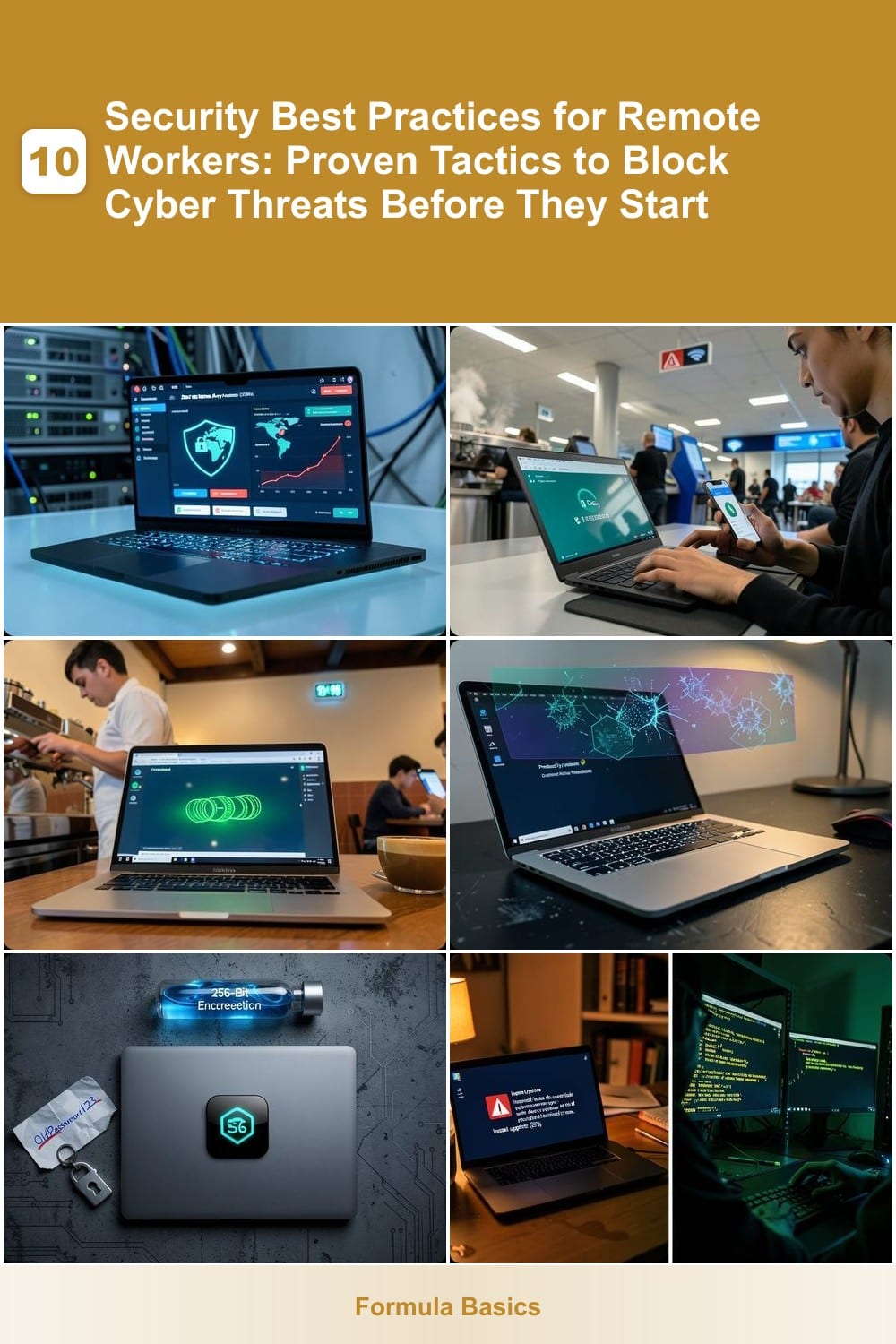
10 Security Best Practices for Remote Workers: Proven Tactics to Block Cyber Threats Before They Start

Remote work opens doors to flexibility but also exposes you to cyber threats. These 10 security best practices—backed by IT experts—help you lock down your digital workspace before hackers even get a chance to strike. 1…

Read more

Categories Tip & Trick

10 Microsoft Word Tips and Tricks: Hidden Features Every Pro Uses Daily

October 27, 2026 by Milton Kirchner
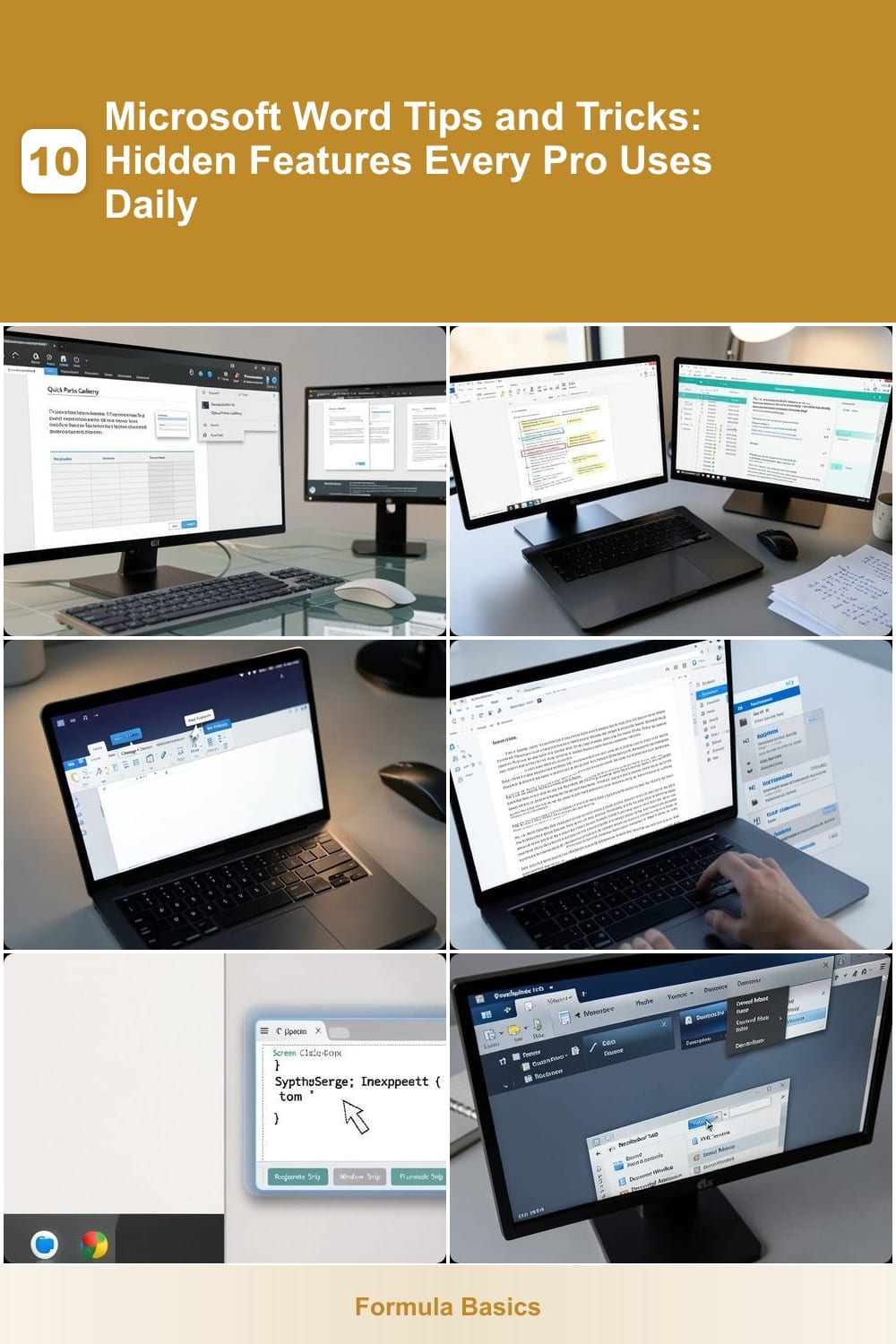
10 Microsoft Word Tips and Tricks: Hidden Features Every Pro Uses Daily

Microsoft Word is packed with hidden features that can save you hours of work. These 10 pro-level tips and tricks will transform how you use Word daily—from automating repetitive tasks to creating polished documents with…

Read more

Categories Tip & Trick

Where Can I Download Microsoft Word: Free Official Sources and Safe Methods

November 19, 2026 by Milton Kirchner
Where Can I Download Microsoft Word: Free Official Sources and Safe Methods

💥 Quick Answer To download Microsoft Word, visit the official Microsoft website for free trials or purchase, or use the Microsoft 365 app store on Windows 10/11 or Mac. Avoid third-party sites to prevent malware or…

Read more

Categories Tip & Trick
Page1…Page6Page7Page8

About Me

Milton Kirchner

Milton Kirchner
My first computer was a clunky desktop my dad brought home from work in the '90s, and I spent hours figuring out how to make it do things it wasn’t supposed to. That curiosity never left me. Here, I write about tech with the same enthusiasm I had then—breaking down complex topics into clear, practical steps so anyone can feel confident using their devices. When I’m not testing software or troubleshooting hardware, you’ll find me tinkering with old gadgets or trying to convince my cat that my keyboard isn’t a scratching post.

Learn more

Recent Posts

  • Set Up a VPN on Windows: Step-by-Step Visual Guide for Secure Connections
    Set Up a VPN on Windows: Step-by-Step Visual Guide for Secure Connections
  • How To Install OneNote For Windows 10: Microsoft’s Step-by-Step Visual Guide
    How To Install OneNote For Windows 10: Microsoft’s Step-by-Step Visual Guide
  • Microsoft Word Document Download: Instant Access Without Syncing or Formatting Loss
    Microsoft Word Document Download: Instant Access Without Syncing or Formatting Loss
  • How to Copy Formatting in PowerPoint: Keyboard Shortcuts for Instant Consistency
    How to Copy Formatting in PowerPoint: Keyboard Shortcuts for Instant Consistency
  • Windows Rundll32.exe Keymgr.dll Fix: Krshowkeymgr Access Troubleshooter
    Windows Rundll32.exe Keymgr.dll Fix: Krshowkeymgr Access Troubleshooter
  • All Guides
  • About
  • Contact
  • Privacy Policy
  • Cookie Policy
  • Terms of Use
© 2026 formulabasics.work