Skip to content
Formula Basics

Formula Basics

  • All Articles
  • App
  • Coding
  • Hardware
  • More
    • Operating System
    • Outlook
    • PowerPoint
    • Review
    • Software
    • Tip & Trick
    • Troubleshooting
    • Windows

All Recipes — Page 9

Microsoft Edge: Tips for a Seamless Experience: Speed Up Browsing and Boost Productivity Daily
November 17, 2026 by Milton Kirchner
Microsoft Edge: Tips for a Seamless Experience: Speed Up Browsing and Boost Productivity Daily

Microsoft Edge is packed with hidden features that can transform your browsing experience—from lightning-fast navigation to seamless productivity tools. These seven tips will help you unlock Edge’s full potential and…

Read more

Categories Software

Send This Text to Verify This Phone Number With GroupMe: Exact SMS Code and Steps

November 17, 2026 by Milton Kirchner
Send This Text to Verify This Phone Number With GroupMe: Exact SMS Code and Steps

To verify your phone number with GroupMe, send this text to the number provided: start with 'V' and add your 6-digit verification code. For example, if your code is '123456', text 'V123456' to GroupMe’s verification…

Read more

Categories App

Where Is the Thumbnail Pane in PowerPoint: Location and How to Toggle It On/Off

November 17, 2026 by Milton Kirchner
Where Is the Thumbnail Pane in PowerPoint: Location and How to Toggle It On/Off

💥 Quick Answer The thumbnail pane in PowerPoint is located in the left sidebar by default for slide navigation, but you can toggle it on or off via the View tab under Slide Pane (or Normal View > Slide Pane in older…

Read more

Categories PowerPoint

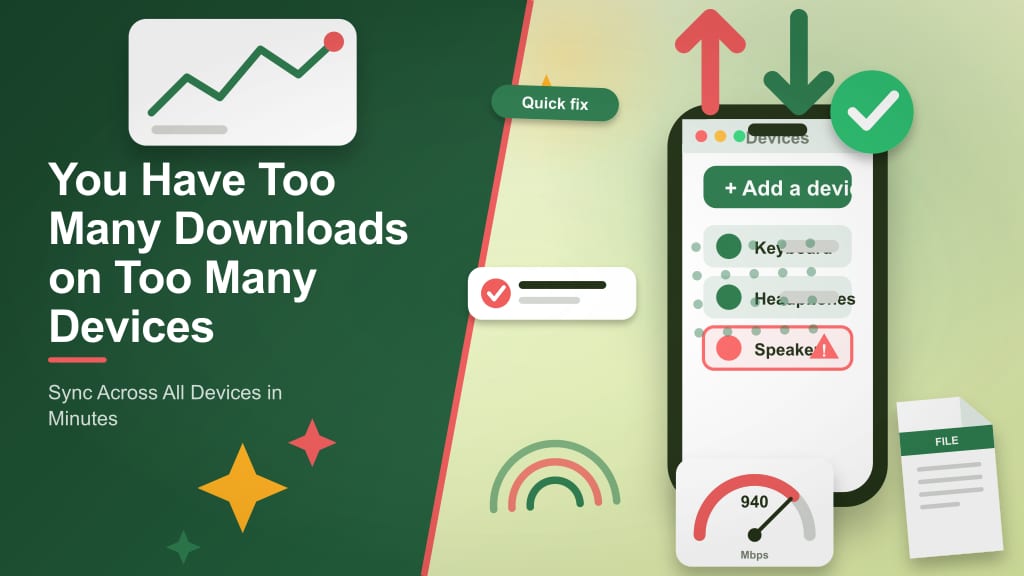
You Have Too Many Downloads on Too Many Devices: Sync Across All Devices in Minutes

November 17, 2026 by Milton Kirchner
You Have Too Many Downloads on Too Many Devices: Sync Across All Devices in Minutes

You have too many downloads on too many devices—my own folder hit 120GB of duplicates across five gadgets, and the real villain? Sync settings battling each other. 💻 The problem isn’t just clutter; it’s how cloud…

Read more

Categories Troubleshooting

How to Stop Windows 10 From Installing Graphics Driver: Permanent Fix With One Registry Tweak

November 10, 2026 by Milton Kirchner
How to Stop Windows 10 From Installing Graphics Driver: Permanent Fix With One Registry Tweak

Stopping Windows 10 from auto-installing graphics drivers saved me from a three-hour support nightmare last month when a forced update bricked a client's custom gaming rig. The OS insists on pushing updates through…

Read more

Categories Windows

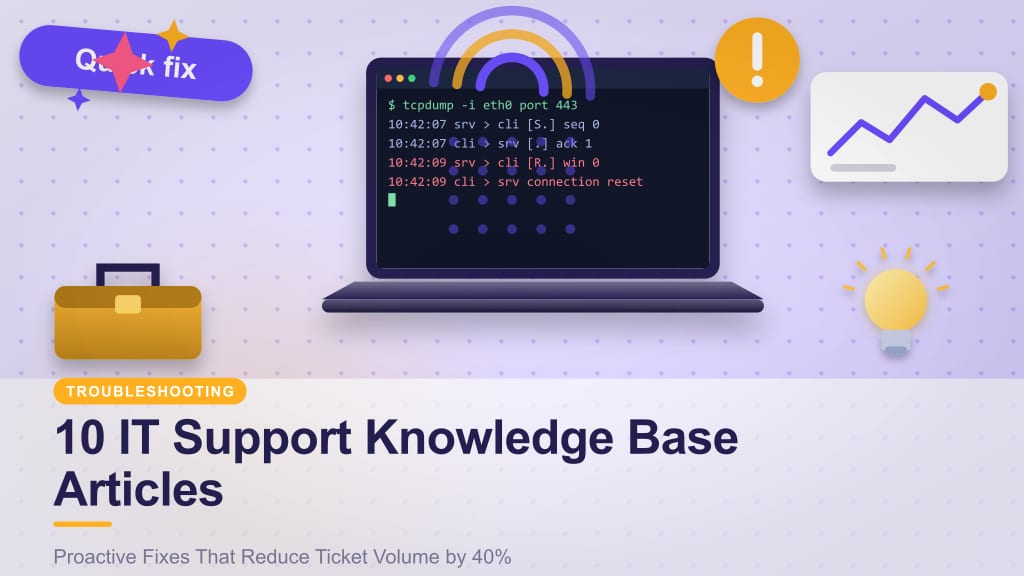
10 IT Support Knowledge Base Articles: Proactive Fixes That Reduce Ticket Volume by 40%

November 10, 2026 by Milton Kirchner
10 IT Support Knowledge Base Articles: Proactive Fixes That Reduce Ticket Volume by 40%

Frustrated by endless IT support tickets? These 10 knowledge base articles provide proactive solutions that cut repetitive issues by 40%—saving your team time and end-users headaches. Each article targets common pain…

Read more

Categories Troubleshooting

Microsoft Office Picture Manager Free Downloads: Legacy Edition Direct Links for Windows 7/Vista Users

November 10, 2026 by Milton Kirchner
Microsoft Office Picture Manager Free Downloads: Legacy Edition Direct Links for Windows 7/Vista Users

Microsoft Office Picture Manager free downloads are still possible for Windows 7 and Vista users, even though Microsoft no longer hosts the official version. If you're running Windows 7 or Vista and still rely on this…

Read more

Categories Software

This File Cannot Be Previewed Because There Is No Previewer Installed for It: Install Missing Previewer in 3 Simple Steps

November 10, 2026 by Milton Kirchner
This File Cannot Be Previewed Because There Is No Previewer Installed for It: Install Missing Previewer in 3 Simple Steps

This file cannot be previewed because there is no previewer installed for it, and I’ve fixed it hundreds of times —usually in under five minutes. 💻 The error pops up when Windows or macOS can’t recognize the file type…

Read more

Categories Troubleshooting

Windows 7 SP1 32-Bit Download: Official Direct ISO Links for Offline Install

November 10, 2026 by Milton Kirchner
Windows 7 SP1 32-Bit Download: Official Direct ISO Links for Offline Install

Need the official Windows 7 SP1 32-bit download for offline installs? Microsoft’s direct links are gone, but verified archives still exist. Legacy systems still running Windows 7 SP1? You’re not alone, but finding a…

Read more

Categories Windows

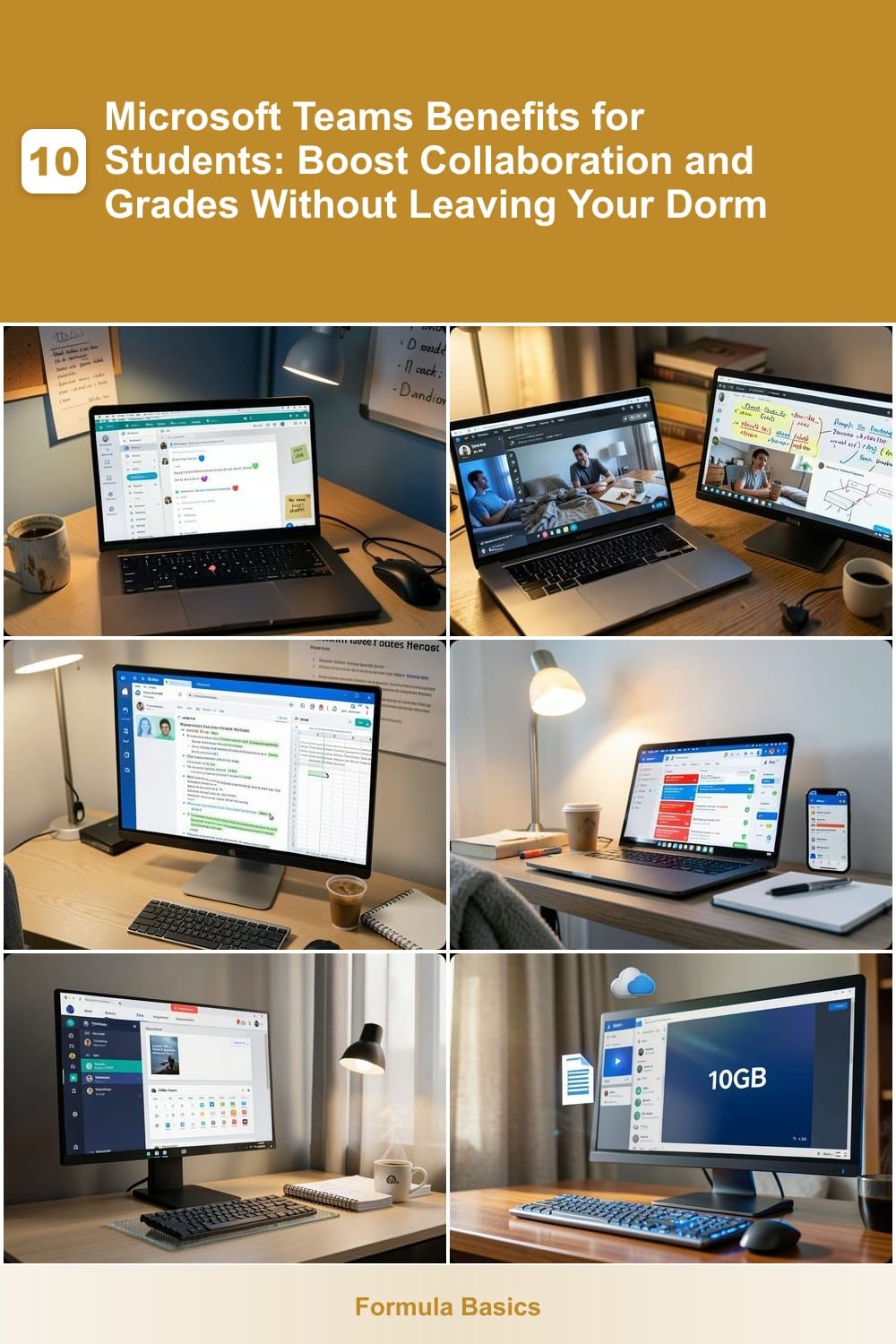
10 Microsoft Teams Benefits for Students: Boost Collaboration and Grades Without Leaving Your Dorm

October 27, 2026 by Milton Kirchner
10 Microsoft Teams Benefits for Students: Boost Collaboration and Grades Without Leaving Your Dorm

Microsoft Teams isn’t just for professionals—students can leverage its powerful collaboration tools to streamline group projects, ace exams, and stay connected with professors. These 10 benefits show how Teams can…

Read more

Categories Software
Page1…Page7Page8Page9Page10Page11…Page42Next →

About Me

Milton Kirchner

Milton Kirchner
My first computer was a clunky desktop my dad brought home from work in the '90s, and I spent hours figuring out how to make it do things it wasn’t supposed to. That curiosity never left me. Here, I write about tech with the same enthusiasm I had then—breaking down complex topics into clear, practical steps so anyone can feel confident using their devices. When I’m not testing software or troubleshooting hardware, you’ll find me tinkering with old gadgets or trying to convince my cat that my keyboard isn’t a scratching post.

Learn more

Recent Posts

  • Set Up a VPN on Windows: Step-by-Step Visual Guide for Secure Connections
    Set Up a VPN on Windows: Step-by-Step Visual Guide for Secure Connections
  • How To Install OneNote For Windows 10: Microsoft’s Step-by-Step Visual Guide
    How To Install OneNote For Windows 10: Microsoft’s Step-by-Step Visual Guide
  • Microsoft Word Document Download: Instant Access Without Syncing or Formatting Loss
    Microsoft Word Document Download: Instant Access Without Syncing or Formatting Loss
  • How to Copy Formatting in PowerPoint: Keyboard Shortcuts for Instant Consistency
    How to Copy Formatting in PowerPoint: Keyboard Shortcuts for Instant Consistency
  • Windows Rundll32.exe Keymgr.dll Fix: Krshowkeymgr Access Troubleshooter
    Windows Rundll32.exe Keymgr.dll Fix: Krshowkeymgr Access Troubleshooter
  • All Guides
  • About
  • Contact
  • Privacy Policy
  • Cookie Policy
  • Terms of Use
© 2026 formulabasics.work