Skip to content
Formula Basics

Formula Basics

  • All Articles
  • App
  • Coding
  • Hardware
  • More
    • Operating System
    • Outlook
    • PowerPoint
    • Review
    • Software
    • Tip & Trick
    • Troubleshooting
    • Windows

All Recipes — Page 10

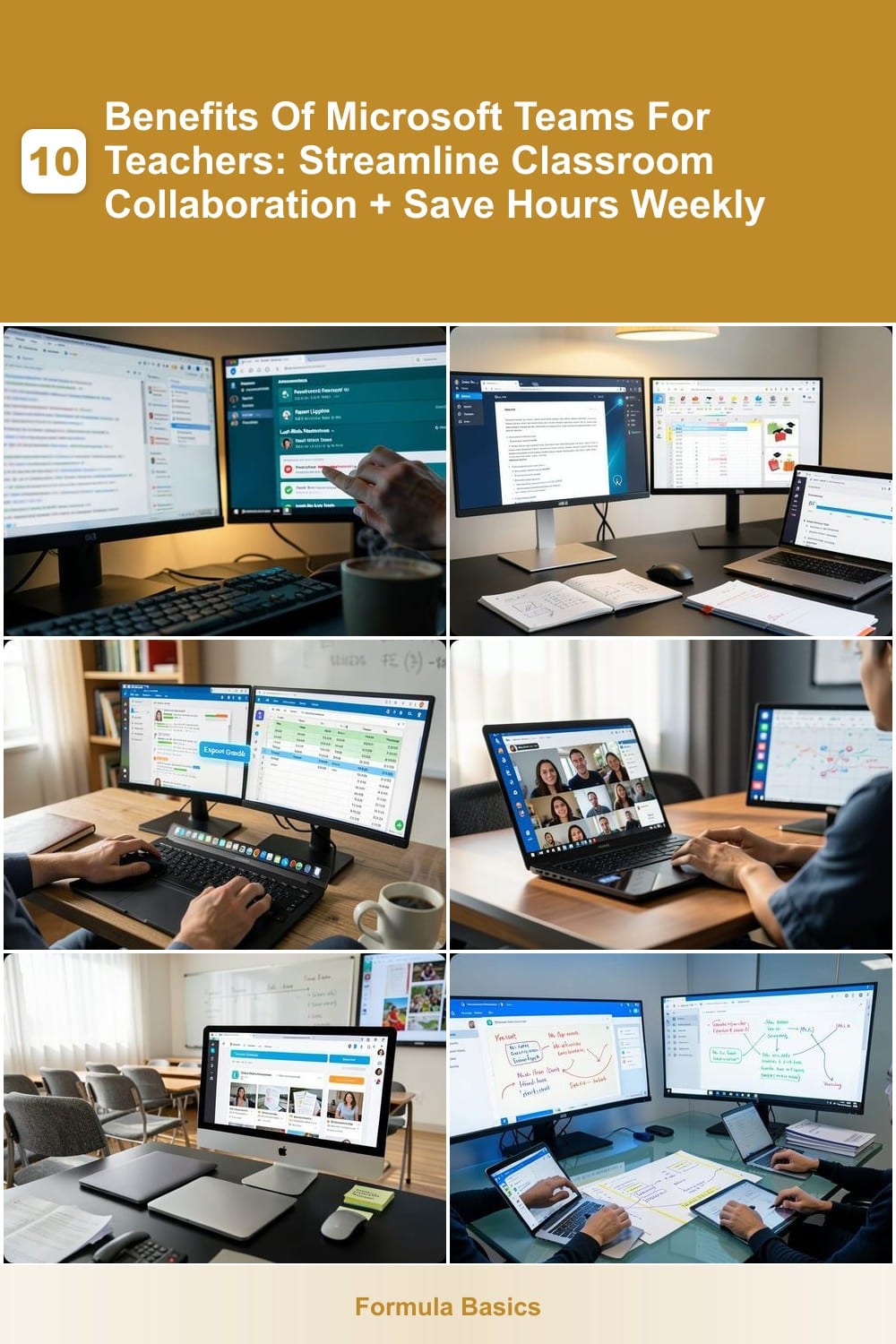
10 Benefits Of Microsoft Teams For Teachers: Streamline Classroom Collaboration & Save Hours Weekly
October 27, 2026 by Milton Kirchner
10 Benefits Of Microsoft Teams For Teachers: Streamline Classroom Collaboration & Save Hours Weekly

Teachers juggle lesson plans, student communications, and grading—all while needing seamless collaboration tools. Microsoft Teams transforms classroom management by saving time, improving engagement, and integrating…
Read more

Categories Software

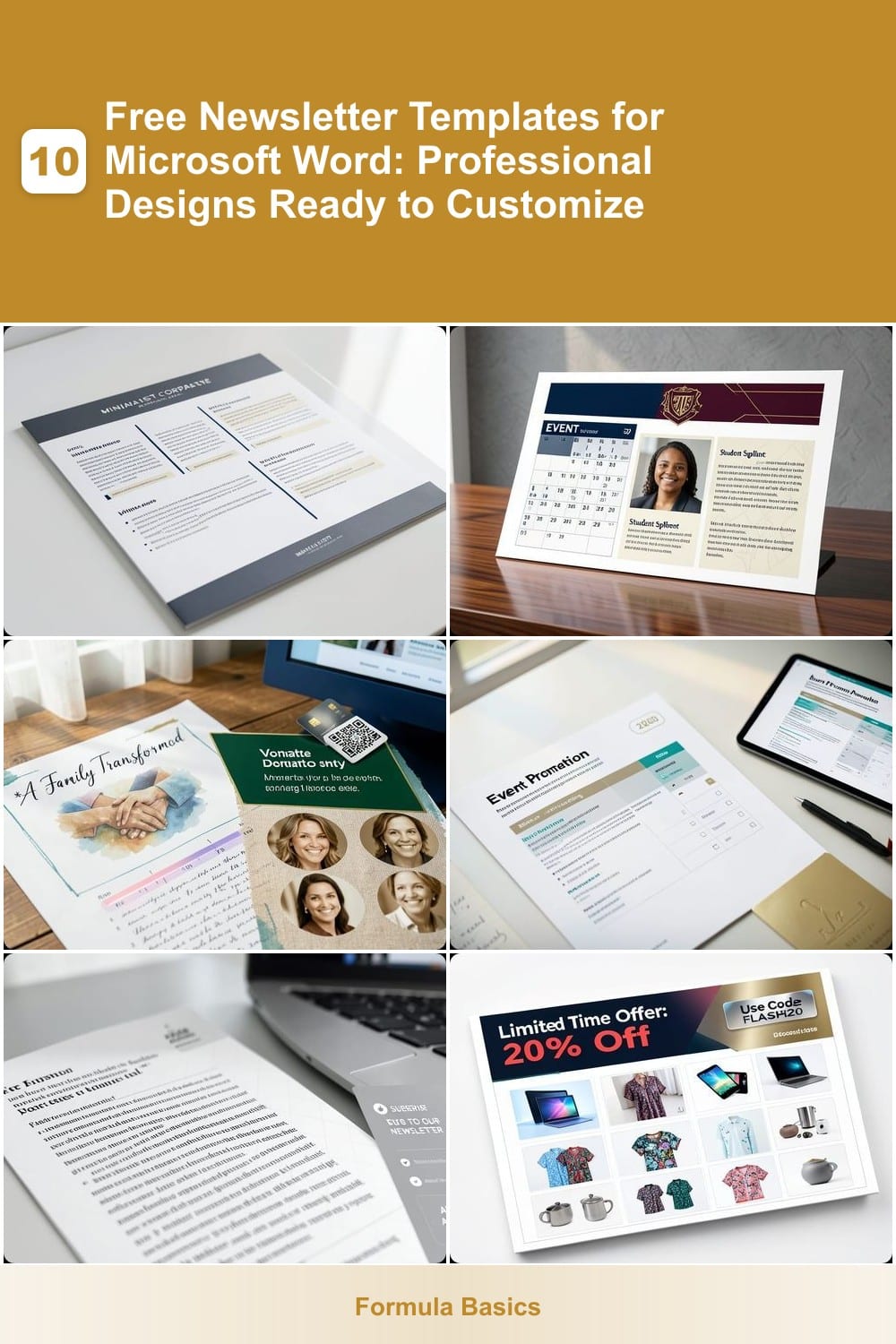
10 Free Newsletter Templates for Microsoft Word: Professional Designs Ready to Customize Instantly

October 27, 2026 by Milton Kirchner
10 Free Newsletter Templates for Microsoft Word: Professional Designs Ready to Customize Instantly

Creating professional newsletters in Microsoft Word doesn’t require design expertise. These 10 free, customizable templates deliver polished layouts for businesses, educators, and personal use—all ready to personalize…

Read more

Categories Software

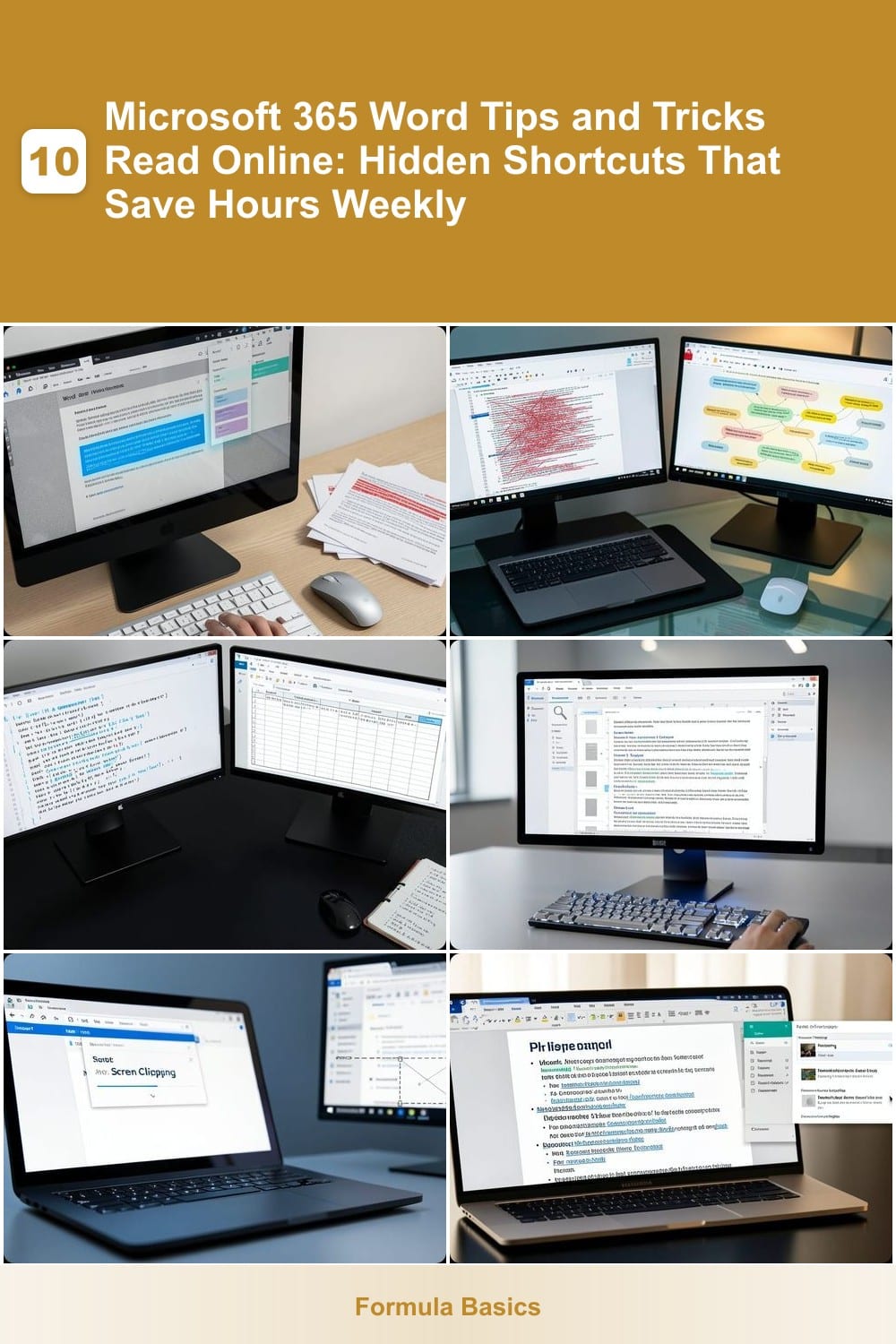
Microsoft 365 Word Tips and Tricks Read Online: Hidden Shortcuts That Save Hours Weekly

October 27, 2026 by Milton Kirchner
Microsoft 365 Word Tips and Tricks Read Online: Hidden Shortcuts That Save Hours Weekly

Microsoft Word is a powerhouse for productivity, but most users only scratch the surface. These seven hidden Microsoft 365 Word tips and tricks will transform how you work—cutting time wasted on repetitive tasks…

Read more

Categories Tip & Trick

Microsoft Bringing Teams Reminders to Menu: Pro Tips to Master the New Menu Feature

October 27, 2026 by Milton Kirchner
Microsoft Bringing Teams Reminders to Menu: Pro Tips to Master the New Menu Feature

Microsoft’s new Teams reminders feature is rolling out to the menu, transforming how you stay organized. Whether you're managing deadlines, meetings, or personal tasks, these pro tips will help you leverage this update…

Read more

Categories Software

10 Microsoft Office Projects for High School Students: Stand-Out Presentations That Impress Teachers

October 27, 2026 by Milton Kirchner
10 Microsoft Office Projects for High School Students: Stand-Out Presentations That Impress Teachers

High school students can showcase creativity and learning through Microsoft Office projects that go beyond basic assignments. These 10 stand-out ideas leverage PowerPoint, Word, Excel, and Publisher to demonstrate skills…

Read more

Categories PowerPoint

10 Microsoft Office Tri Fold Brochure Templates: Eye-Catching Designs for Professionals

October 27, 2026 by Milton Kirchner
10 Microsoft Office Tri Fold Brochure Templates: Eye-Catching Designs for Professionals

Creating professional tri-fold brochures in Microsoft Office doesn’t have to be complicated. These 10 eye-catching templates—designed specifically for PowerPoint and Word—help you craft polished marketing materials…

Read more

Categories PowerPoint

10 Microsoft Teams Tips and Tricks 2023: Hidden Features to Boost Productivity Daily

October 27, 2026 by Milton Kirchner
10 Microsoft Teams Tips and Tricks 2023: Hidden Features to Boost Productivity Daily

Microsoft Teams is a powerhouse for collaboration—but most users only scratch the surface. These 10 hidden 2023 features will transform how you communicate, organize, and automate workflows, saving you hours weekly. 1…

Read more

Categories Tip & Trick

10 Outlook Email Tips and Tricks 2023: Boost Productivity With Hidden Features

October 27, 2026 by Milton Kirchner
10 Outlook Email Tips and Tricks 2023: Boost Productivity With Hidden Features

Microsoft Outlook is packed with hidden features that can transform your email workflow. These 10 Outlook email tips and tricks for 2023 will help you save time, organize your inbox smarter, and automate repetitive…

Read more

Categories Outlook

10 Parts Of Microsoft Word 2010 Window: Mastering The Ribbon, Quick Access Toolbar & Beyond

October 27, 2026 by Milton Kirchner
10 Parts Of Microsoft Word 2010 Window: Mastering The Ribbon, Quick Access Toolbar & Beyond

Microsoft Word 2010’s interface can feel overwhelming at first, but mastering its key components unlocks productivity. This guide breaks down the 10 essential parts of the Word 2010 window—from the Ribbon to hidden…

Read more

Categories Software

10 SharePoint Document Library Permissions Best Practices: Secure Access Without Admin Headaches

October 27, 2026 by Milton Kirchner
10 SharePoint Document Library Permissions Best Practices: Secure Access Without Admin Headaches

Managing SharePoint document library permissions can feel like walking a tightrope—grant too much access and security risks rise; restrict too much and productivity suffers. These 10 best practices help you balance…

Read more

Categories Software
Page1…Page8Page9Page10Page11Page12…Page42Next →

About Me

Milton Kirchner

Milton Kirchner
My first computer was a clunky desktop my dad brought home from work in the '90s, and I spent hours figuring out how to make it do things it wasn’t supposed to. That curiosity never left me. Here, I write about tech with the same enthusiasm I had then—breaking down complex topics into clear, practical steps so anyone can feel confident using their devices. When I’m not testing software or troubleshooting hardware, you’ll find me tinkering with old gadgets or trying to convince my cat that my keyboard isn’t a scratching post.

Learn more

Recent Posts

  • Set Up a VPN on Windows: Step-by-Step Visual Guide for Secure Connections
    Set Up a VPN on Windows: Step-by-Step Visual Guide for Secure Connections
  • How To Install OneNote For Windows 10: Microsoft’s Step-by-Step Visual Guide
    How To Install OneNote For Windows 10: Microsoft’s Step-by-Step Visual Guide
  • Microsoft Word Document Download: Instant Access Without Syncing or Formatting Loss
    Microsoft Word Document Download: Instant Access Without Syncing or Formatting Loss
  • How to Copy Formatting in PowerPoint: Keyboard Shortcuts for Instant Consistency
    How to Copy Formatting in PowerPoint: Keyboard Shortcuts for Instant Consistency
  • Windows Rundll32.exe Keymgr.dll Fix: Krshowkeymgr Access Troubleshooter
    Windows Rundll32.exe Keymgr.dll Fix: Krshowkeymgr Access Troubleshooter
  • All Guides
  • About
  • Contact
  • Privacy Policy
  • Cookie Policy
  • Terms of Use
© 2026 formulabasics.work